
How to download mods on every copy Inscryption Gide
- 831
- 0
Sharing is temporarily disabled
Inscryption Guide
here you will see how to install all the mods from thunderstore in Inscryption that you want/здесь вы увидите, как установить любые из Thunderstore в Inscryption, которые вы захотите.
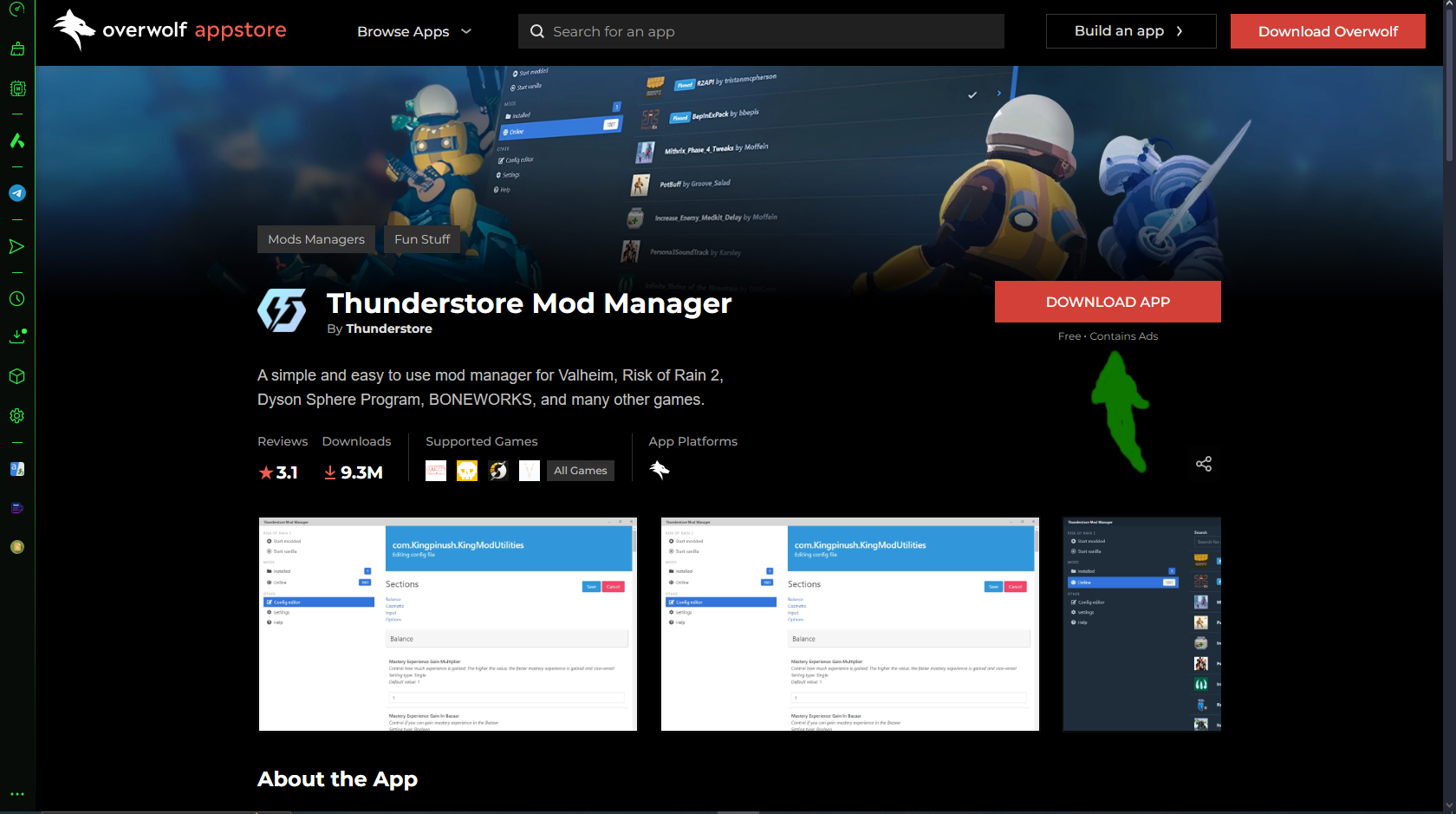
so first you will need to download Thunderstore Mod Manager, you can download it here\итак для начала вам понадобится скачать Thunderstore Mod Manager, вы можете скачать его
здесь
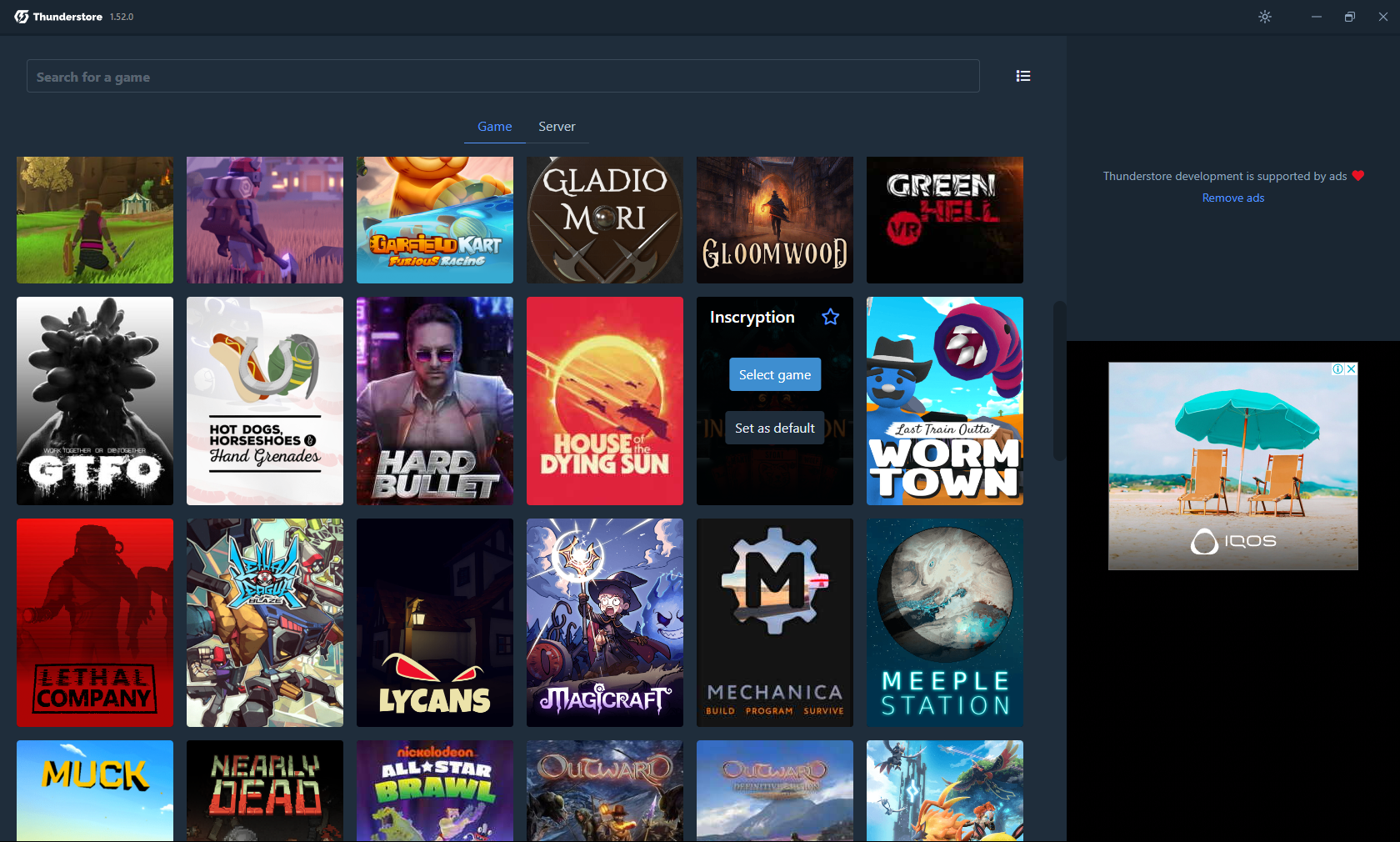
after installing and opening the program, you will see this window.\после установки и открытия программы, вы увидите вот такое окно.
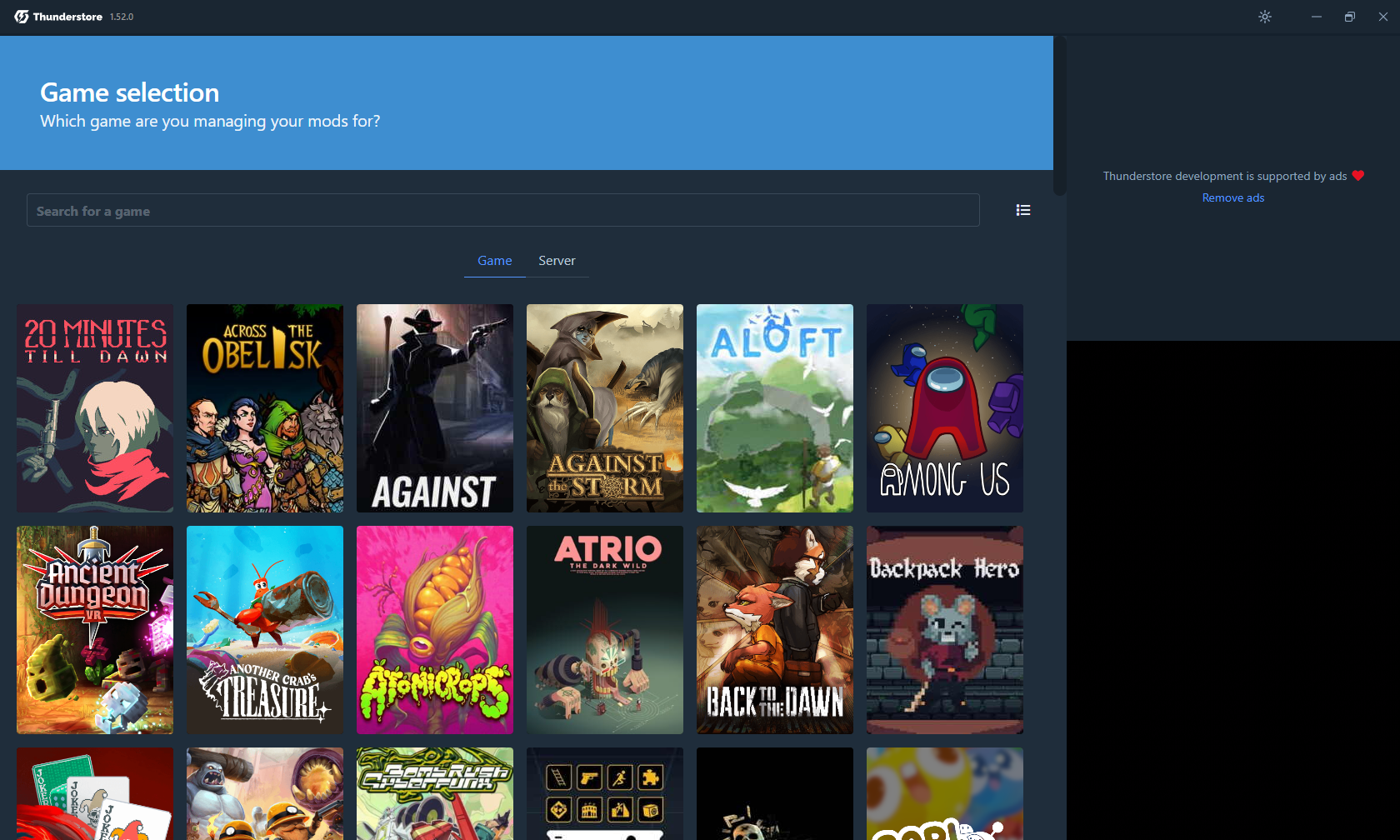
enter a query into the search bar or simply scroll through and find Inscryption. Then just click "select game"\вводите в поиcковую строку запрос или просто листаете и находите Inscryption. Затем просто жмём "select game"
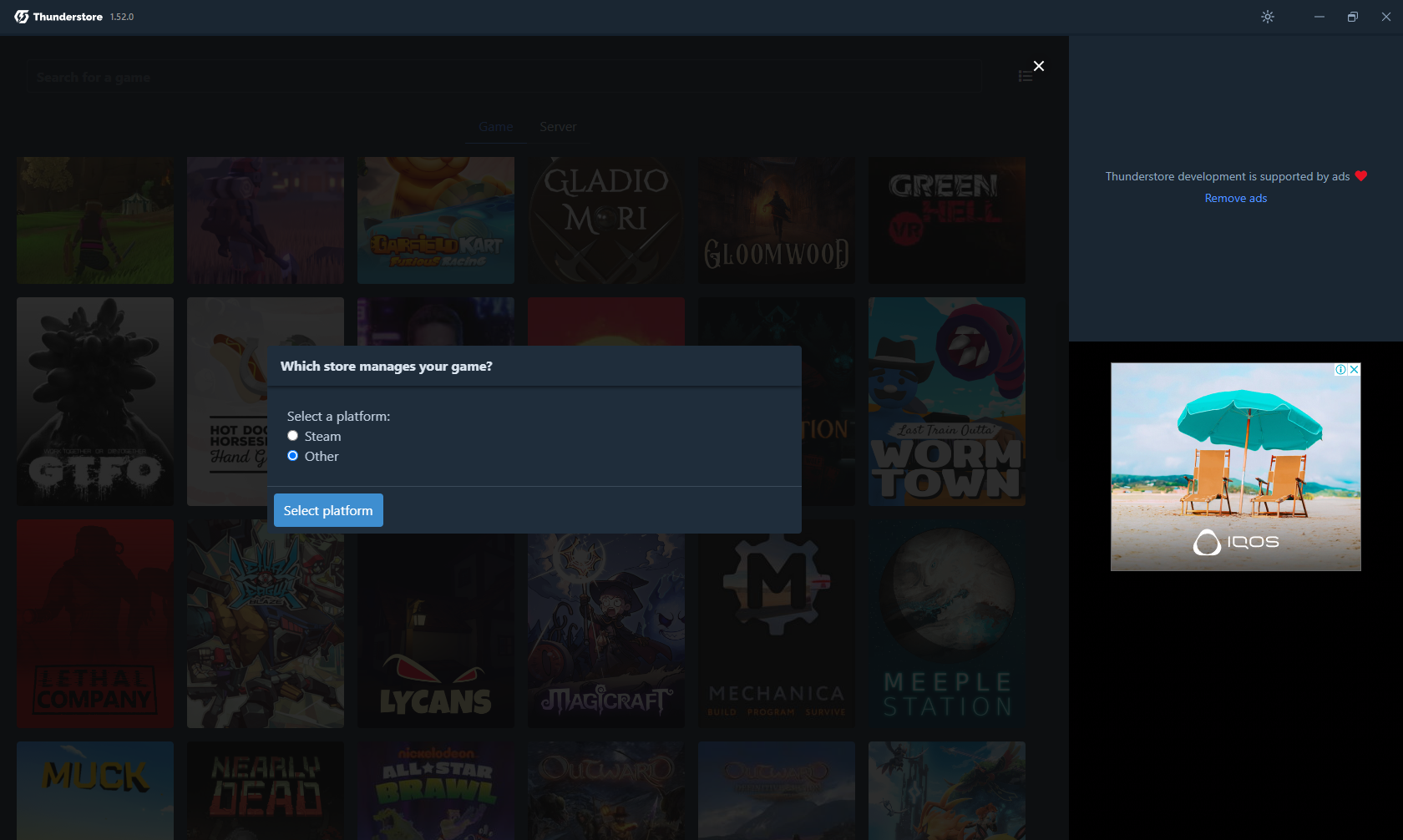
A window will open asking what copy of Inscryption you have. If you have a copy from steam, select "steam", if you have a different copy, simply click "Other", and select in which folder your copy of Inscryption is located.\Откроется окошко где будет спрашиваться какая у вас копия Inscryption. Если у вас копия из steam выбирайте "steam", если у вас другая копия просто жмёте "Other", и выбираете в какой папке у вас находится ваша копия Inscryption.
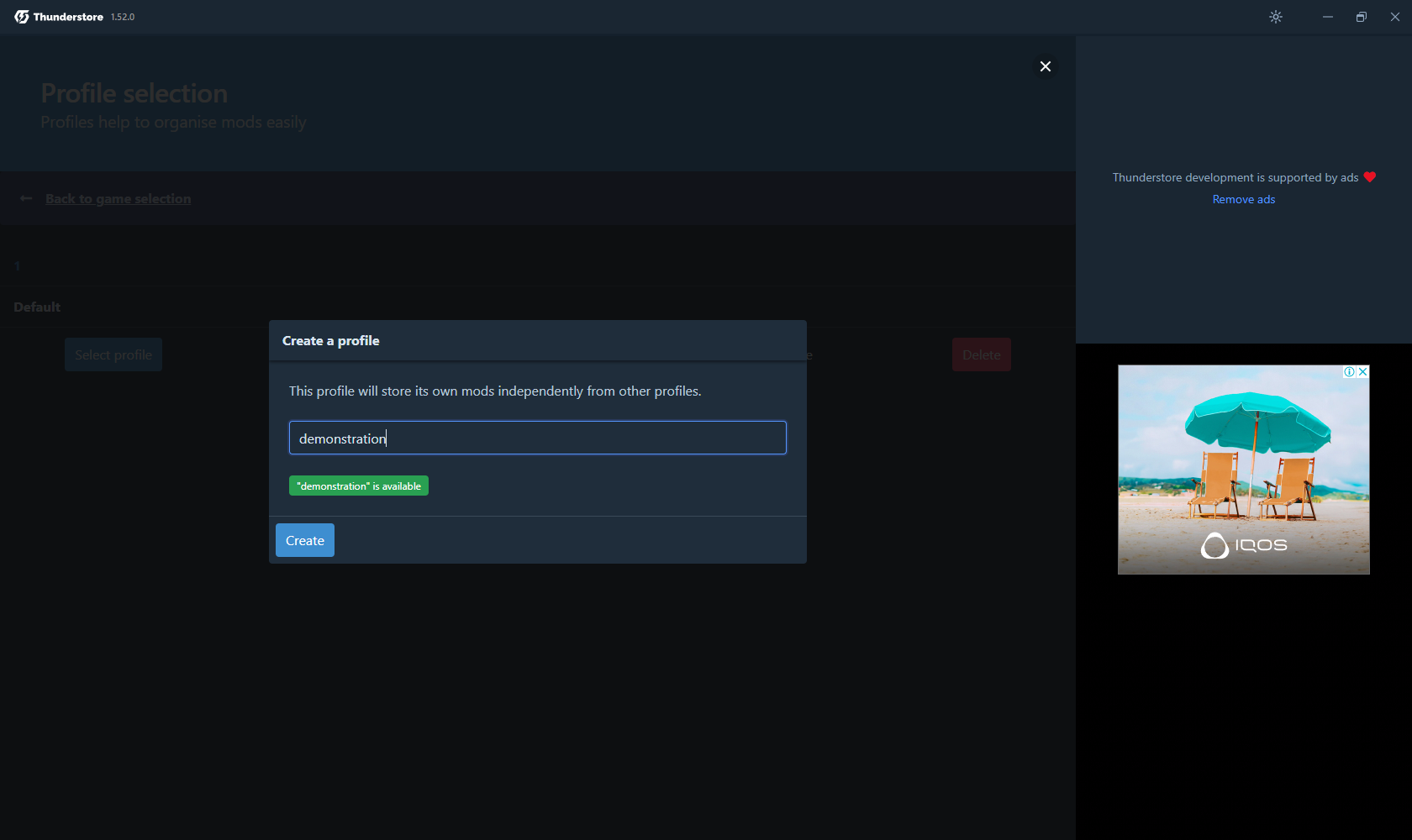
Once you select your copy of Inscryption you will need to create your profile. It is important to note that the profile name can only contain English characters./ После того как вы выберете свою копию Inscryption вам потребуется создать свой профиль. Важно подметить что в названии профиля могут быть только английские символы.
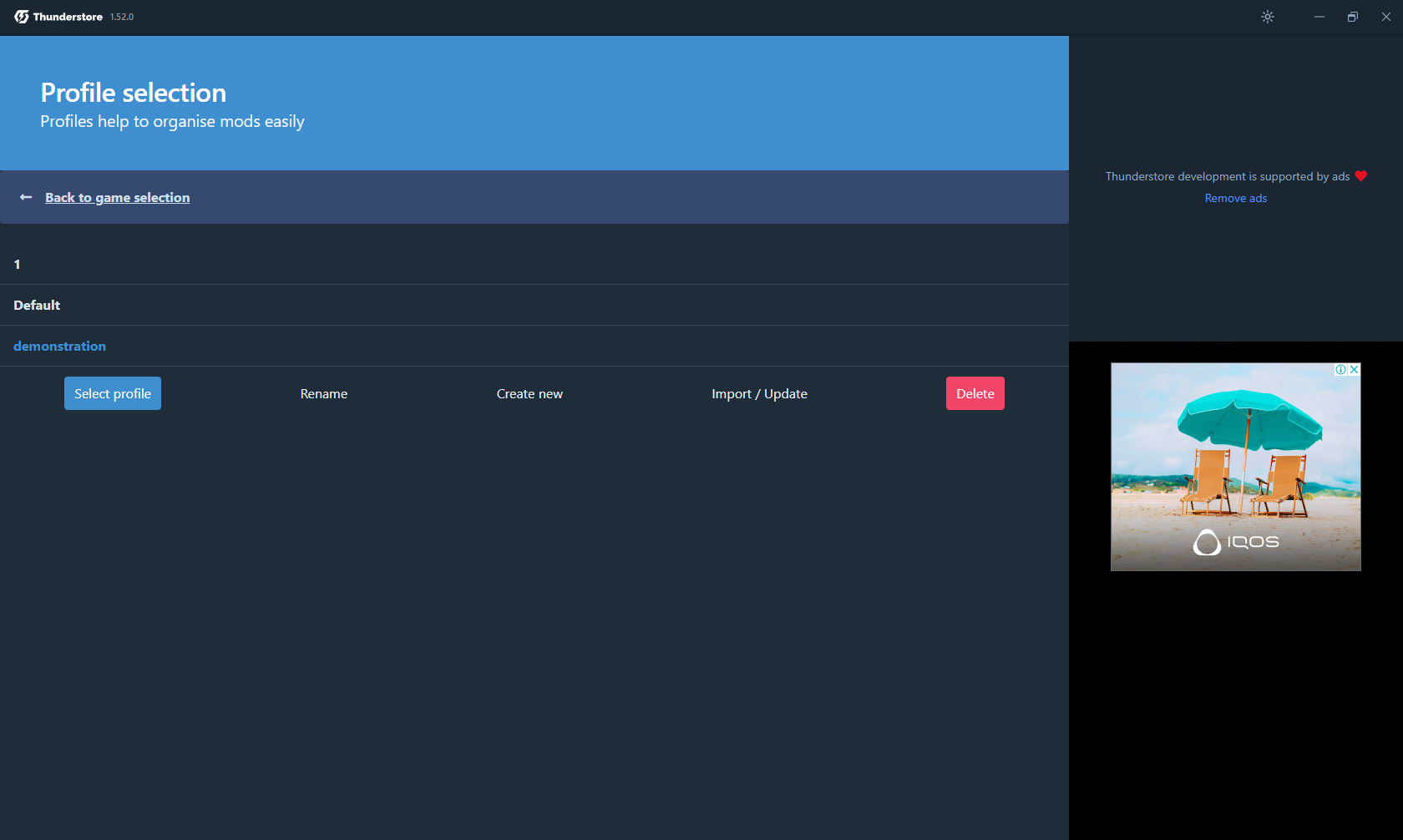
Almost everything is ready, you just need to download some mods for everything to start. Such as BepInExPack_Inscryption,API and MonoMod_Loader_Inscryption. They can be obtained in the "get mods" tab on the left.\Почти всё готово, только нужно скачать некоторые моды чтобы всё запустилось. Такое как BepInExPack_Inscryption,API и MonoMod_Loader_Inscryption. Их можно получить во вкладке "get mods" слева.
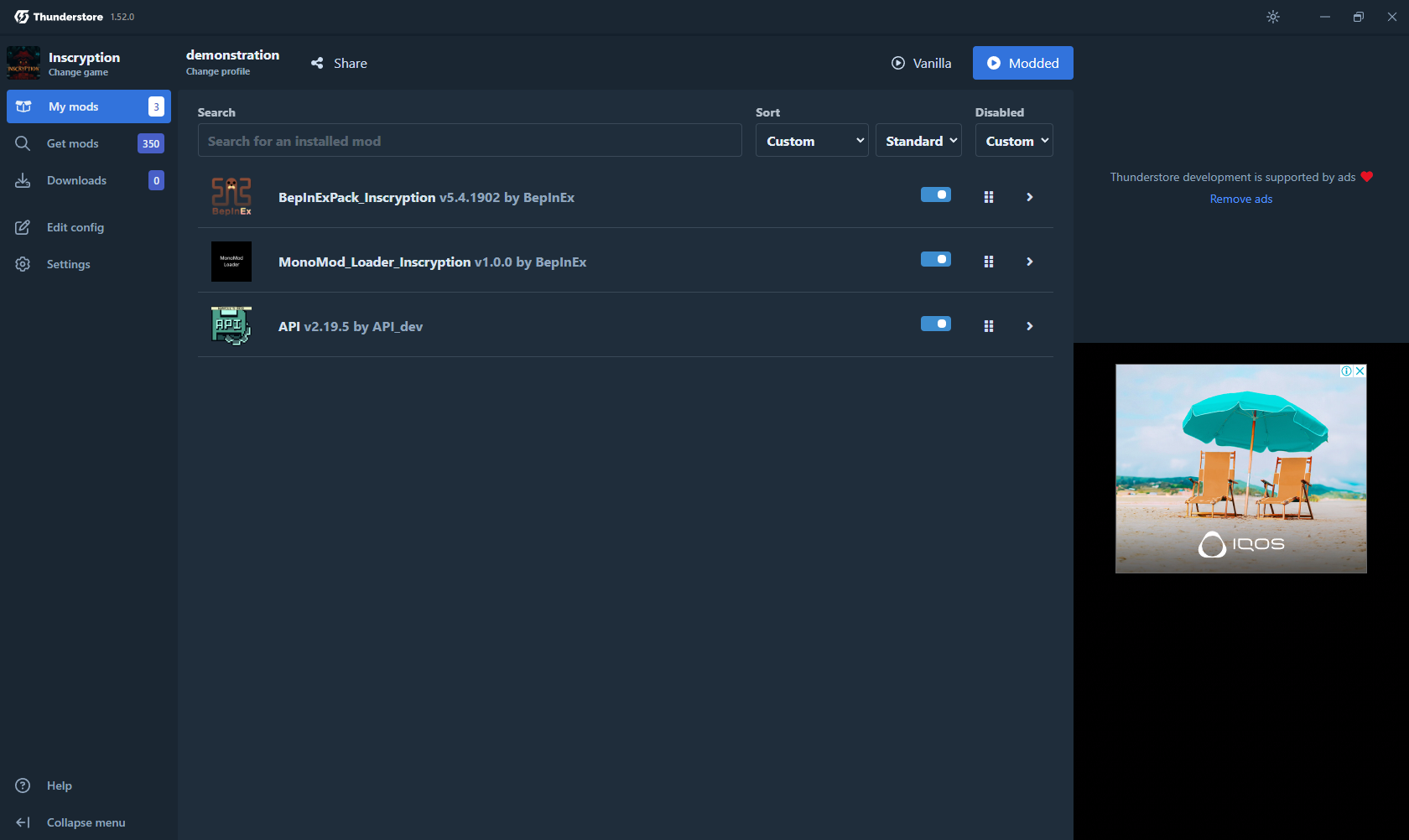
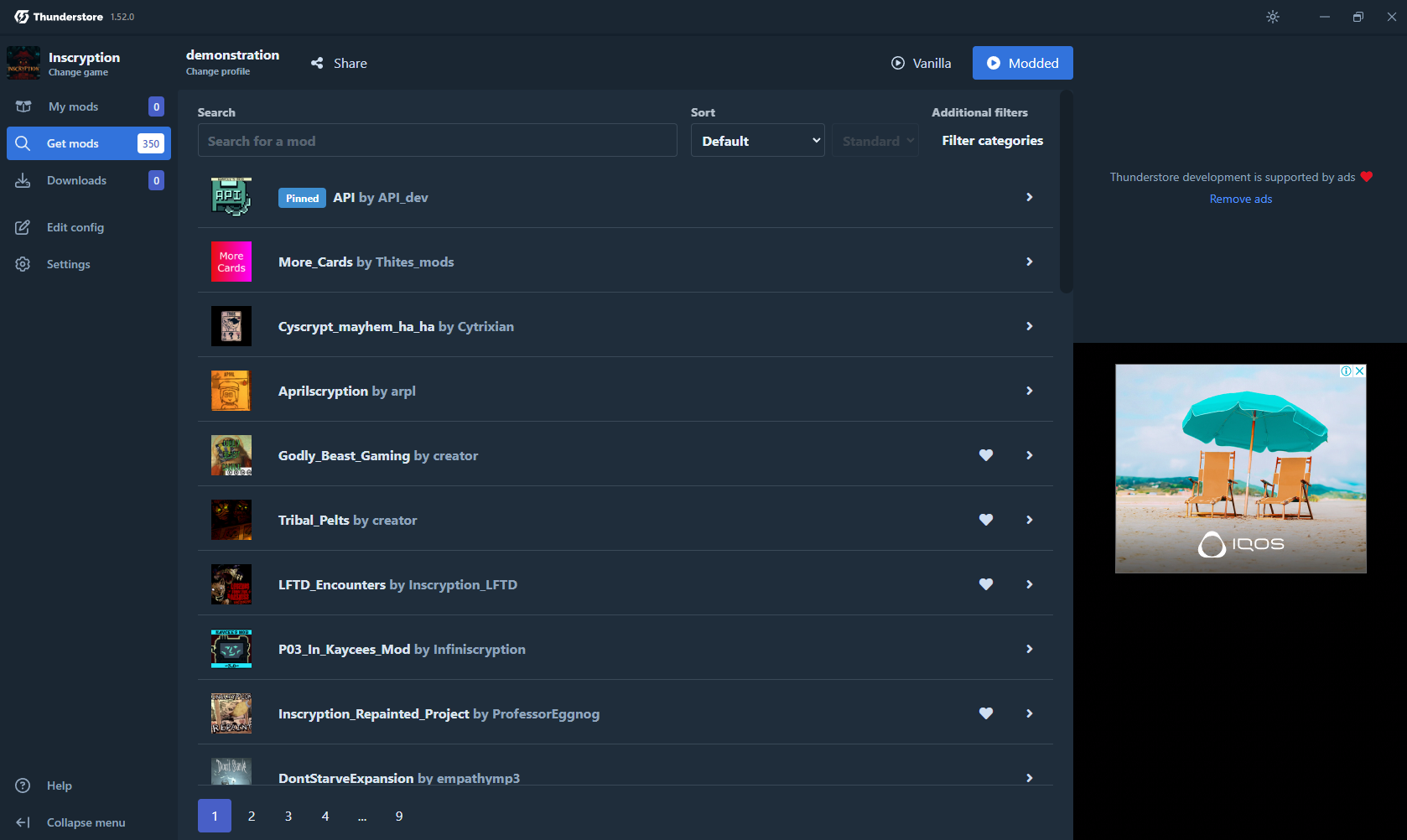
And that all! Now everything is set up and ready to work with mods. You can find them in the same “get mods” tab on the left, there will be all available mods from thunderstore for inscryption.\Всё! Теперь всё настроено и готово работать с модами. Вы сможете их найти во всё той же вкладке "get mods" слева, там будут всё доступные моды из thunderstore для inscryption.
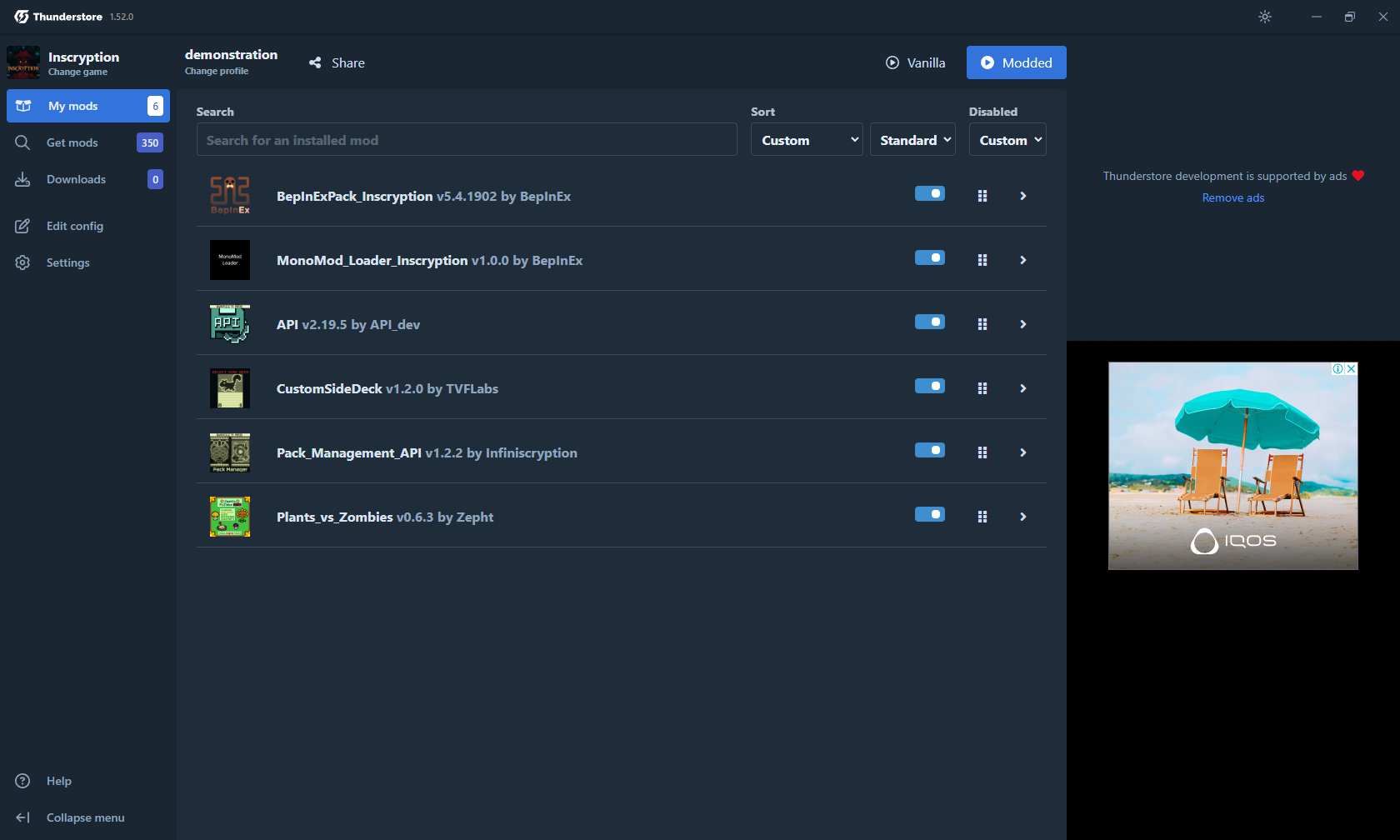
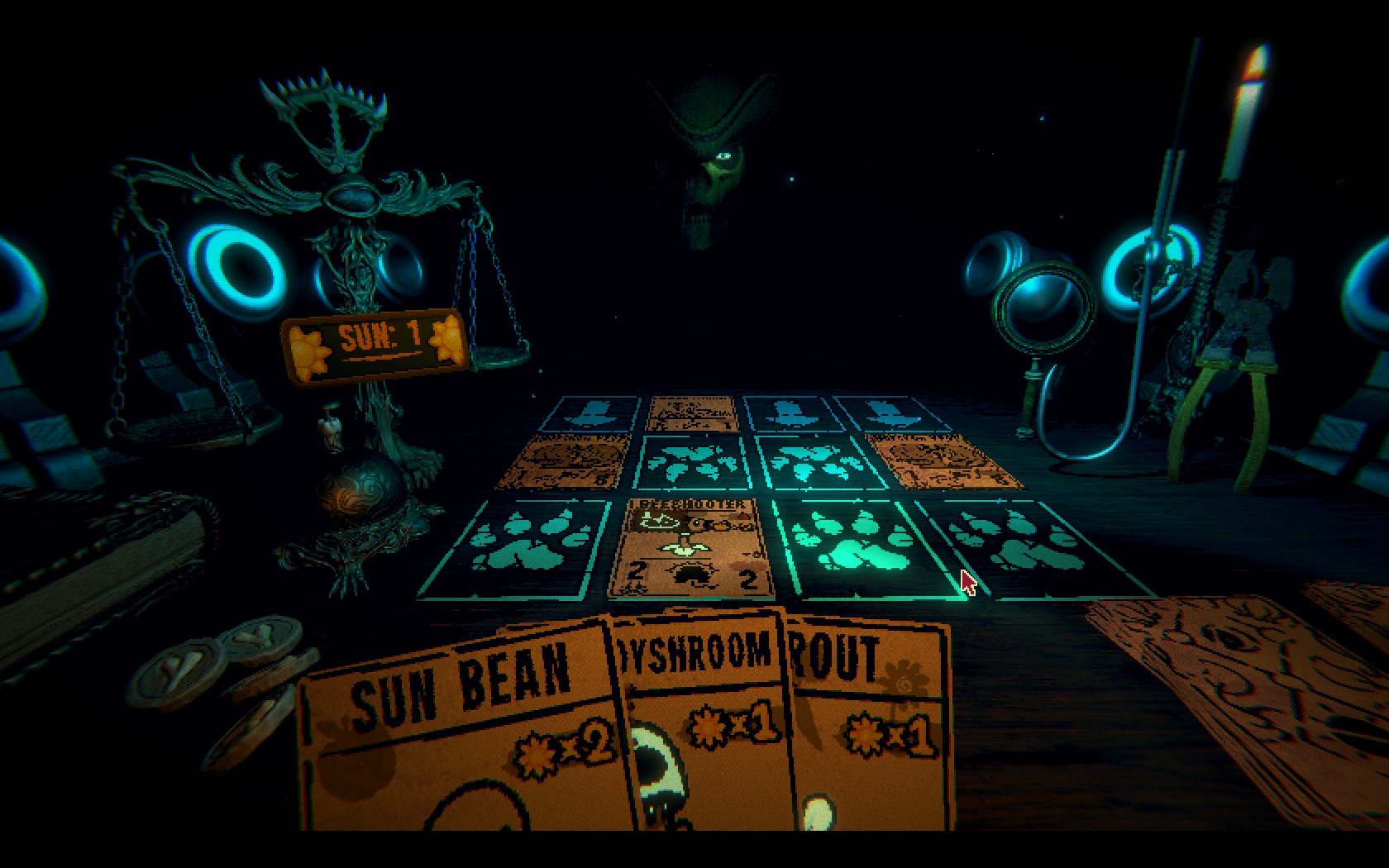
And by the way, if you downloaded a mod and several more were added to it, then this means that this mod requires auxiliary mods and without them it will not start, so do not be alarmed. For example, I took the Plants_vs_Zombies mod from Zepht, which adds a deck with plants and zombies from PVZ.\И кстати, если вы скачали какой-то мод и к нему добавилось ещё несколько, тогда это означает что данному моду необходимы вспомогательные моды и без них он не запустится, так что не пугайтесь. Для примера я взял Plants_vs_Zombies мод то Zepht,который добавляет колоду с растениями и зомби из PVZ.
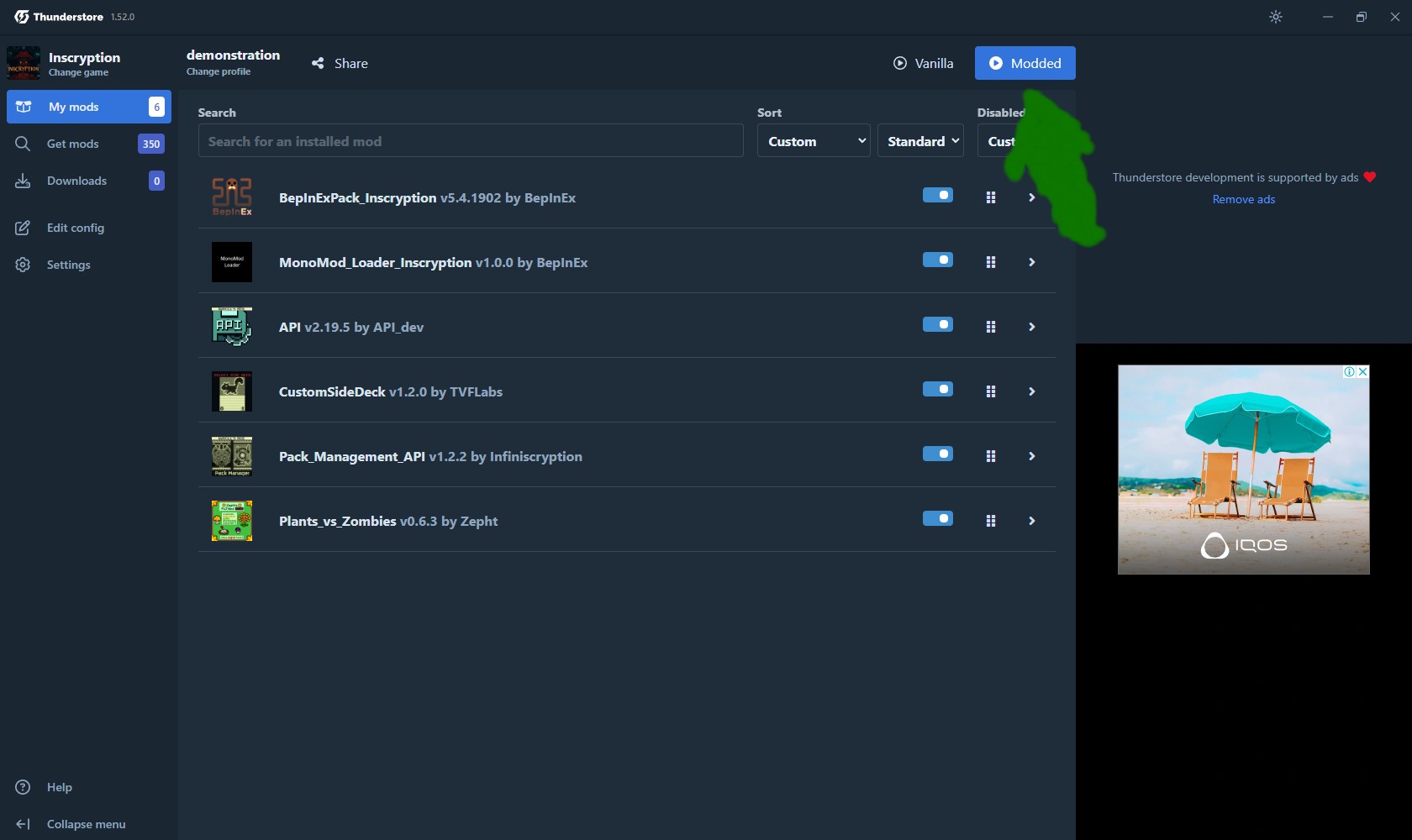
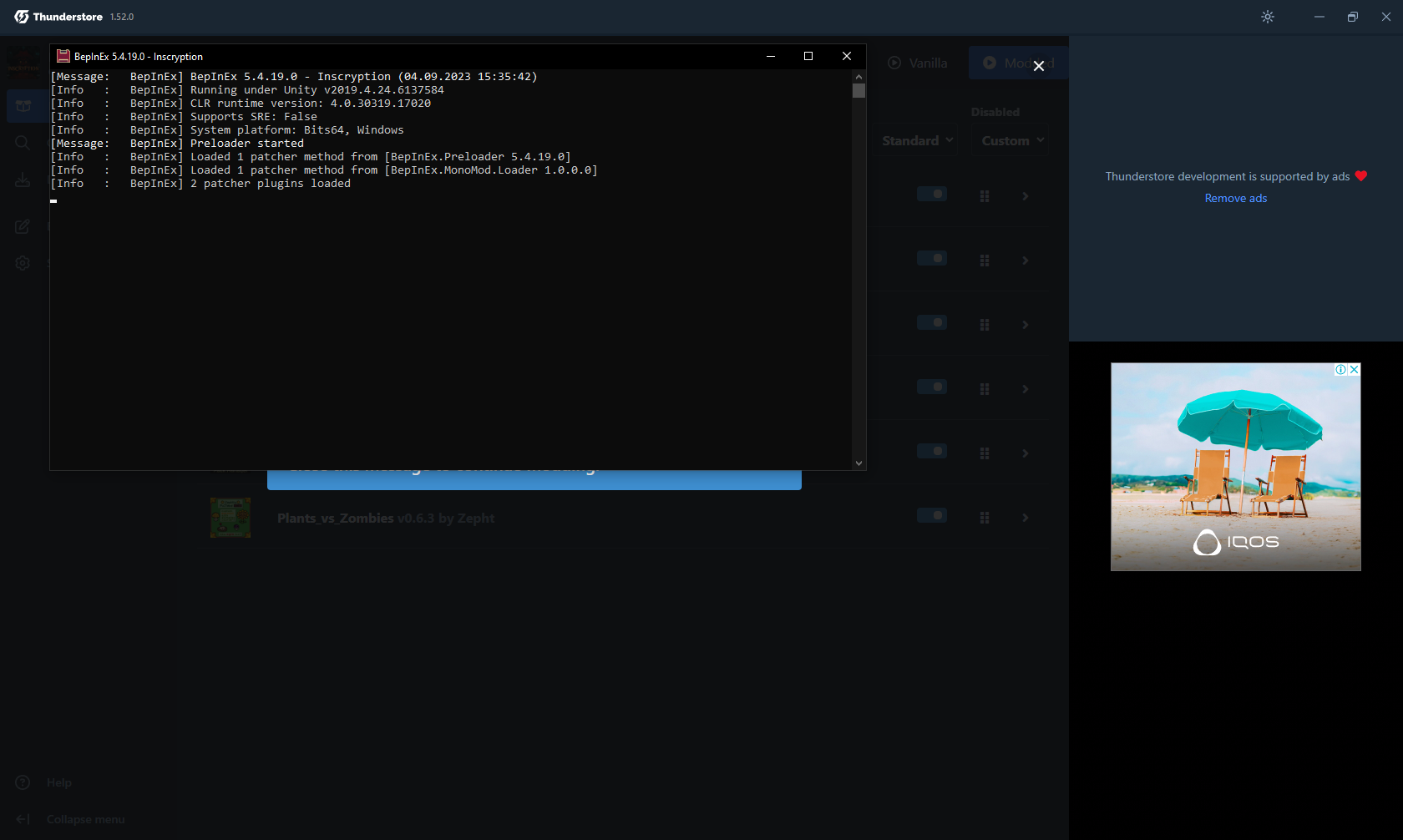
After you have selected all the mods you need, to start the game, click the "Modded" button at the top right.\После того как вы выбрали все нужные для вас моды, чтобы запустить игру нажмите кнопку "Modded" справа вверху.
A small console will open along with the game, do not touch it.\Вместе с игрой откроется маленькая консоль, её не трогаем.
Well that's it, congratulations! Now you know how to install mods for Inscryption! If you have any questions, write them in the comments. And if everything worked out for you and everything went without problems, give it a like. Well, that's all, thanks for reading and bye everyone =3.\Ну вот и всё, поздравляю! Теперь вы знаете как устанавливать моды для Inscryption! Если у вас остались вопросы, напишите их в комментариях. А если у вас всё получилось и всё прошло без проблем поставите лайк. Ну а на этом всё, спасибо что читали и всем пока =3.
Be the first to post a comment!