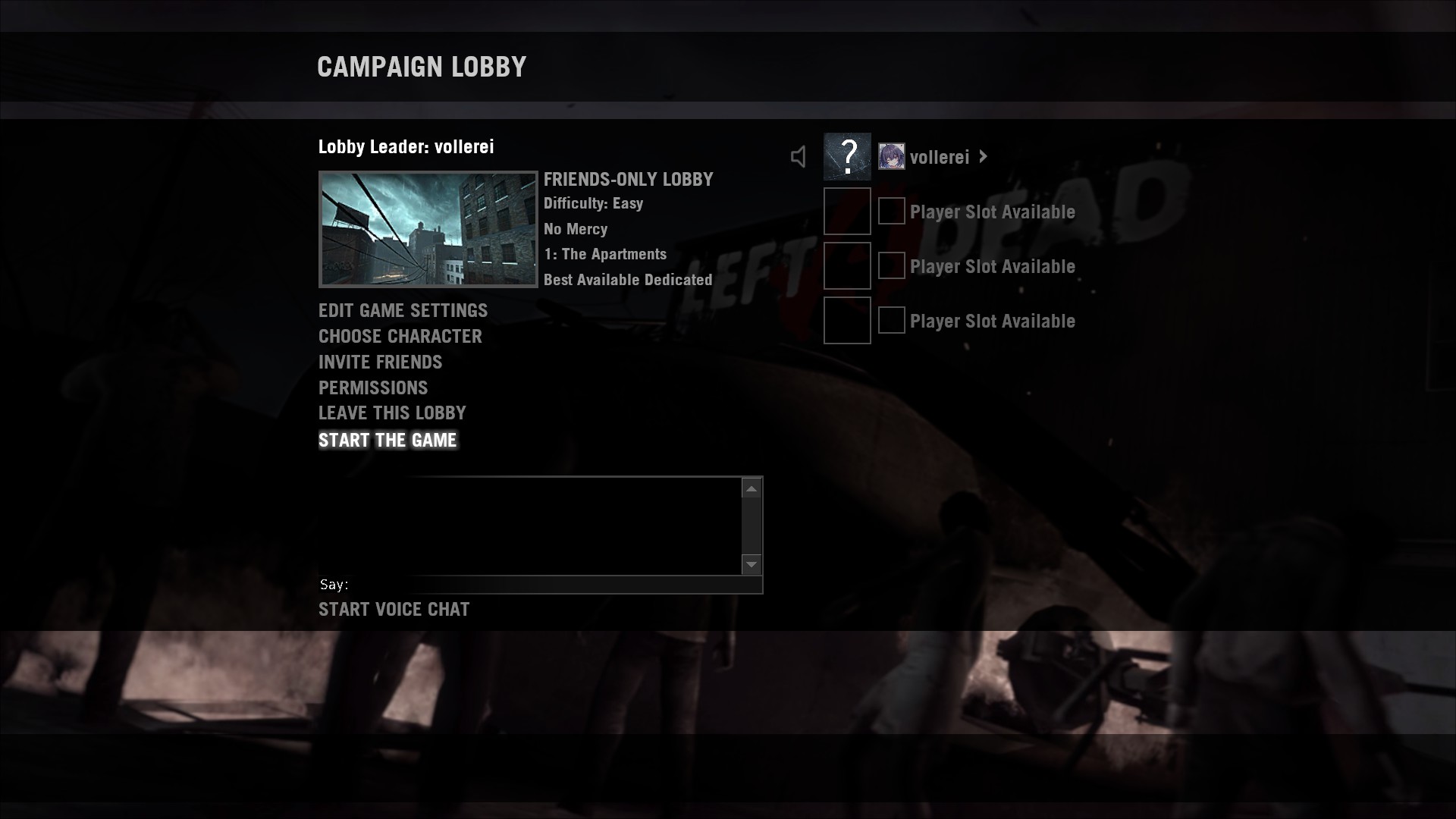
Welcome to my first guide
This guide aims to explain to the casual user how to mod Left 4 Dead 1 (not Left 4 Dead 2), just as Left 4 Dead 2. To start, in L4D1, we can't use the traditional add-on system that's implemented, but we can use the gameinfo.txt system, which will allow us to load our custom mod. This guide has a new method that will also allow L4D1 to fall back to the original materials/content if one from your mod is missing or the Source Engine can't load the right files for anything you have modified.
Prerequisites / Requirements
You will need to have:
* A working Windows or Linux computer (sorry, don't own anything Apple-related, and I'm not sure how it would work on there)
* GCFScape installed (Download: https://nemstools.github.io/files/gcfscape186.exe)
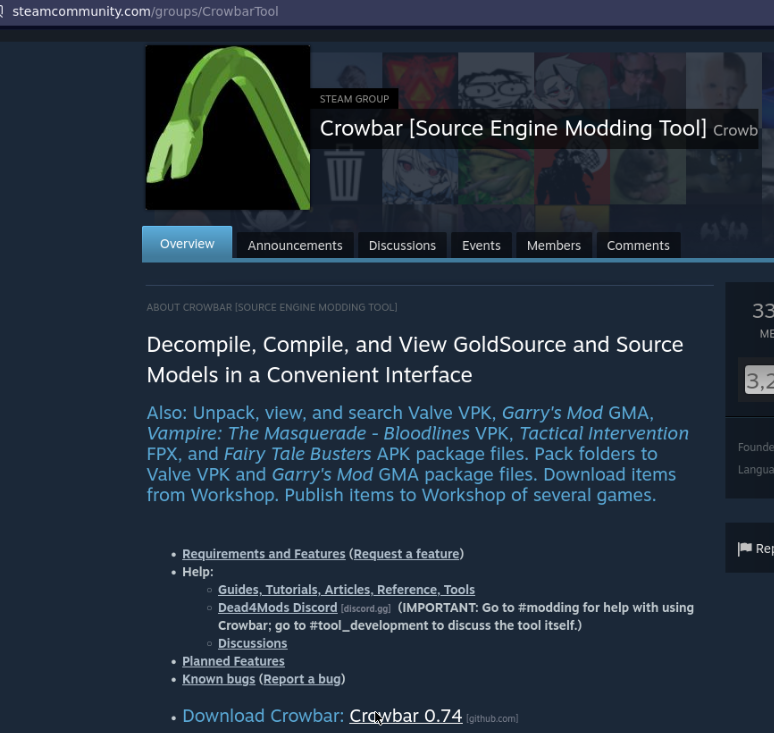
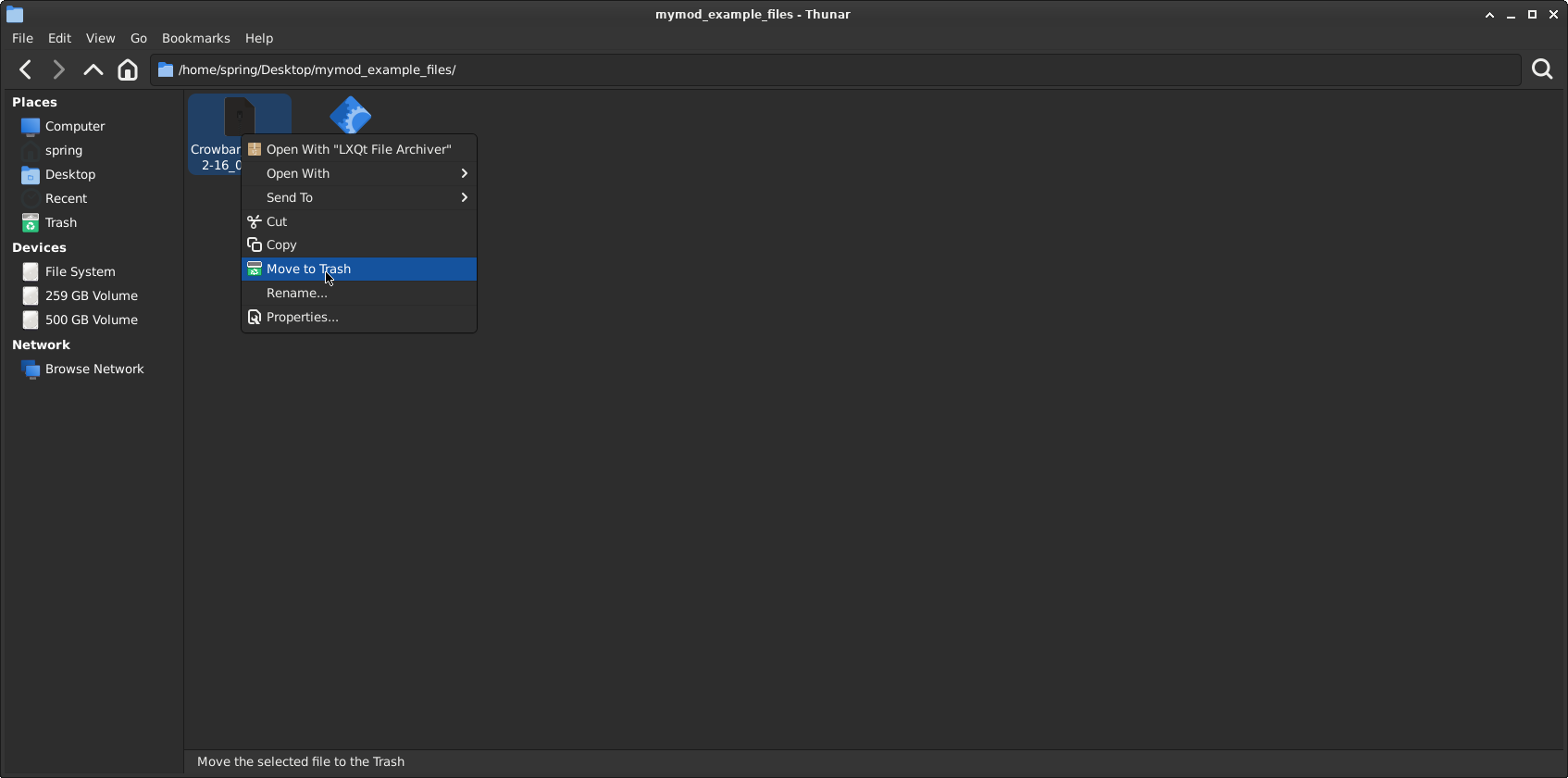
* Crowbar installed (https://github.com/ZeqMacaw/Crowbar/releases/download/v0.74/Crowbar_2023-02-16_0.74.7z)
* Have Left 4 Dead and Left 4 Dead Dedicated Server ...for animation testing, as singleplayer or listen servers will not work
* Have Left 4 Dead Authoring Tools installed too.

Optional:
* nekomdl (https://steamcommunity.com/sharedfiles/filedetails/?id=3142607978) - will be required for models that use large vertices, or models that cause the default studiomdl to exit with: "ERROR: 'EXCEPTION_ACCESS_VIOLATION' (assert: 1)"
Chapter 1: Setting Up Left 4 Dead 1
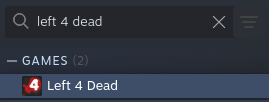
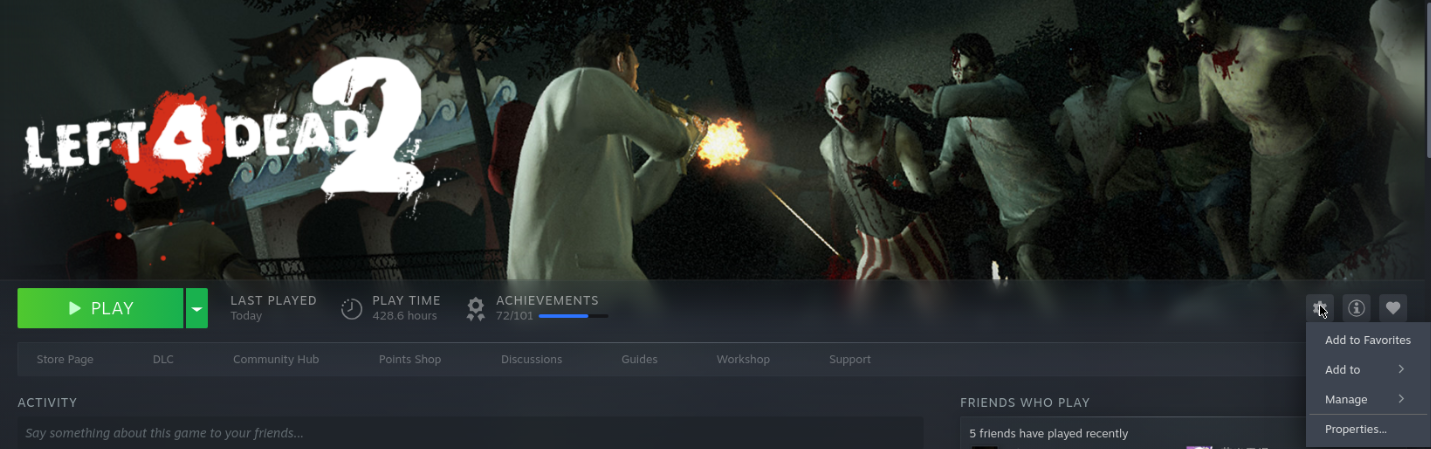
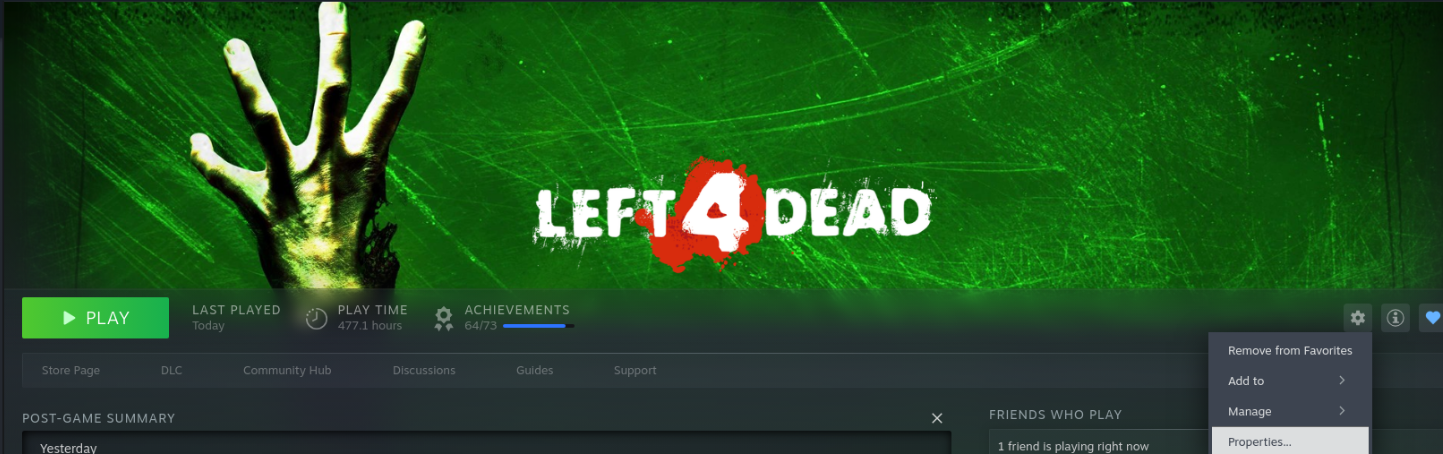
If we installed everything, you can continue reading this chapter. Go to your Steam Library and search for "Left 4 Dead"
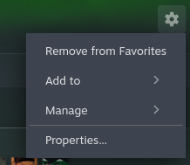
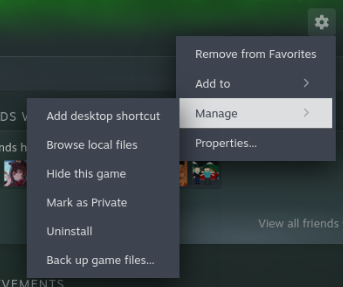
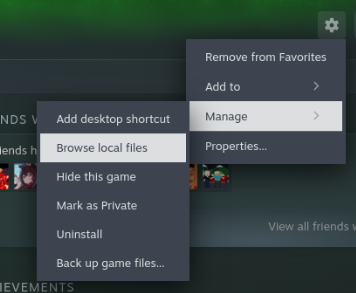
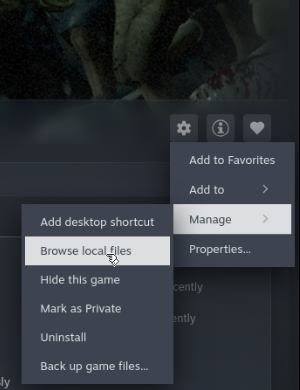
then go to your button with the cogwheel, and select "Manage"
If that's what you see, select "Browse local files" option.
Chapter 1 Part 1: Getting files ready for Left 4 Dead 1
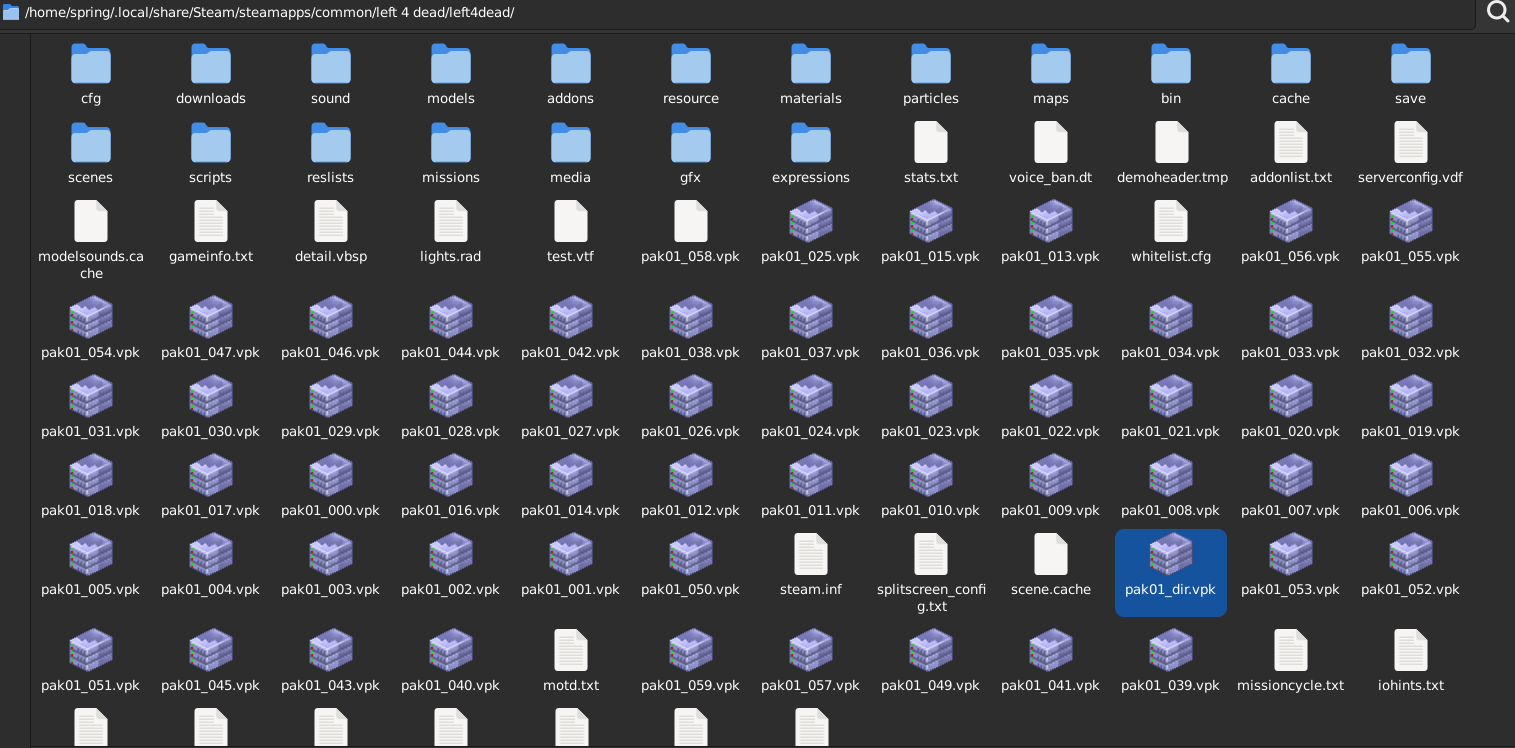
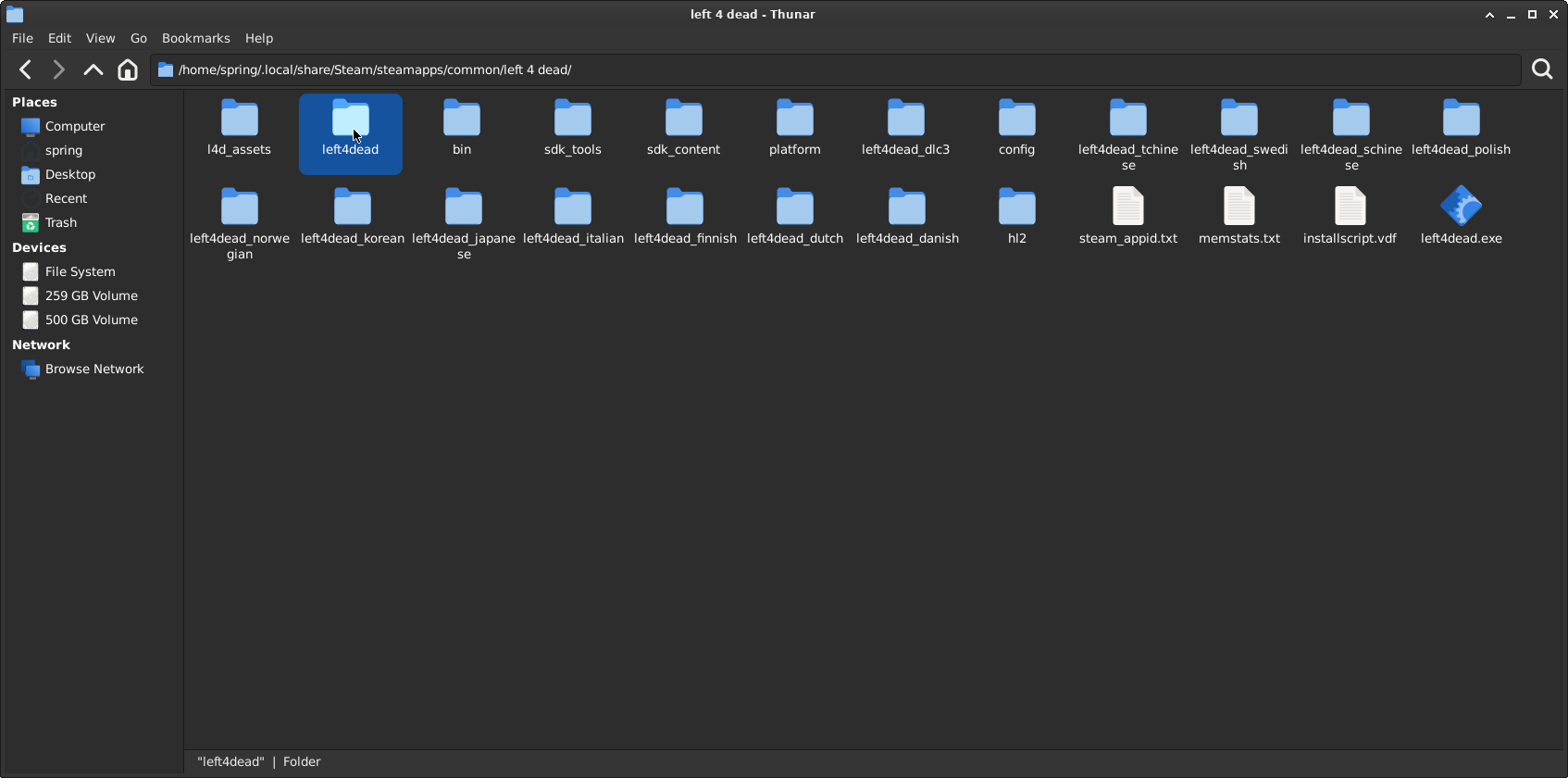
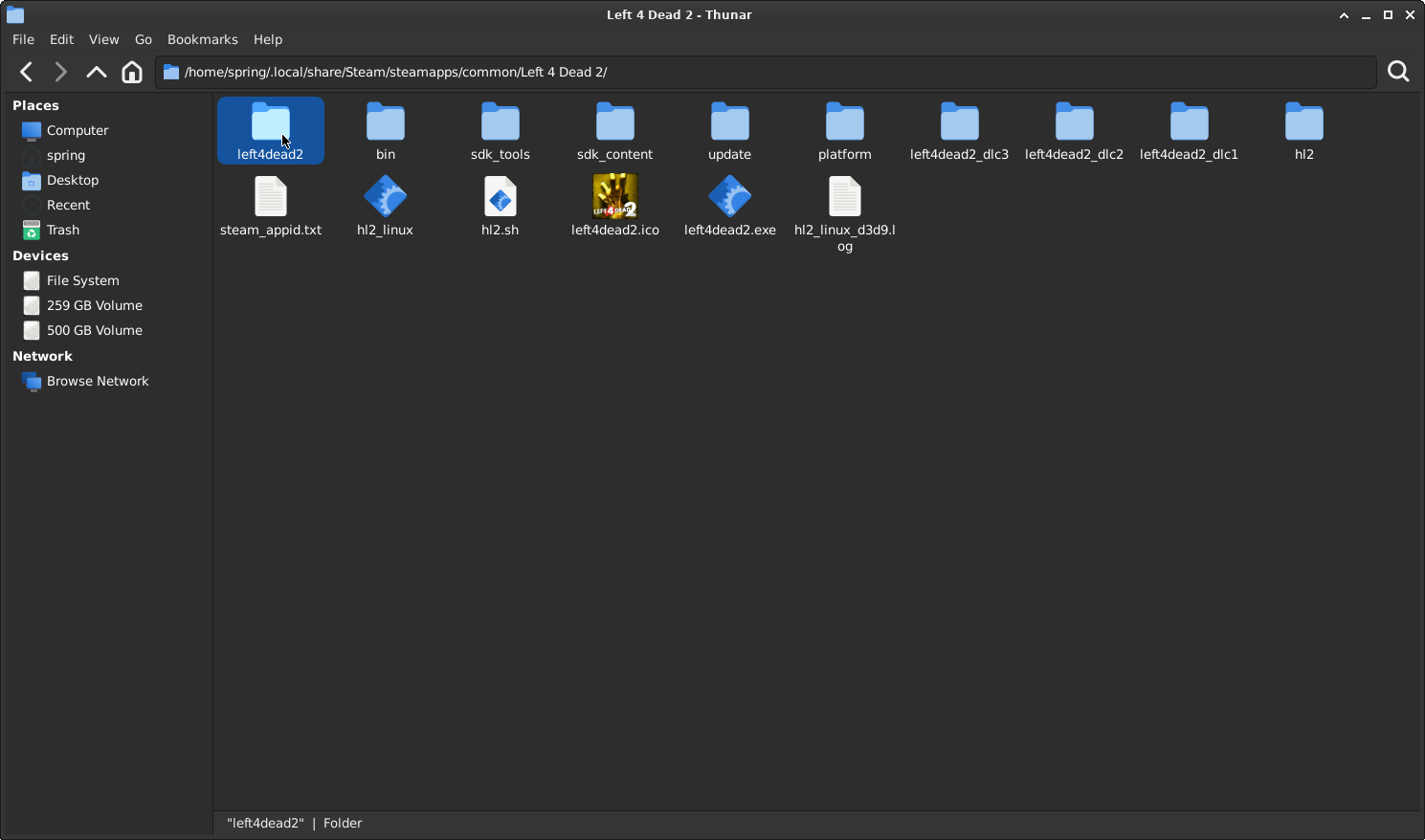
Now, we are in the local files of Left 4 Dead 1, and it should look something like this:
(please ignore that I'm on Linux, as should be no difference between doing this on Windows)

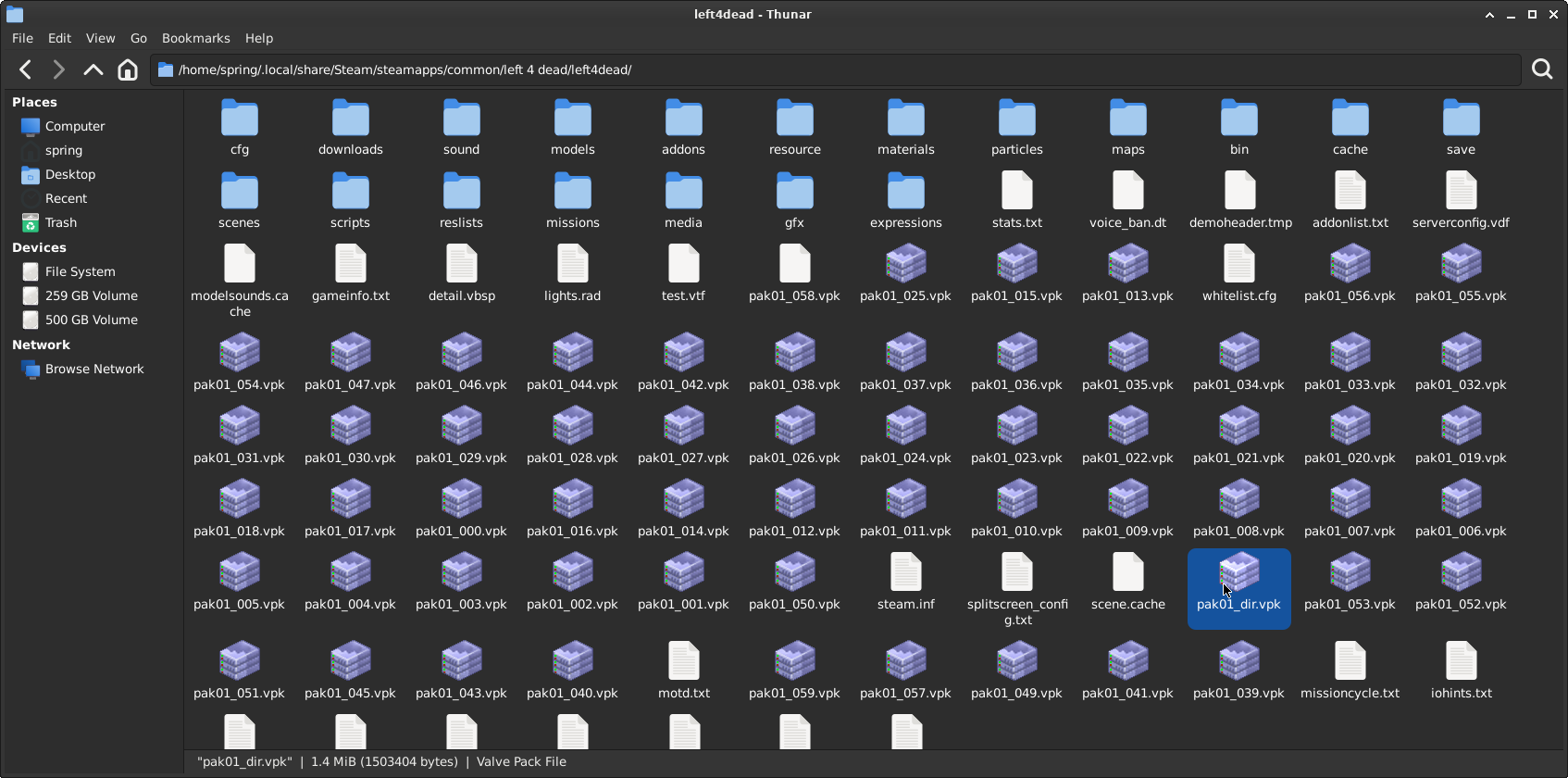
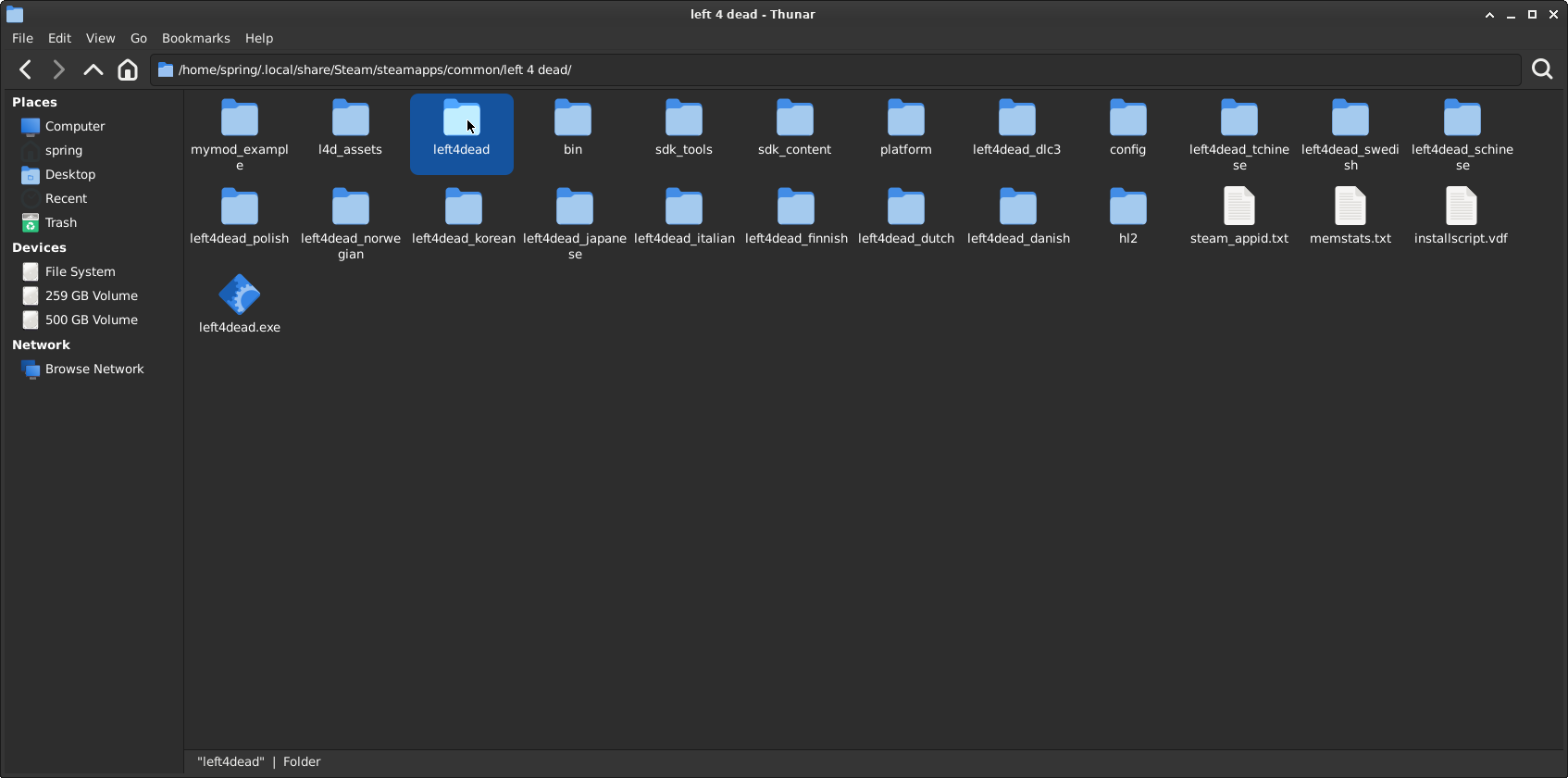
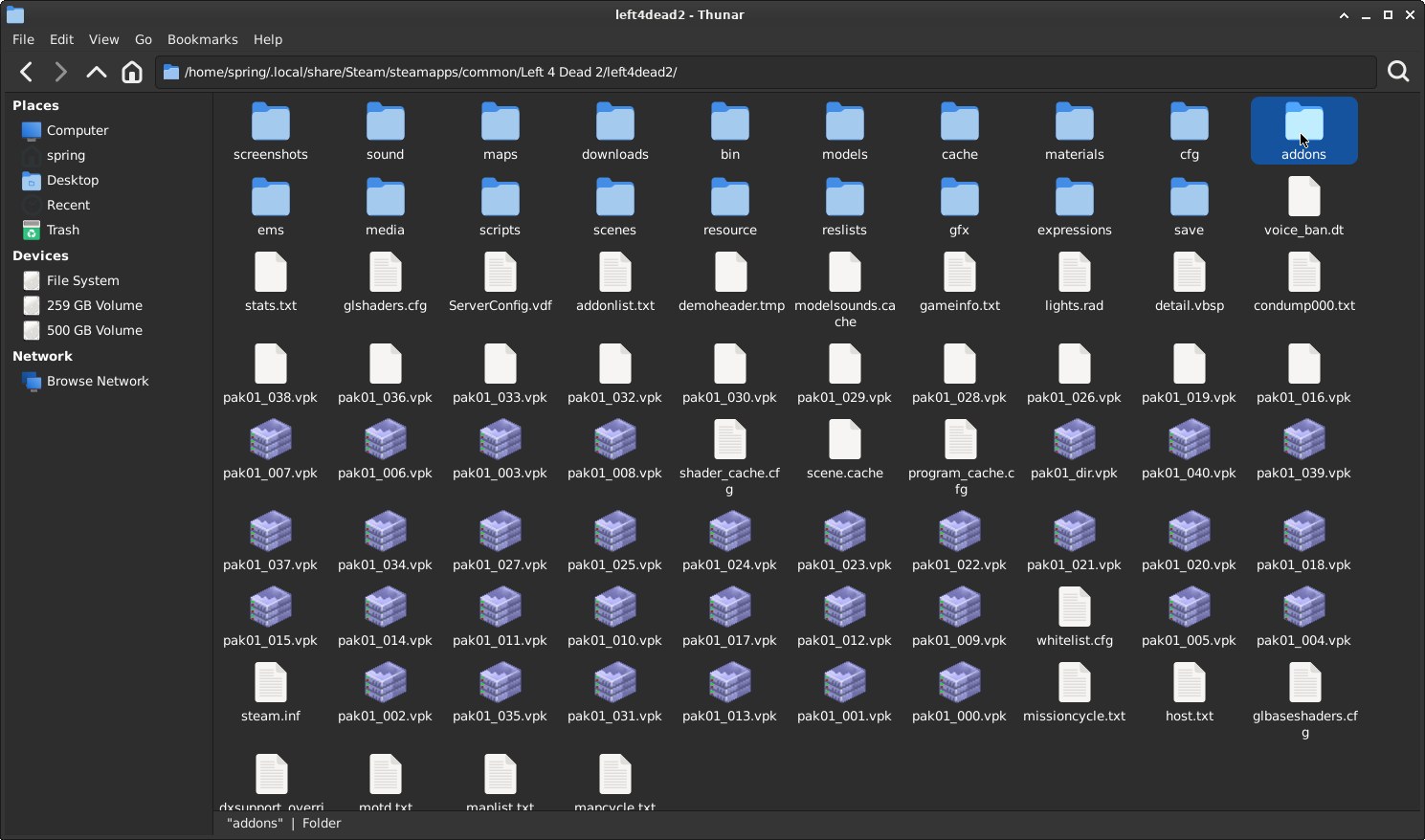
Go into the second left4dead folder, then locate pak01_dir.vpk.
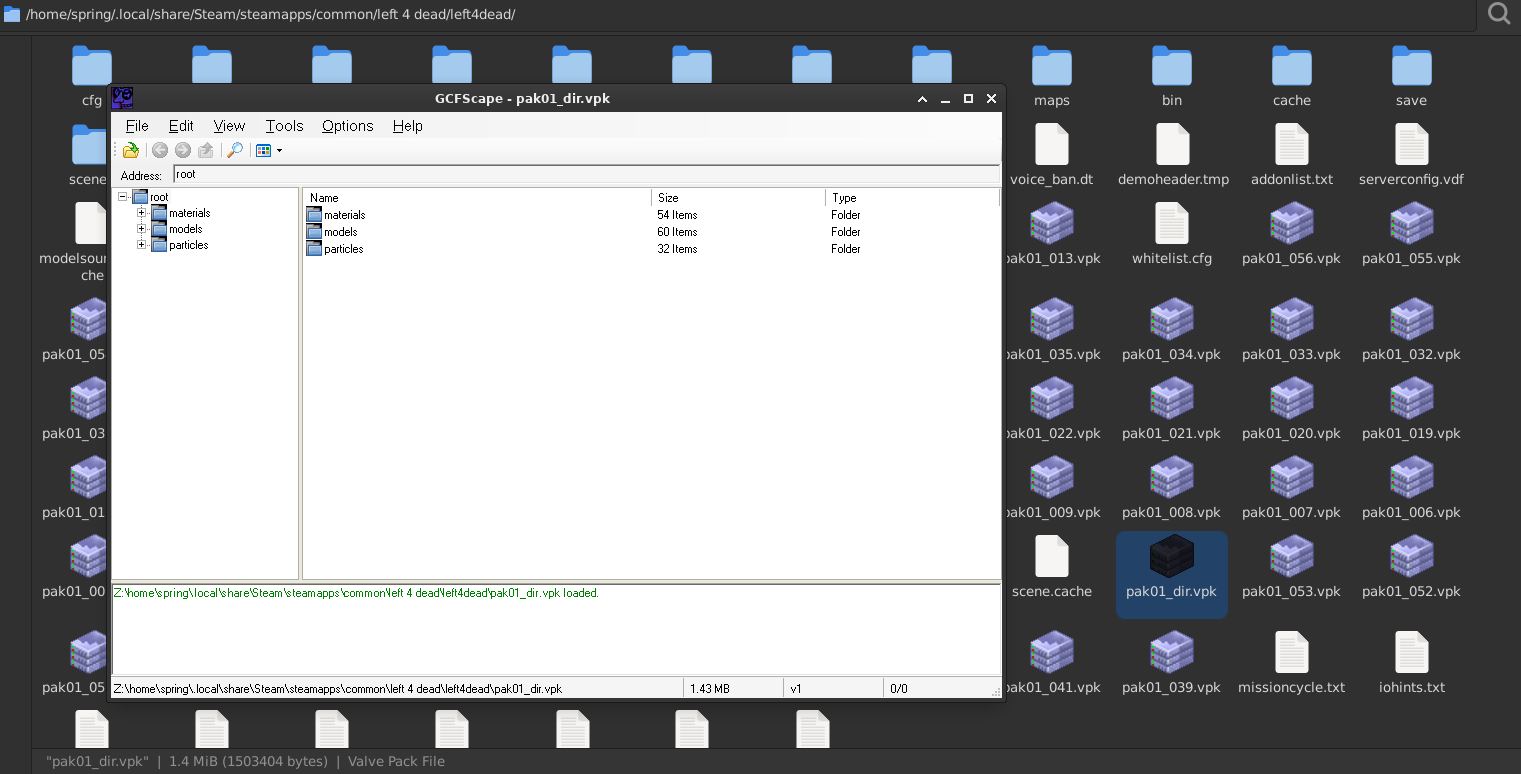
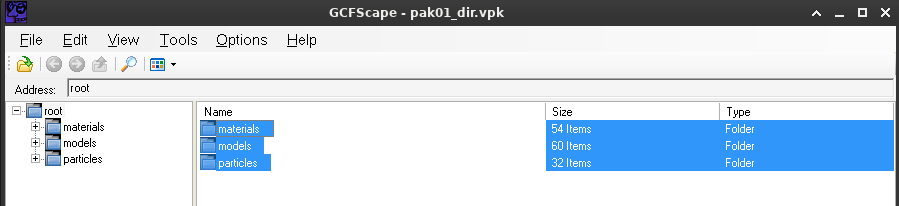
Open pak01_dir.vpk with GCFScape.
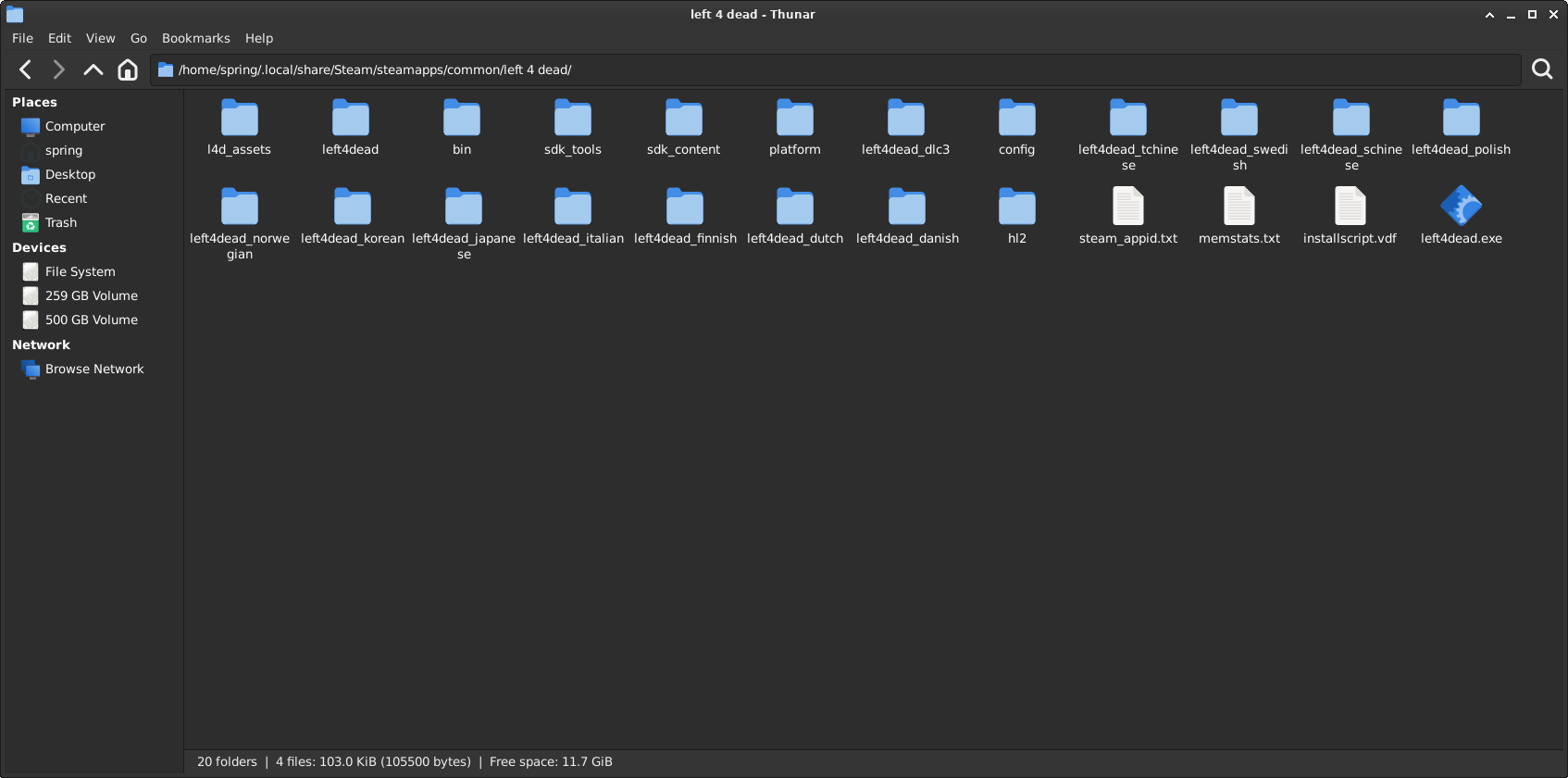
Once you have GCFScape open, go back to the previous folder, like so:
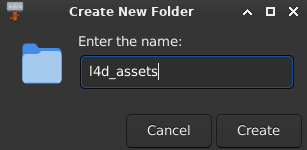
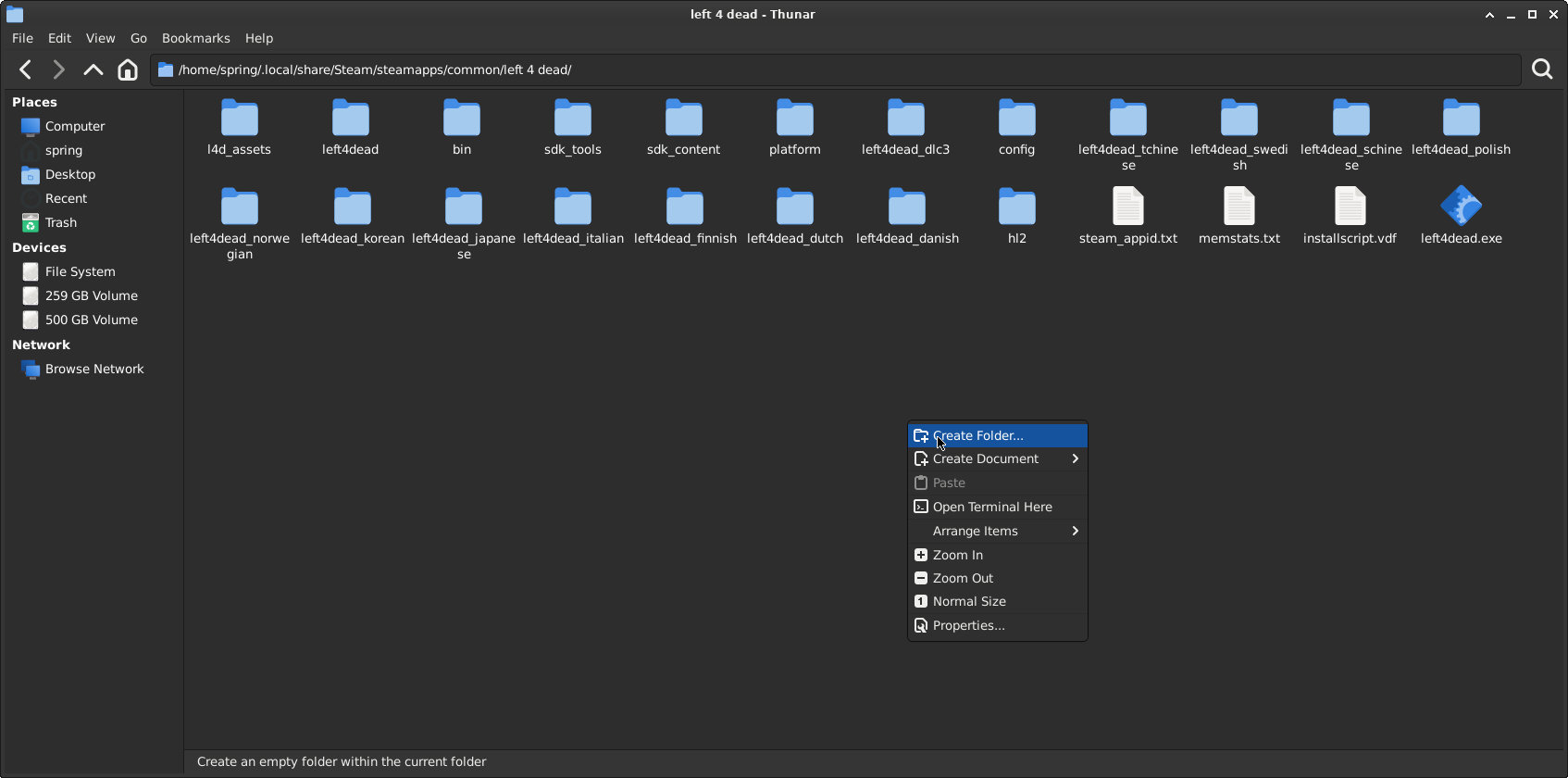
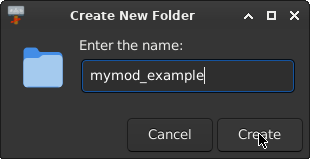
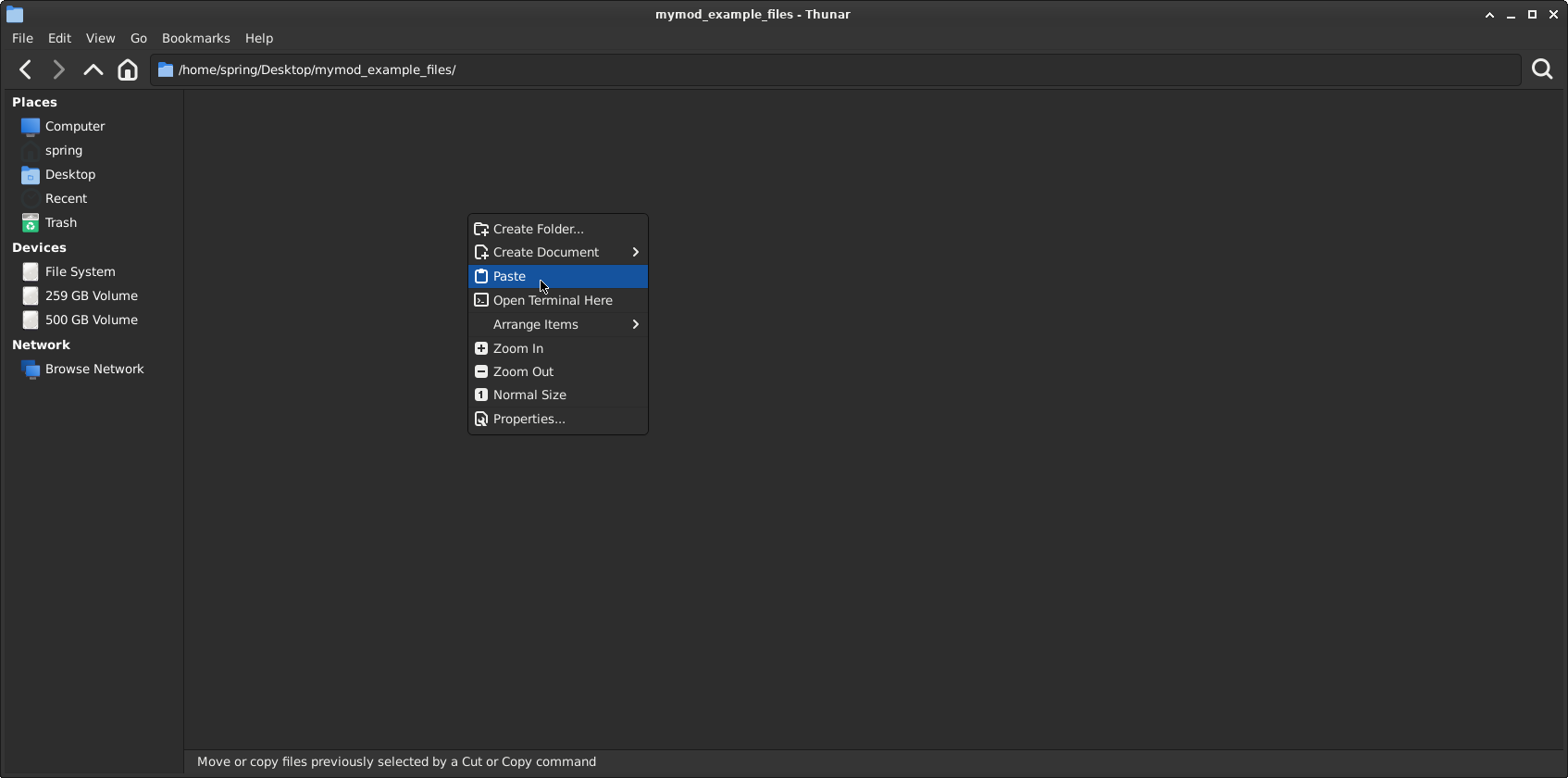
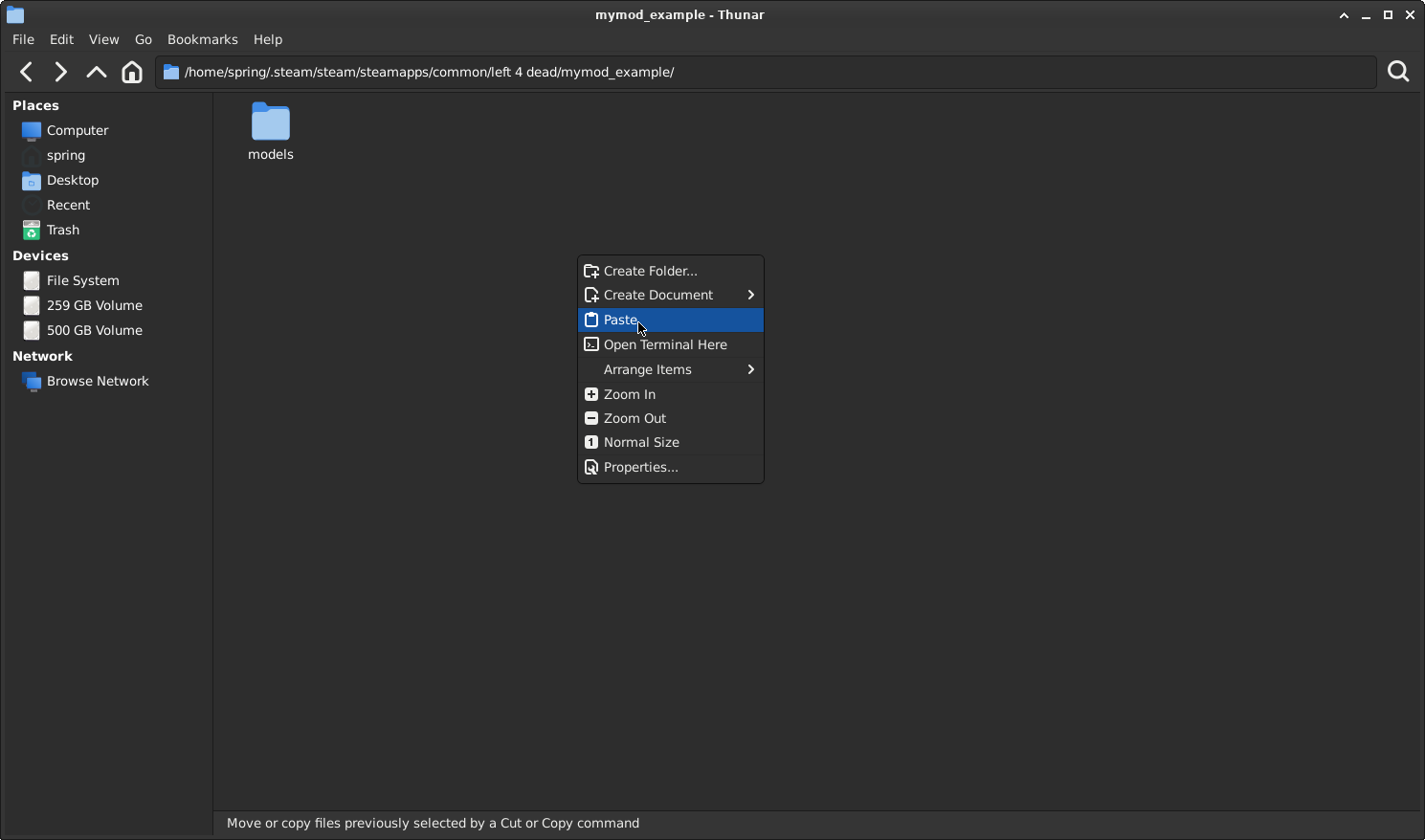
Now press Right Click then Create New Folder.
Name your folder "l4d_aseets" or anything of your choosing, just remember that folder will contain the default L4D1 assets, and the game will fallback on that folder if anything goes missing from your mod that the game requires.

(...For Linux users: Click Create on the Create New Folder box)
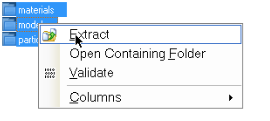
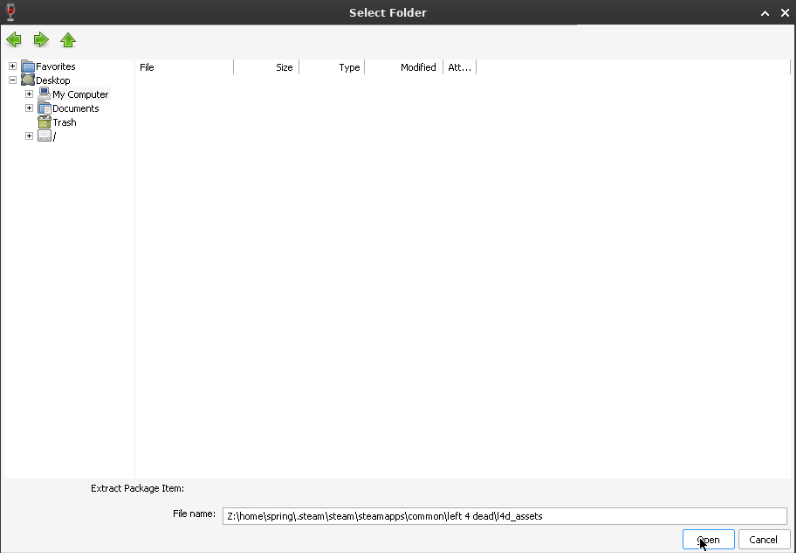
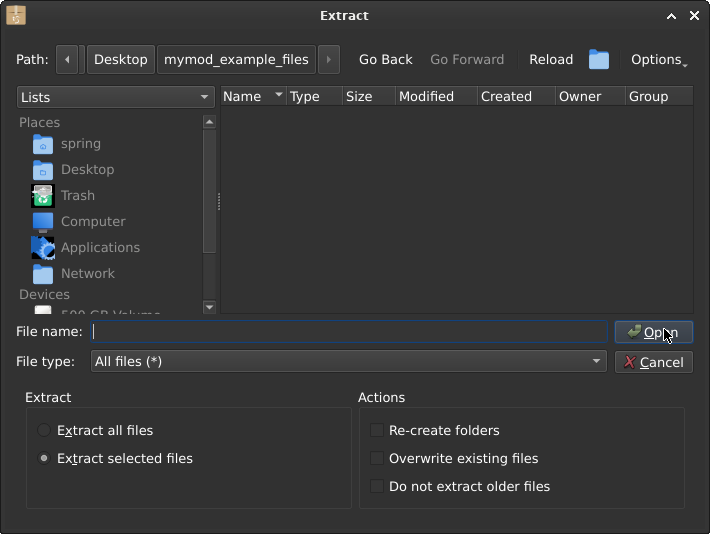
Now we have created our fallback folder, but we are not fully done yet! We need to go back to GCFScape, and click on "materials", "models", "particles", then press right click and then select "Extract".
Important: You will need to check where Steam has installed Left 4 Dead on your computer, copy the path, and make it match what is seen in the File name.
Chapter 1, Part 2: Telling Left 4 Dead to not load pak01_dir.vpk
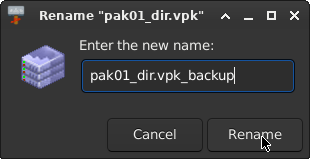
Now that we have a l4d_assets (i assume your folder is also called l4d_assets) but the game will override that folder if you have "pak01_dir.vpk" still intact. So, for backup purposes, unless you mess up something very badly, you will need to rename the file to something that the game will make it not load.
Chapter 1, Part 3: Here comes my mod
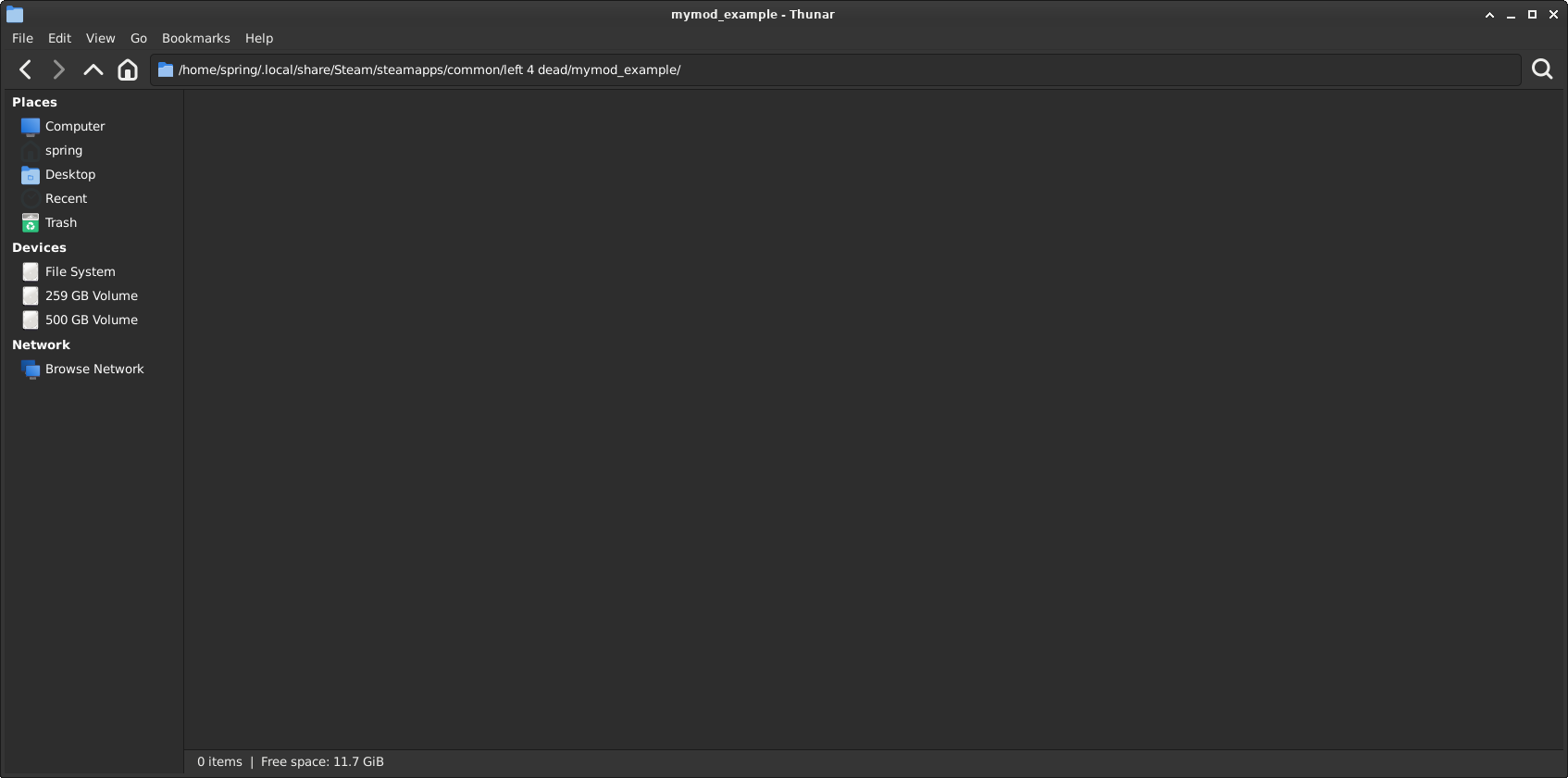
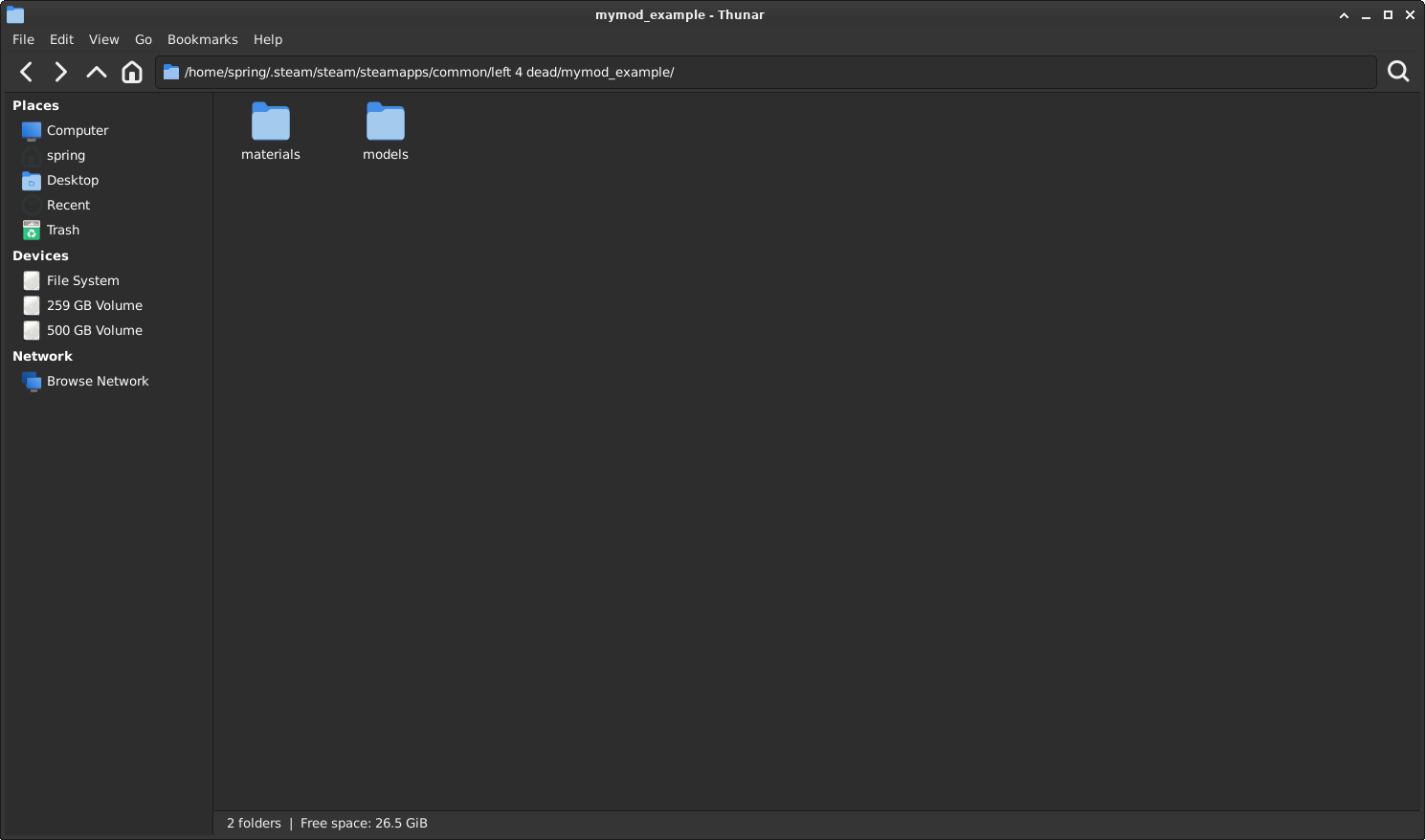
The game will not load "pak01_dir.vpk", allowing you to fully modify the game, meanwhile having a fallback option if you somehow mess up with your mod. Go back to the first "left4dead" folder, then create a folder for your mod to be named as (IMPORTANT: The name you gave to the folder will also be used in gameinfo.txt, but more on that a bit later. Make sure the name you gave can't use any special characters or spaces. English alphabet and numbers only).
You now have a mod folder where you can place your custom materials, models, sounds, and everything. Your limitation is your imagination and creativity.
Making sure my mod loads
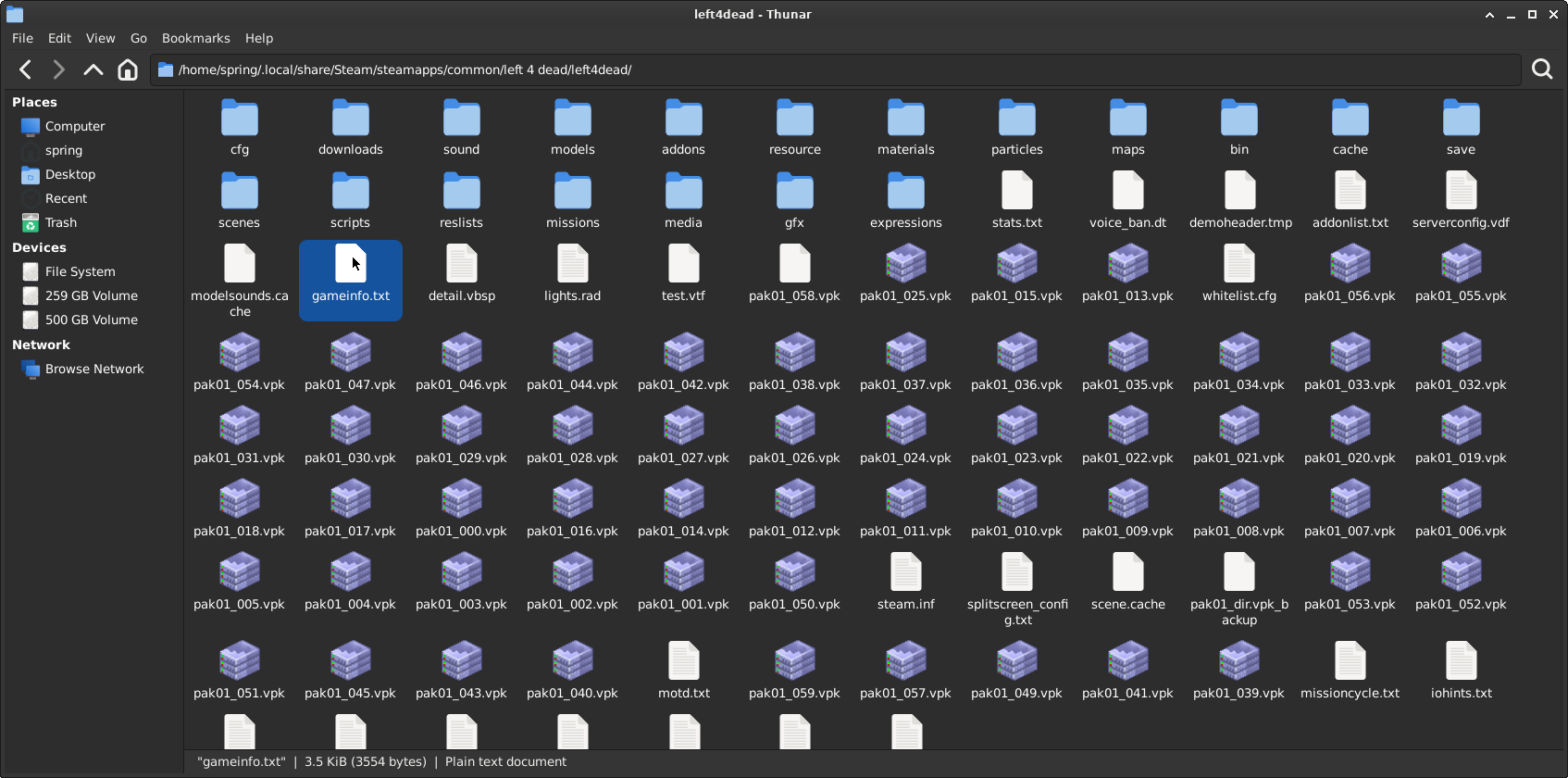
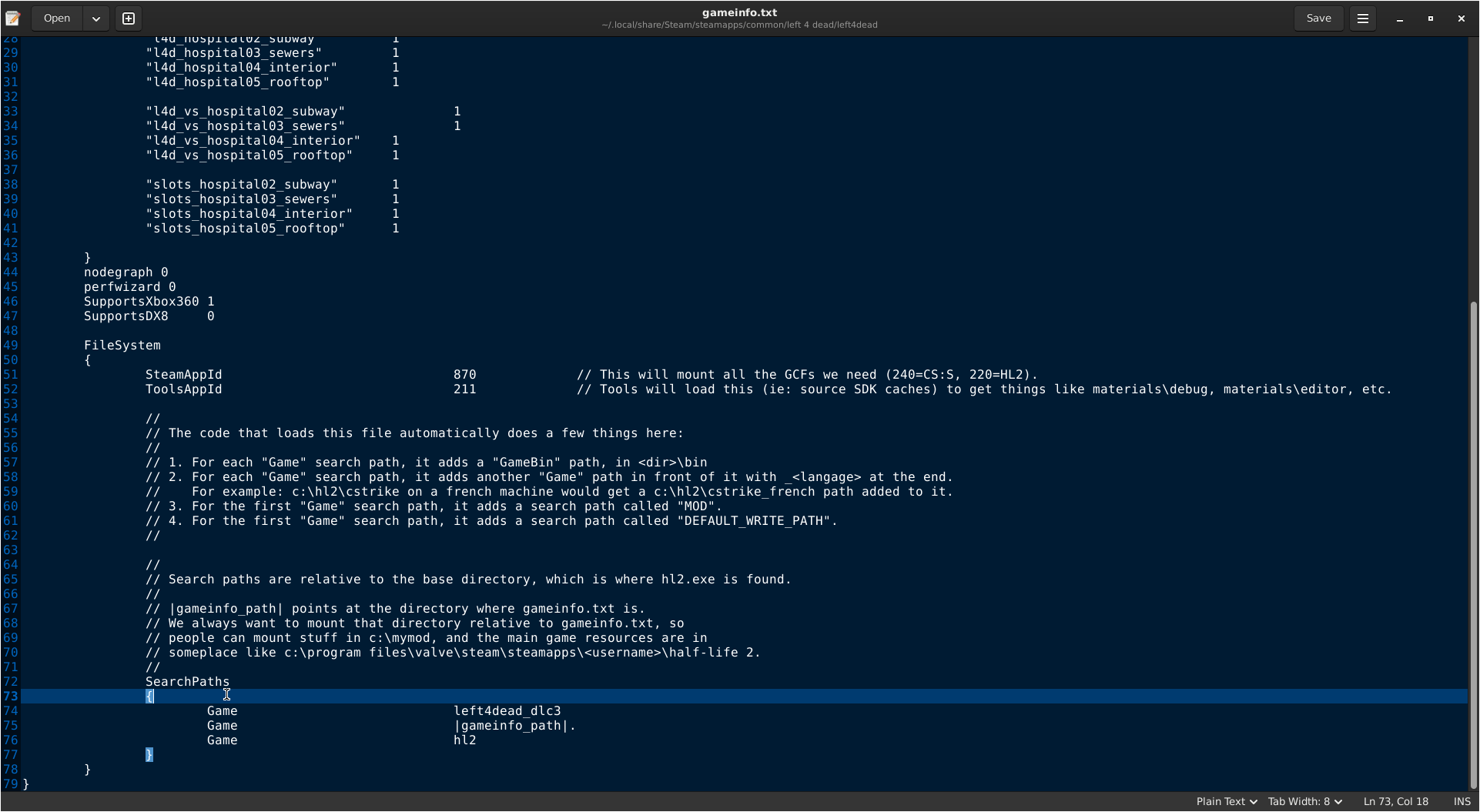
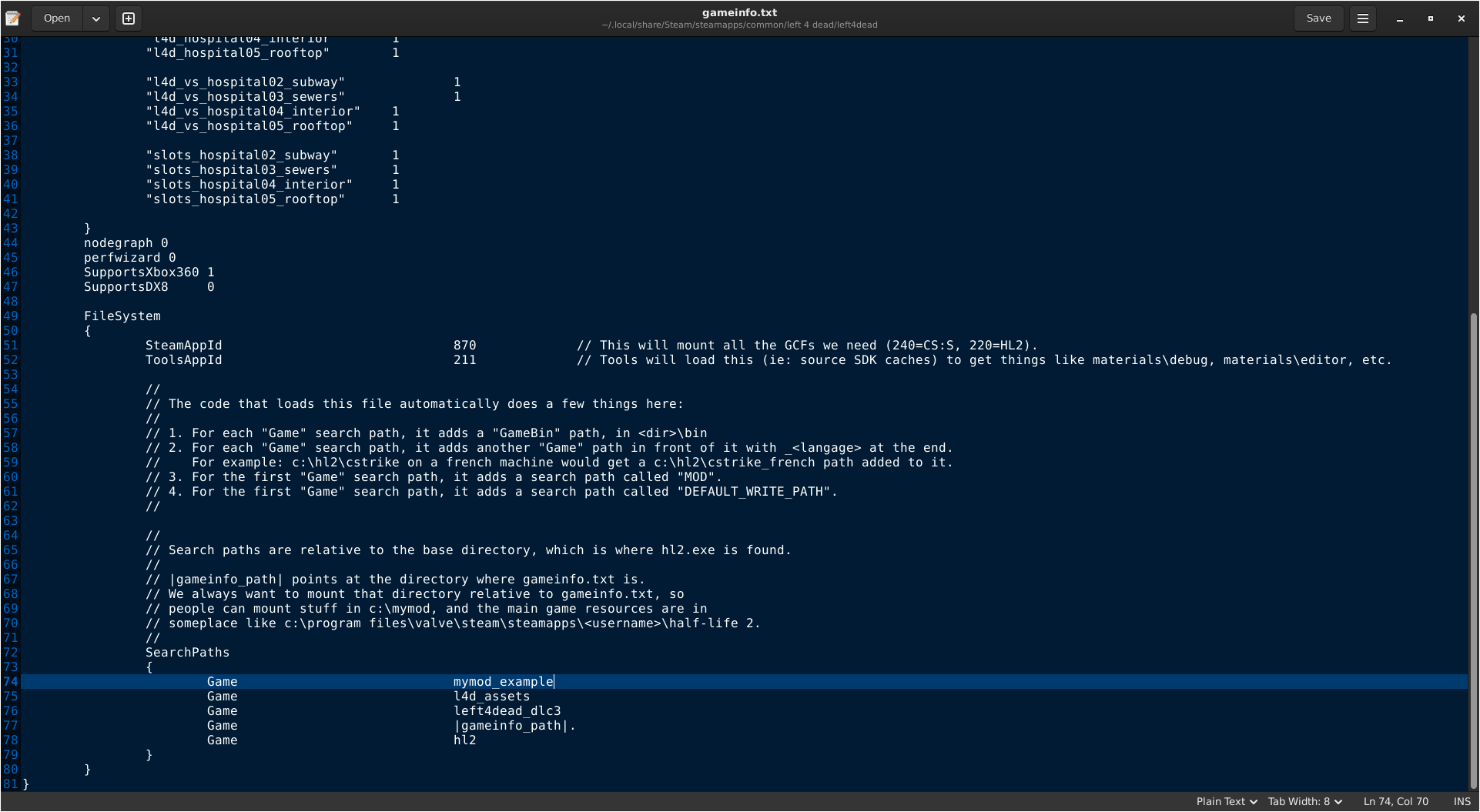
Great, now you have the folder for your custom mod, but the game will still not load it and will crash on startup. This can be resolved by adding your custom mod and l4d_assets to gameinfo.txt.
And your gameinfo.txt should LOOK like this:
Now the game will load your mod properly. You can now move on to the difficult part, getting the custom player models to work from L4D2 to work in L4D1 with the correct animation sequence (more about it later in the appropriate chapter).
Chapter 2b: Lazy Work, Lazy Me (Not Recommended)
If you only want a complete Single-player experience, where not even your Friends can play with you on your local server or any dedicated server, you can continue on this Chapter; otherwise, please skip this chapter.

If an L4D2 model is made for the L4D1 survivors, you can simply copy the models from the addon itself using GCFScape into your custom mod.
However, this will only allow you to play on a local server, where only you with the mod can play. So if you were to play on a dedicated server or a friend joins your local server, the survivors' animation sequence no longer matches, causing the survivors to play weird animations or T-pose for them.
Chapter 2, Part 1: Getting Files ready for your use
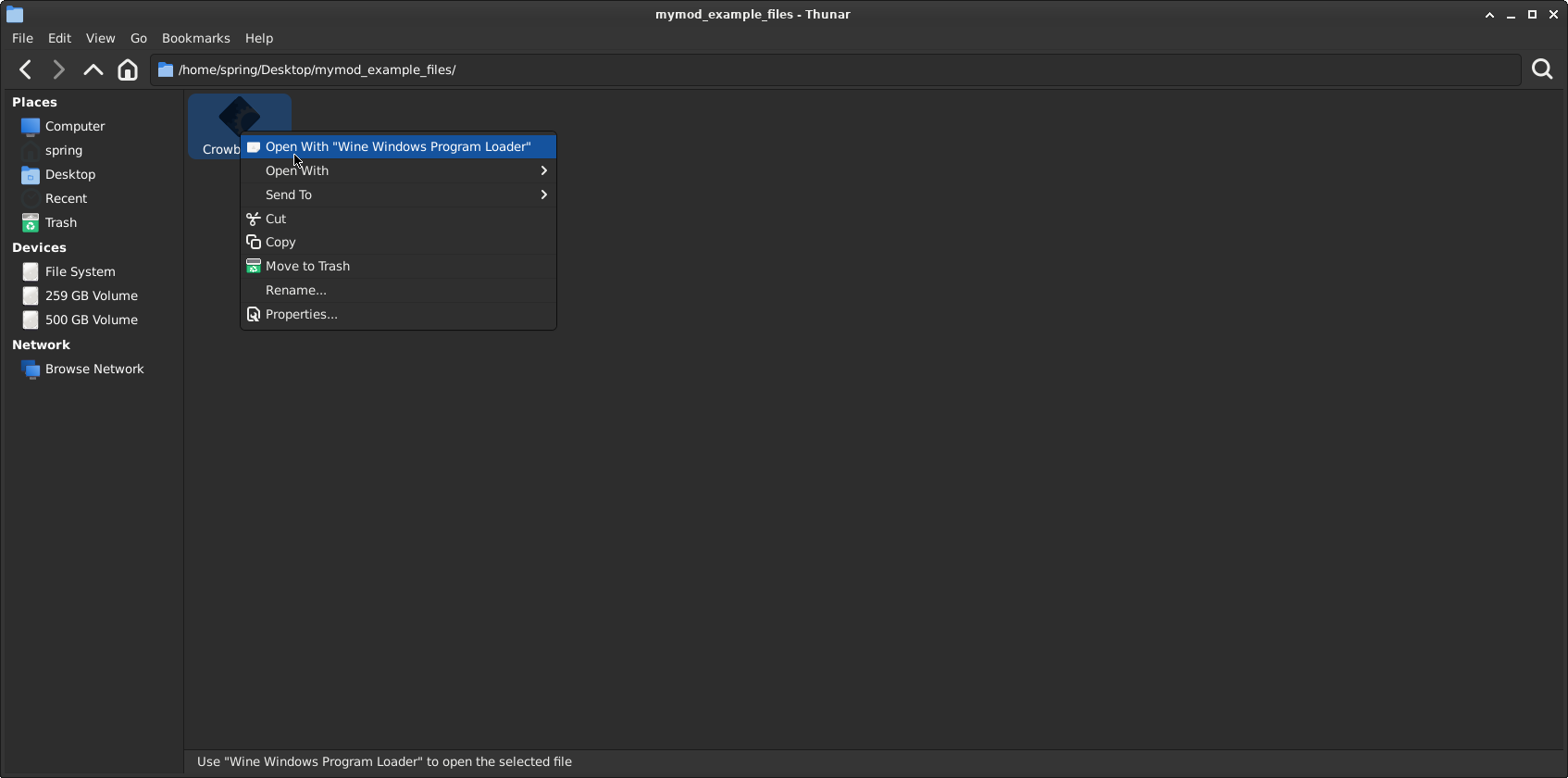
Crowbar is a tool we will use for decompiling and compiling. This guide will assume you have also installed Left 4 Dead Authoring Tools, and if you don't have it installed, install it now.
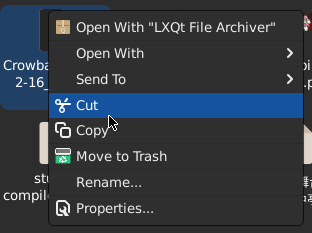
Open it with any archiver that supports .7z
Chapter 2, Part 2: Introduction to Crowbar
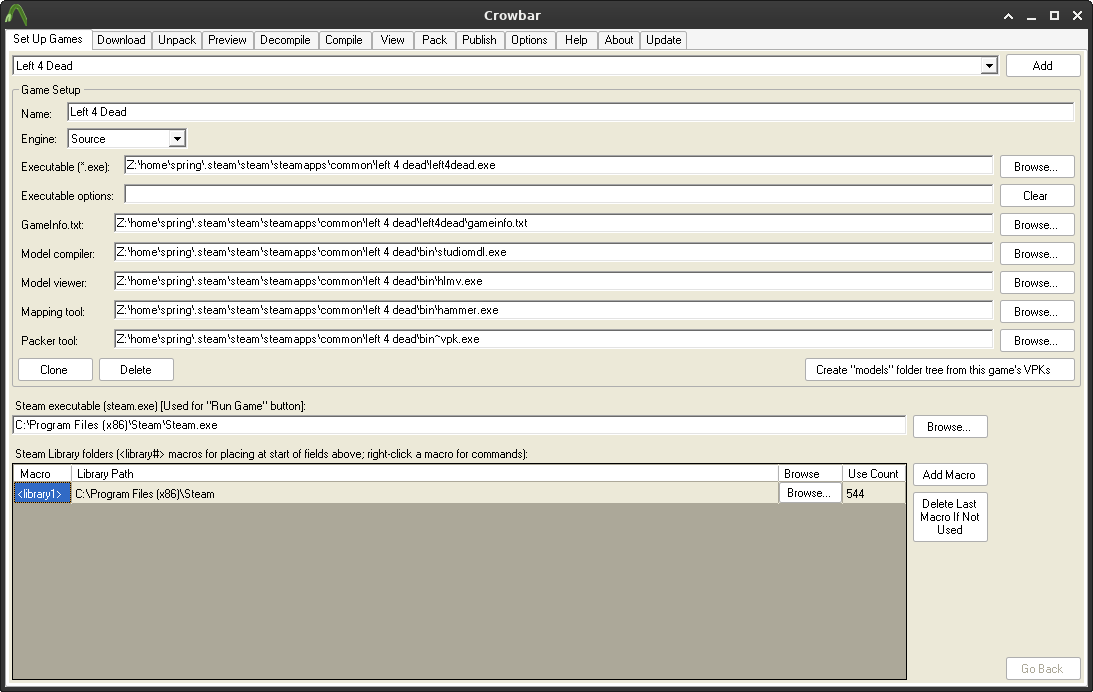
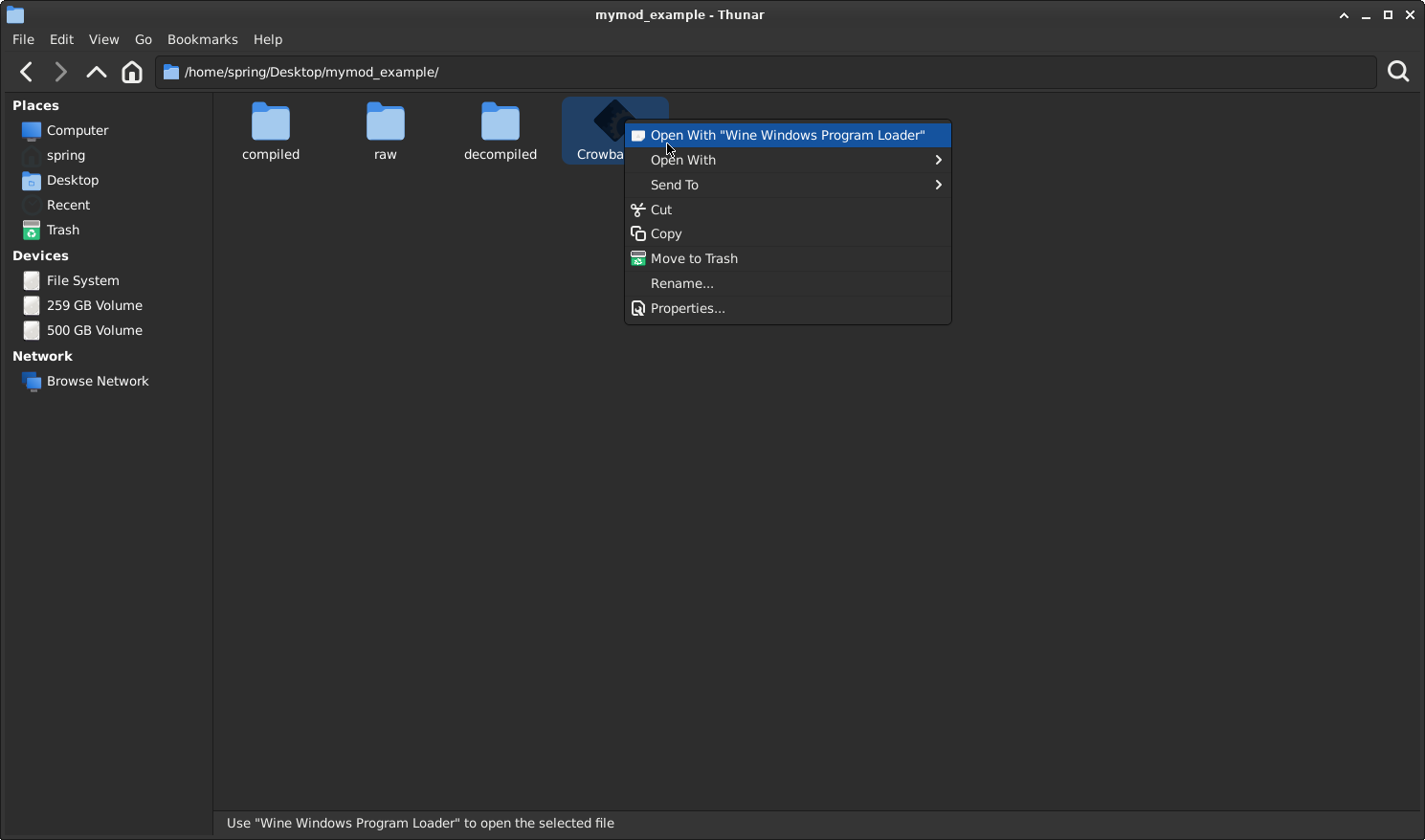
After opening up Crowbar, make sure the "Set Up Games" tab looks like this:
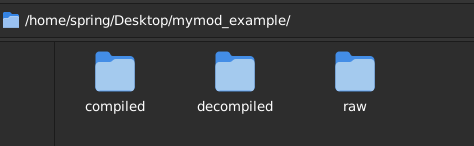
If your sure, go back to your "mymod_example_files" folder, then create a "decompiled", "compiled", and "raw" folders. The "raw" folder will contain the model you obtained from L4D2 workshop (WITH permission from the model author).
By default, Crowbar will locate the default Steam library (steamapps); only change it if L4D1 isn't in the default Steam library.
Chapter 2, Part 3: Obtaining the L4D2 model from the workshop (purchased L4D2)
You can use any Left 4 Dead 2 or Left 4 Dead survivor from Left 4 Dead 2, as mostly models usually use Zoey's animations for proportions, but a model can also use it's own survivor animations (for example Francis uses his own animations .etc etc)
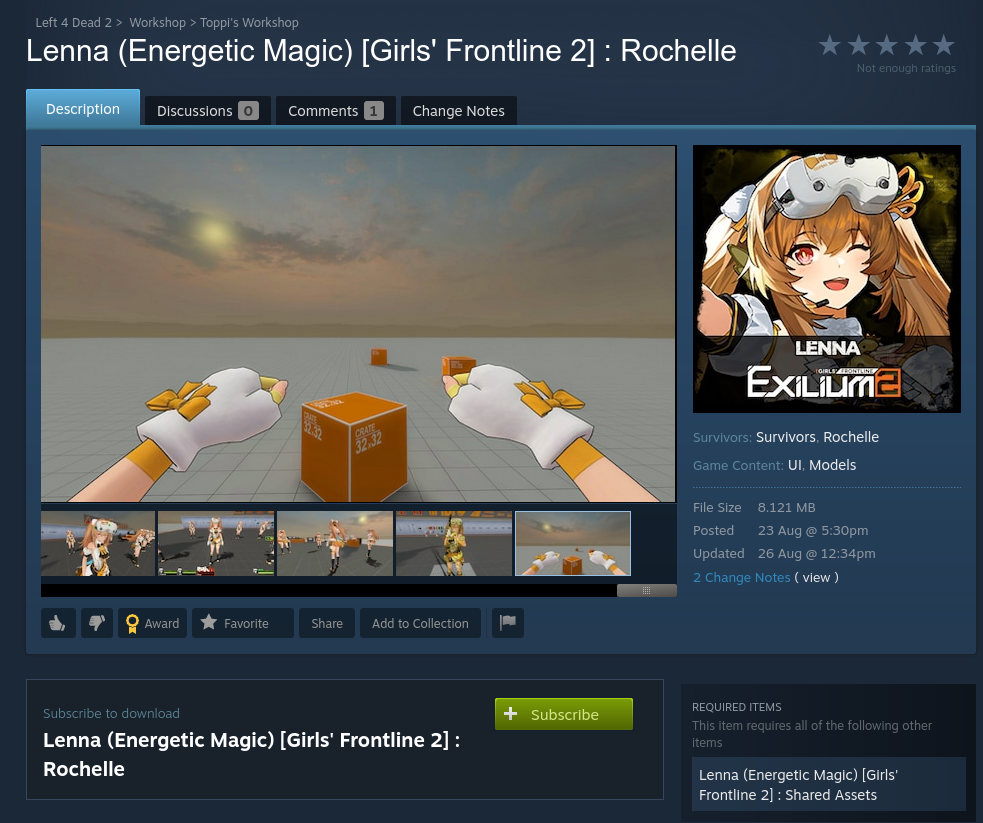
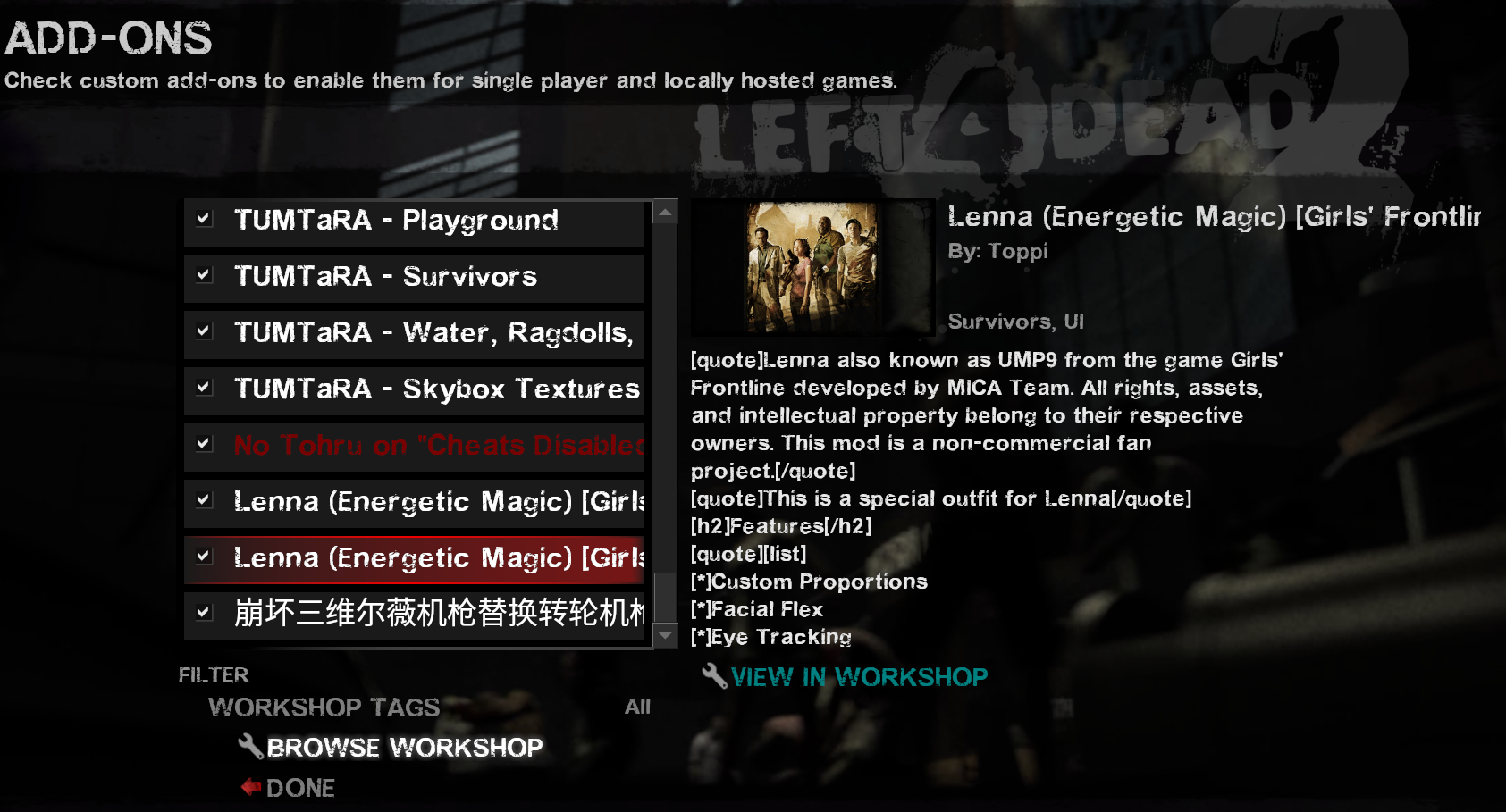
For this example, we will use Lenna (Energetic Magic) [Girls' Frontline 2] : Rochelle from the Steam Workshop. We will create a 4-survivor pack while only using this model (the steps for making it as a single survivor replacement mod will not differ as you will not need to include the model replacement for every survivor) for easier demonstration and explanation.
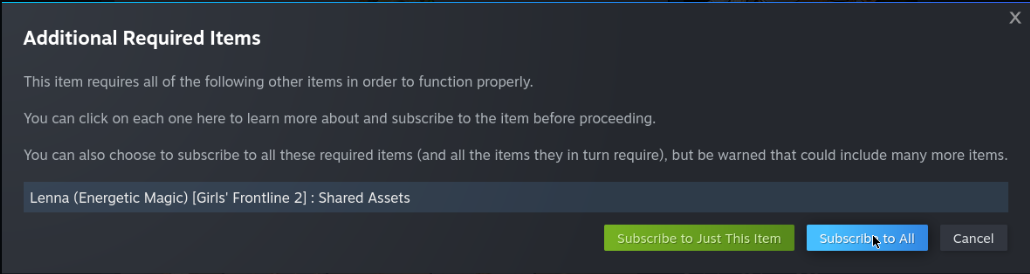
In this case, the "Shared Assets" will contain the materials for the model, since it's required, you are also required to download that workshop item too.

Usually, these models come with their own materials included, but there are workshoppers who like to make them as a different workshop item.
Chapter 2, Part 3b: Obtaining the L4D2 model (via SteamCMD - not recommended)
If you, for whatever reason, don't own L4D2 and still want to download the example model, you can do so via a tool called SteamCMD. It's mainly used for game servers, but you should also have SteamCMD included (unless you directly downloaded the Dedicated Server via Steam).
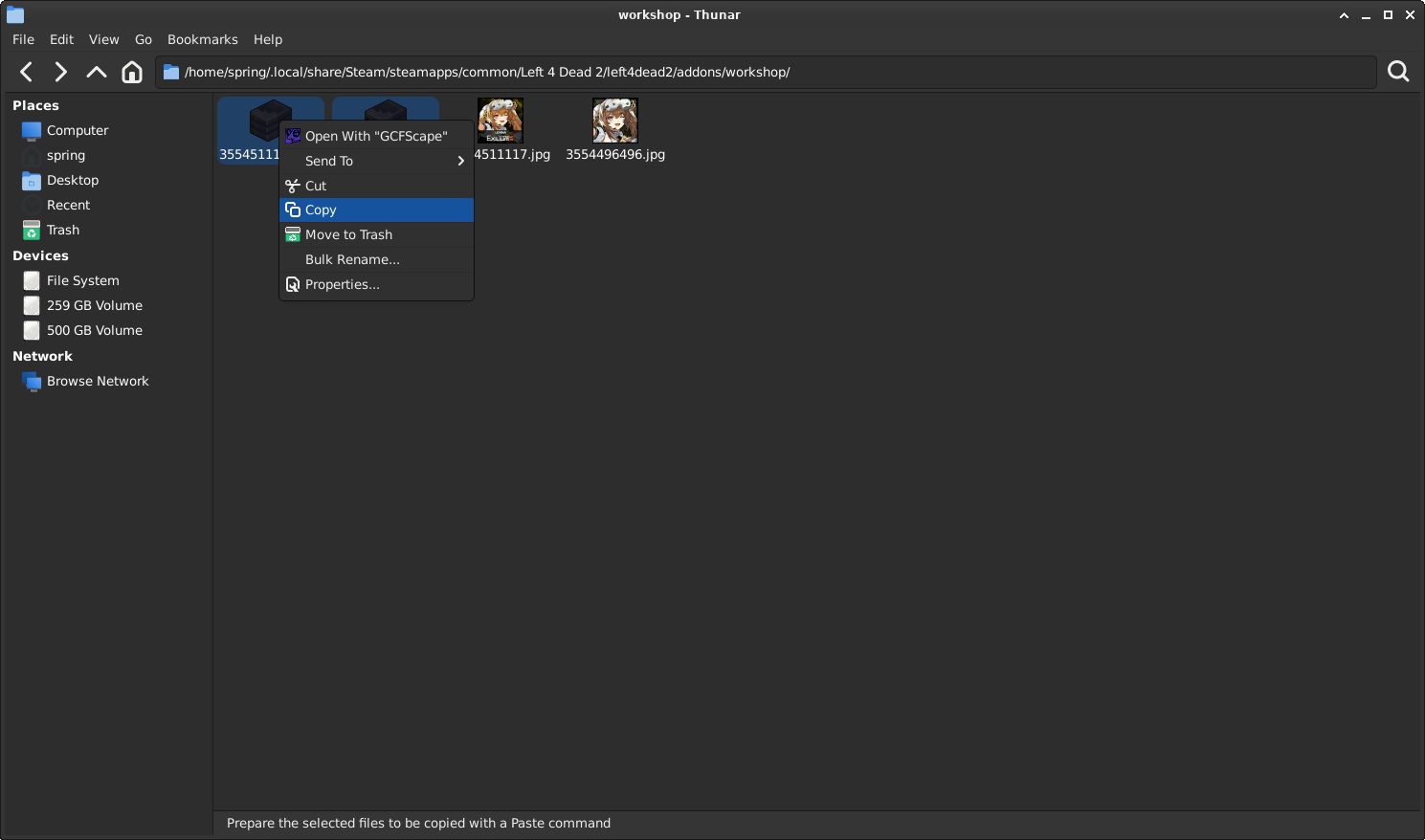
Get the model's workshop id (3554511117) then obtain the shared assets (materials)'s workshop id: (3554496496)

steamcmd +login anonymous +workshop_download_item 550 3554511117
steamcmd +login anonymous +workshop_download_item 550 3554496496
Keep in mind that SteamCMD might not work in your case, as SteamCMD can't download files higher than 1 GB
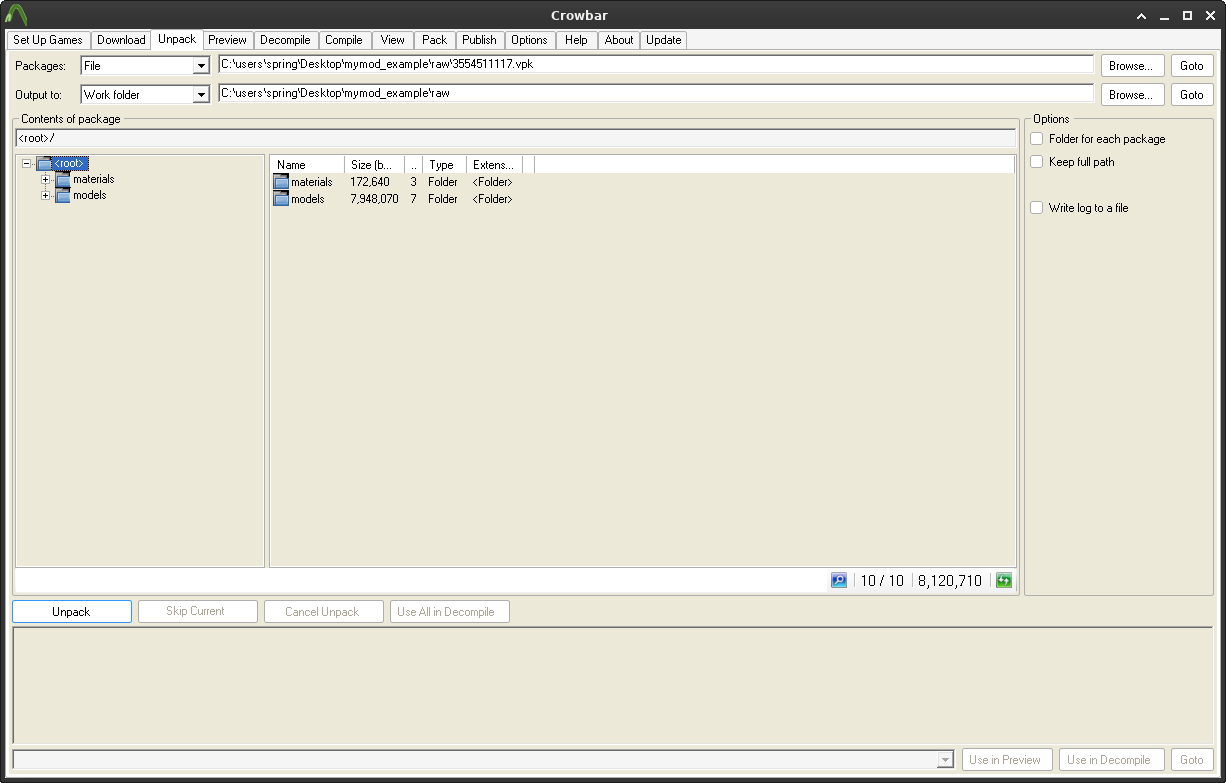
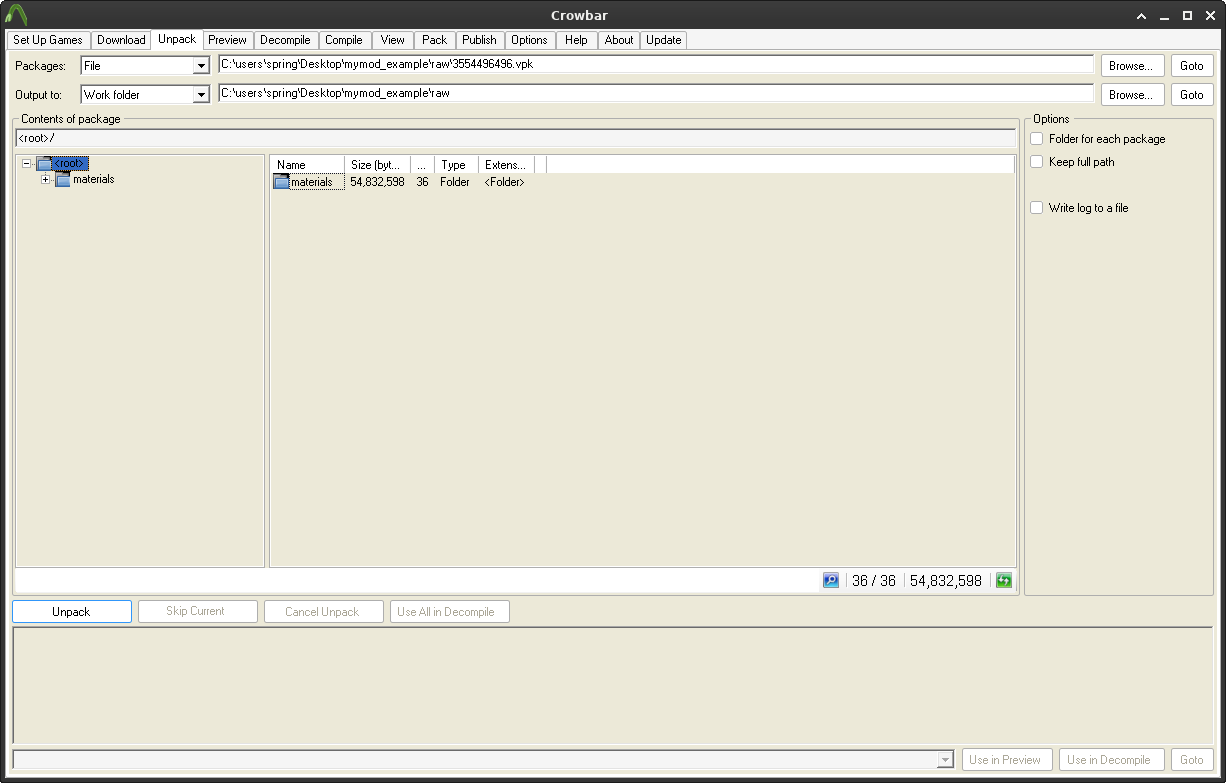
Chapter 2, Part 4: Unpacking the VPK downloaded from the workshop
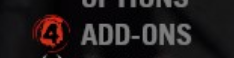
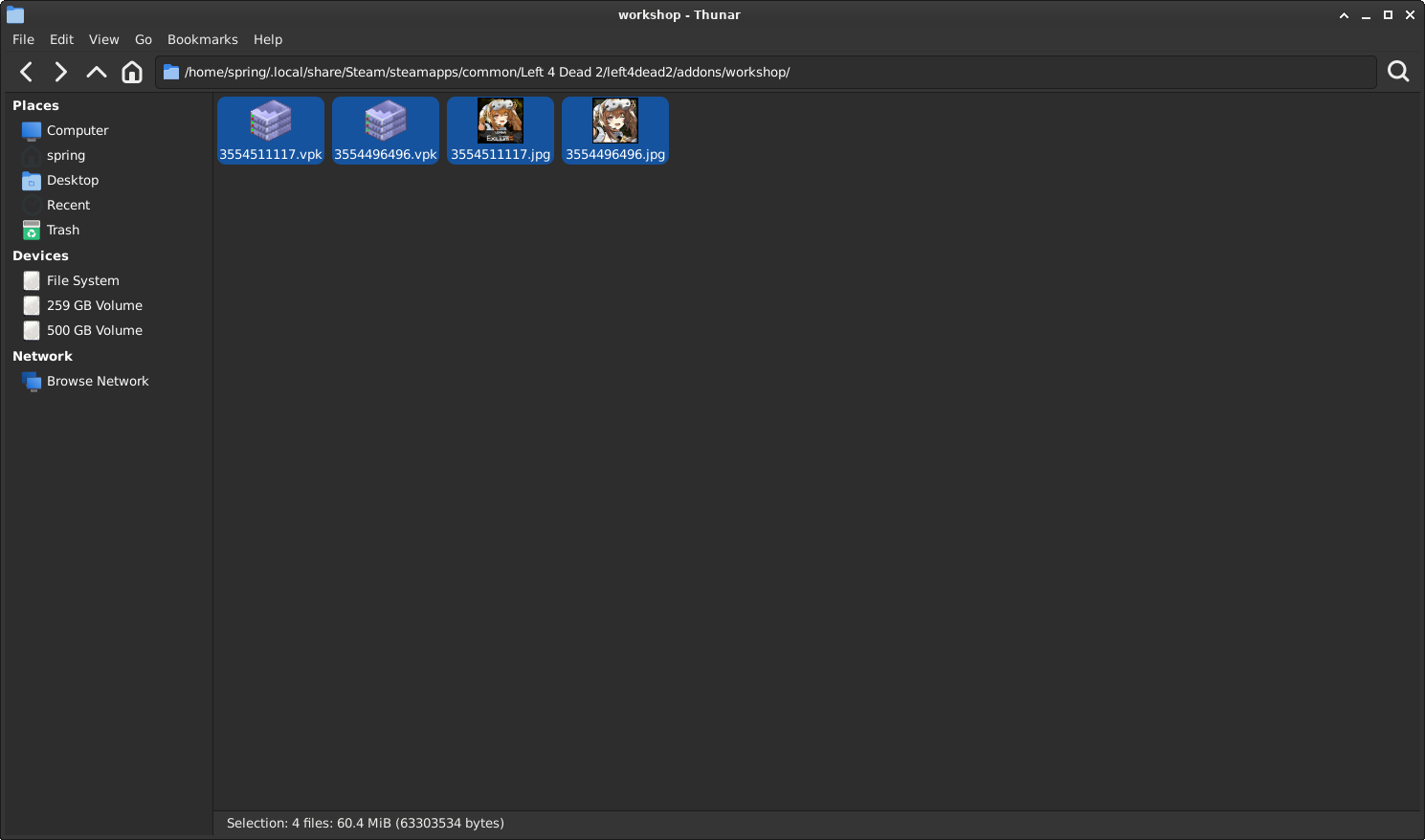
To get the VPK, you need to start up Left 4 Dead 2, then wait for the game to download the VPKs (this is usually indicated by the loading spinner before the Addons menu text).
If the loading spinner has disappeared, click on it and check if the required addons are there.
If the add-ons are installed, it's safe to close the game, and now pay attention to Steam.
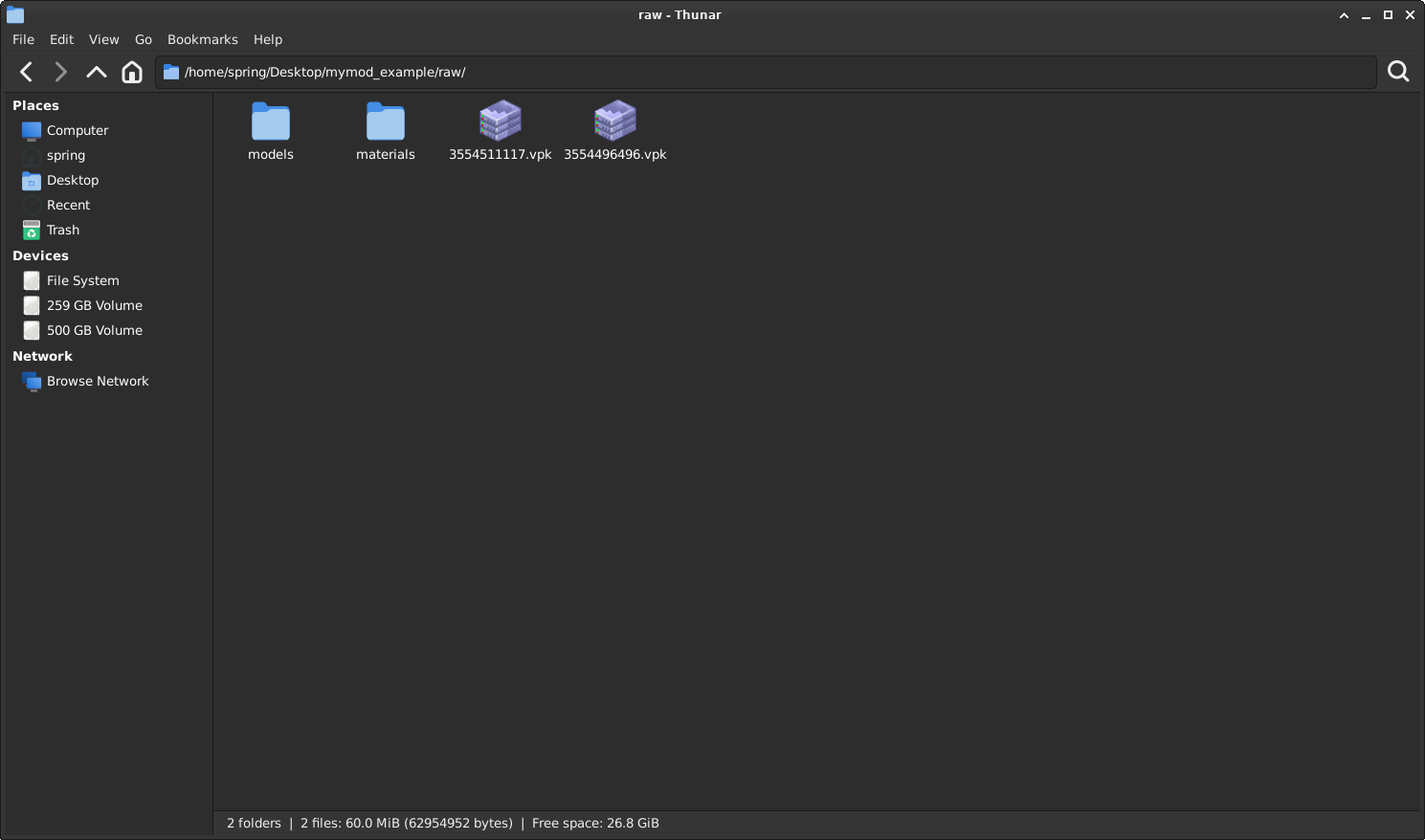
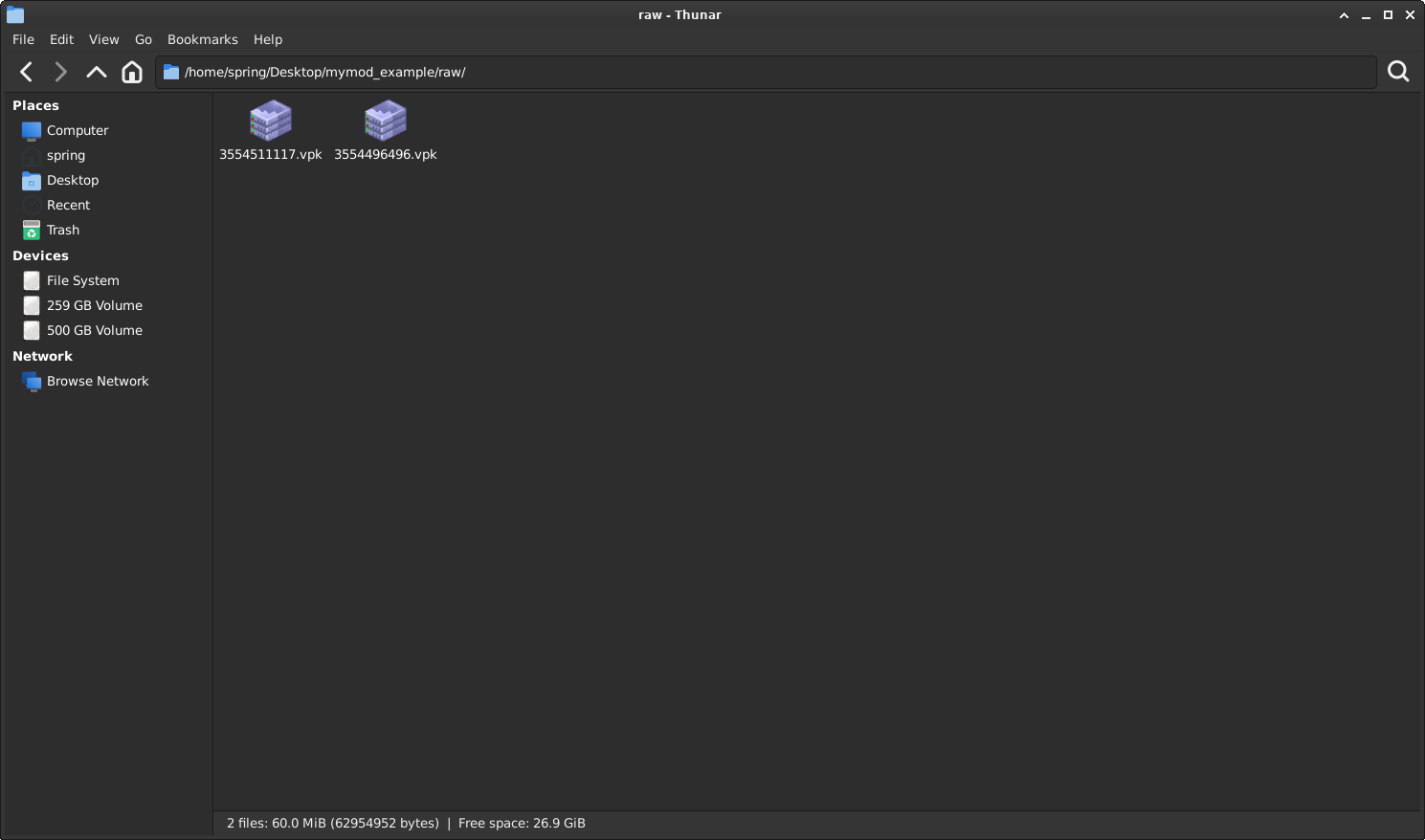
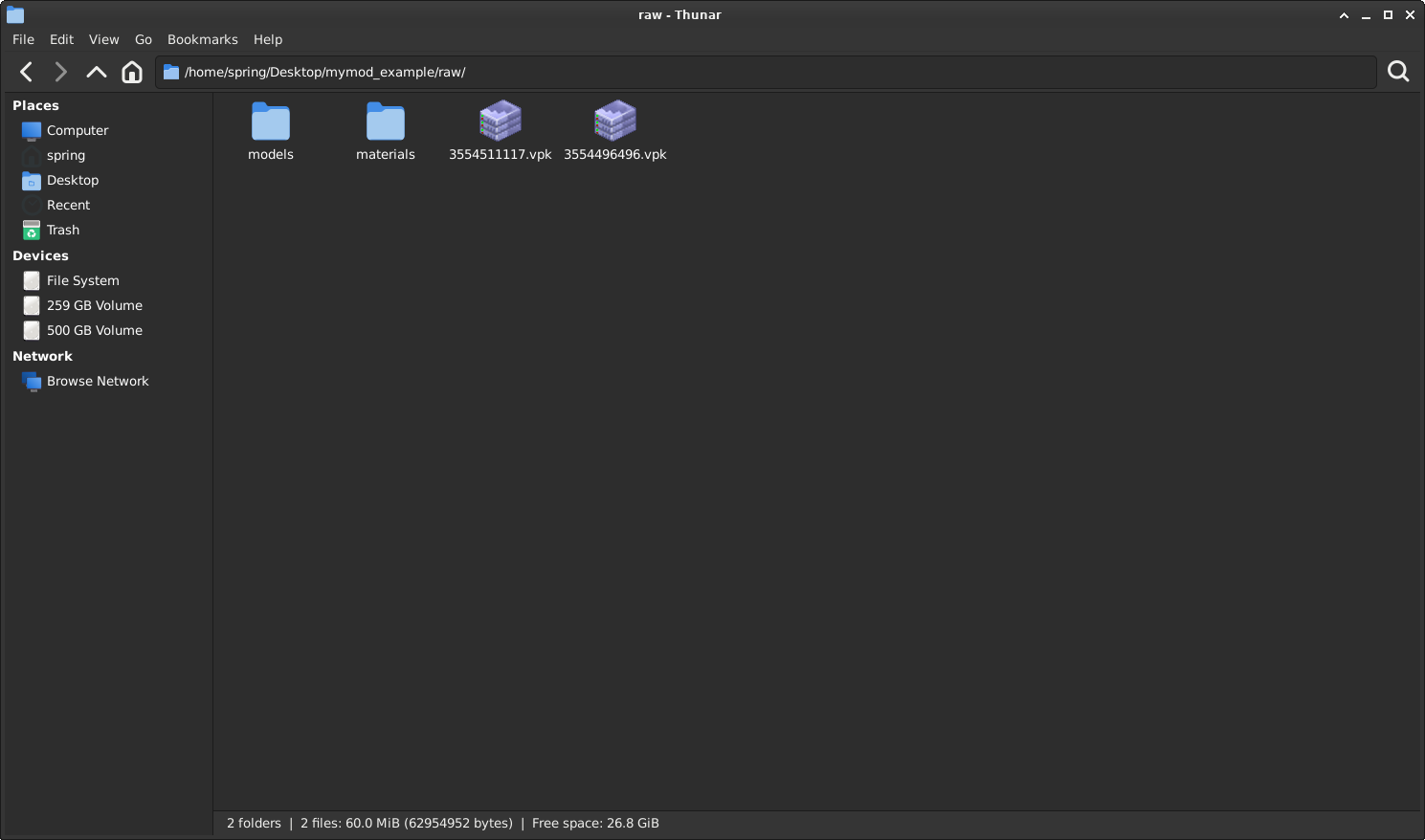
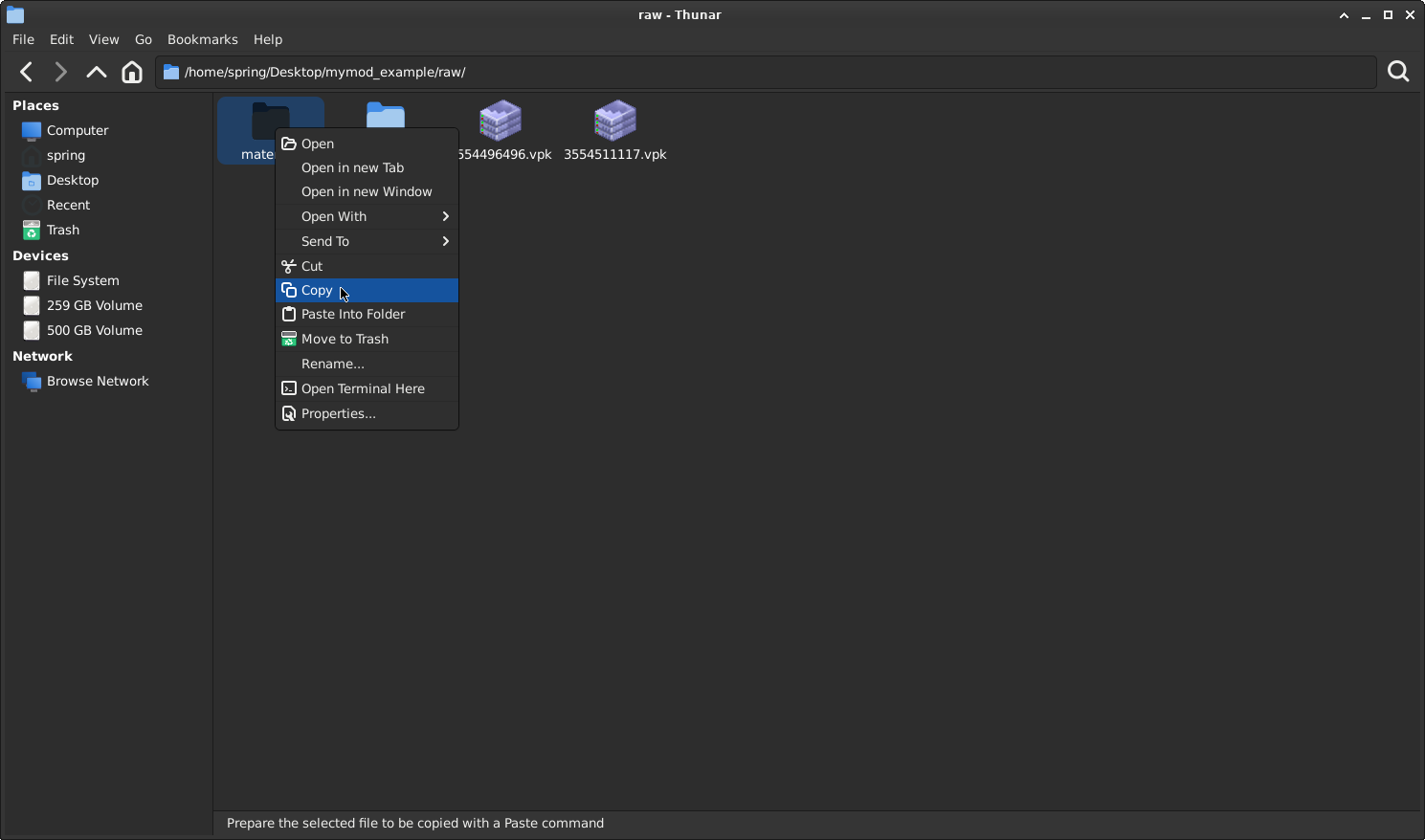
If everything is done correctly, your "raw" folder should look like this:
If so, you can now continue on Chapter 4.
Chapter 4, Part 1: Decompiling the model using Crowbar
The model file are there but it's still not enough to make it work for Left 4 Dead. You will need to modify the model to correct the animation sequence (by removing all L4D2 animations and replacing them with the L4D1 original animations; you shouldn't decompile the animation models, as Crowbar will not recompile them)

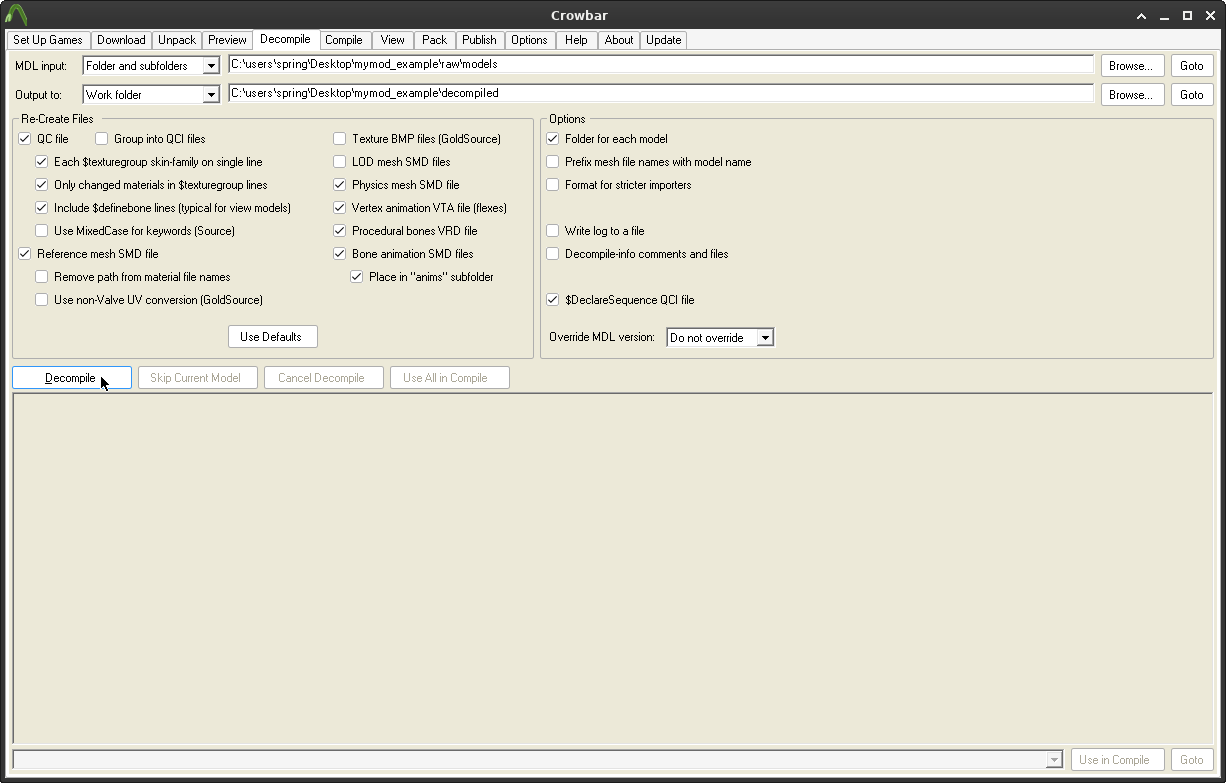
Go to the Decompile tab, and make sure it looks like this:
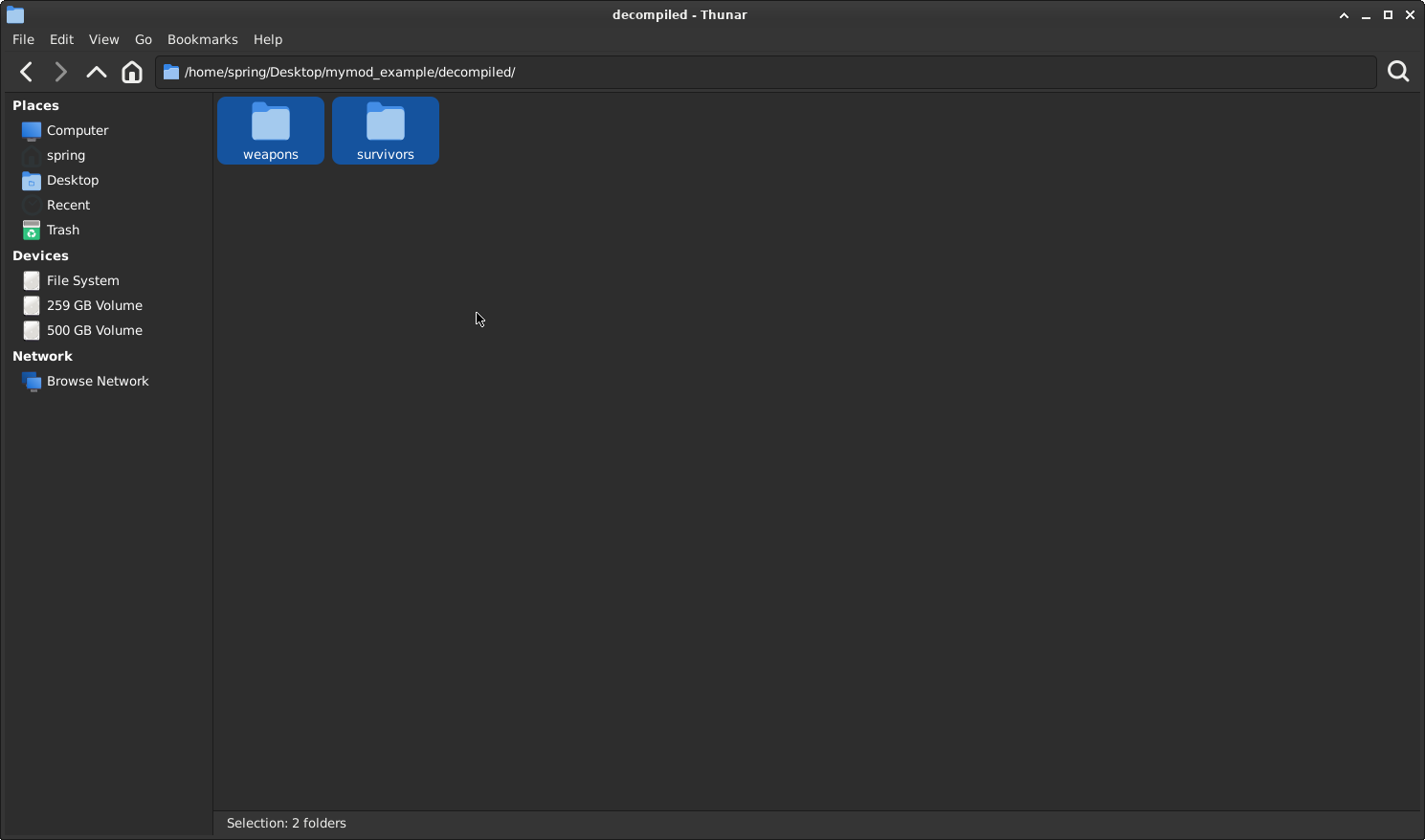
If everything looks the same, click on "Decompile". This will decompile the model, and we are now halfway done with this process. In the "decompiled" folder, we now have the required files to recompile the model into Left 4 Dead.
Chapter 5, Part 1: Editing the model .QC file (for Survivor)
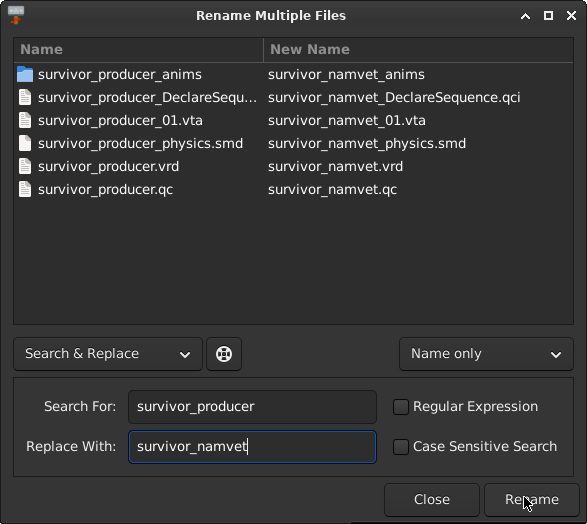
The .qc file is what tells the Source Engine how to load the model into the game. The current references to survivor_producer don't point to an L4D1 survivor; nothing gets replaced (as Producer - Rochelle doesn't exist in Left 4 Dead)

To get the model to replace one of the original Left 4 Dead survivors, you will need to update references from survivor_producer to either:

Zoey - survivor_teenangst
Bill - survivor_namvet
Francis - survivor_biker
Louis - survivor_manager
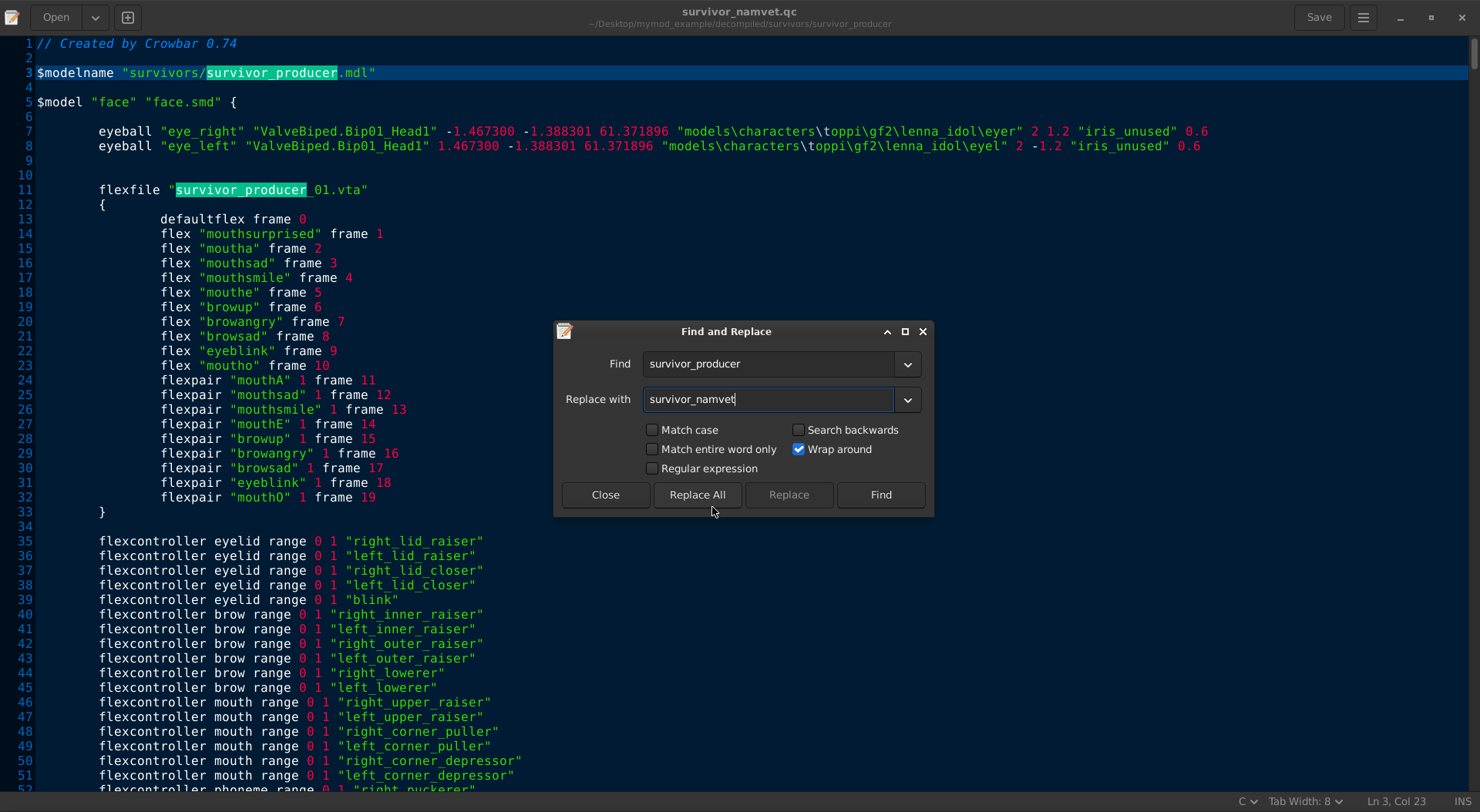
We will replace all survivors in this example pack with the same survivor model for easier demonstration. You will need to rename any references to survivor_producer. For example: if you want to replace Zoey, you will need to rename survivor_producer to survivor_teenangst.

I will replace producer with Bill in this example first, but you are not required to replace Bill immediately; you can replace any survivor with anyone you want.
Now open the renamed survivor_namvet.qc file and do this:
Chapter 5, Part 2: Removing (unused) L4D2 animations
Now the model will replace Bill, but what about the animations? Both survivor_namvet.qc and survivor_namvet_DeclareSequence.qci contain references to animations Left 4 Dead doesn't have; you will need to remove them.

It's important to check what animation models are being imported into the model, but mostly, you will need to use Zoey's animations unless the model uses its own survivor's animation.

If you compile the model now, the game will try to load Rochelle's animations along with Zoey's animations first. We will need to keep Zoey's animation due to proportion.

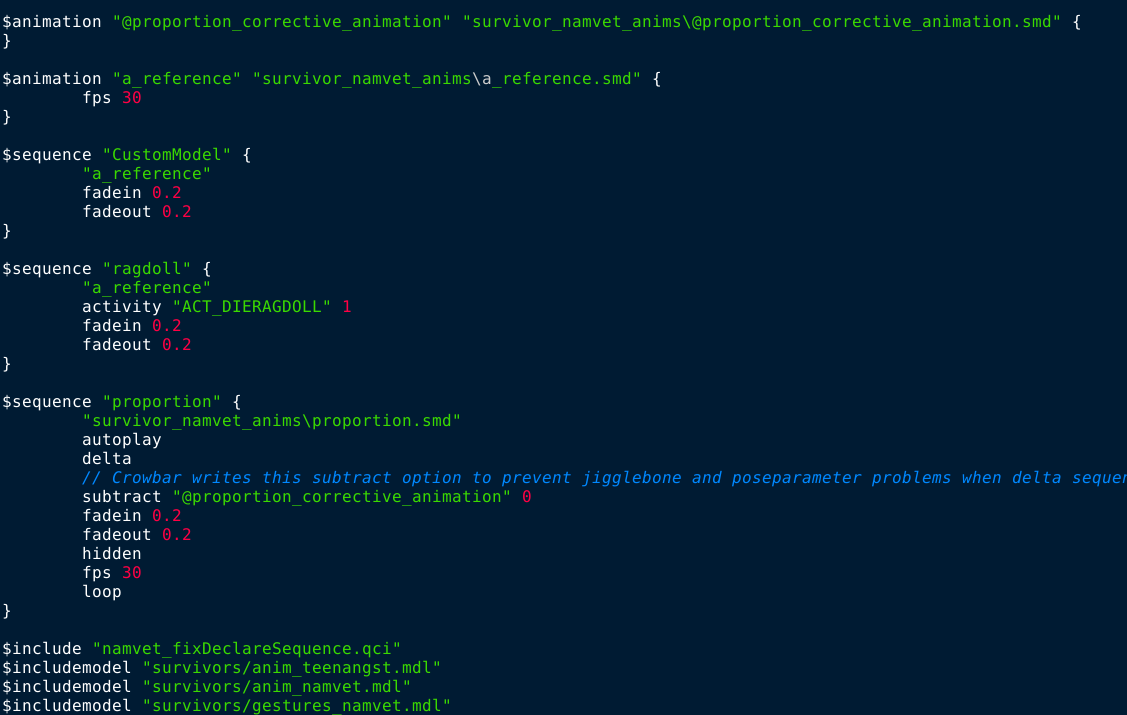
Your "includemodel" should look like this:
$include "namvet_fixDeclareSequence.qci"
$includemodel "survivors/anim_teenangst.mdl"
$includemodel "survivors/anim_namvet.mdl"
$includemodel "survivors/gestures_namvet.mdl"

What is $include "namvet_fixDeclareSequence.qci"?
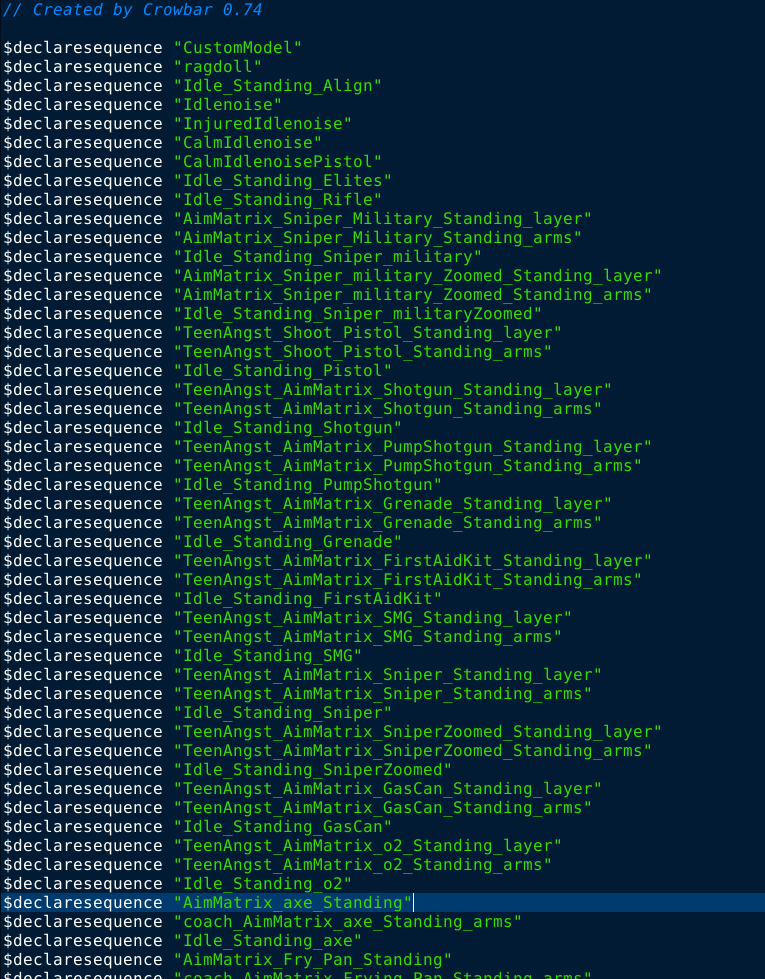
That file you will create to fix the animations for Bill. By default, L4D will load Zoey's animation, then Namvet's animation, overriding Bill's animations with Zoey's, which causes the survivor to play the wrong animation or just T-pose. That file will fix this issue, as Zoey's animation will align with Bill's animation set.
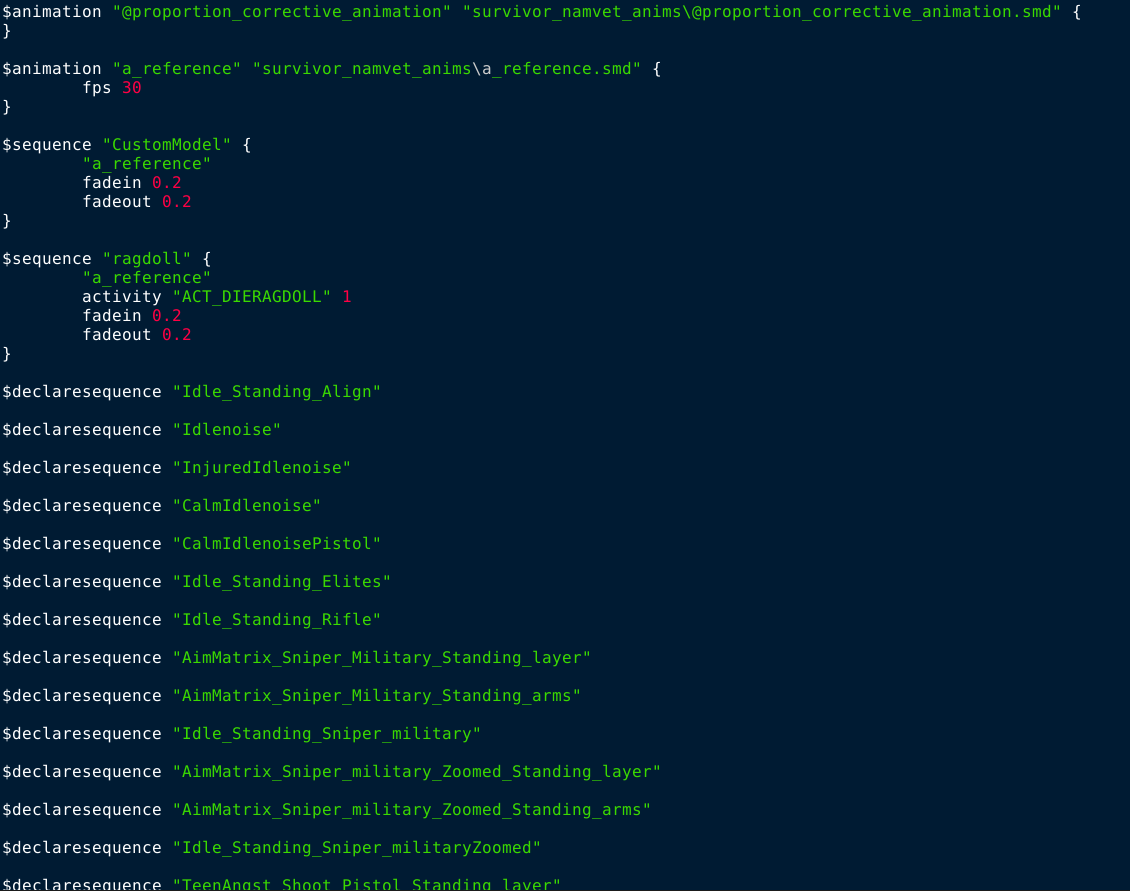
If you scroll up further, you will see a lot of $declaresequence which are the L4D2 ones, you will need to remove them (don't remove the ragdoll sequence). Here is how it looks before:
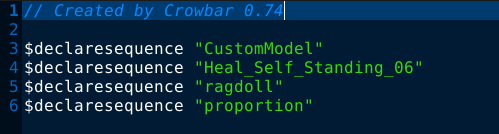
This is how it should look:
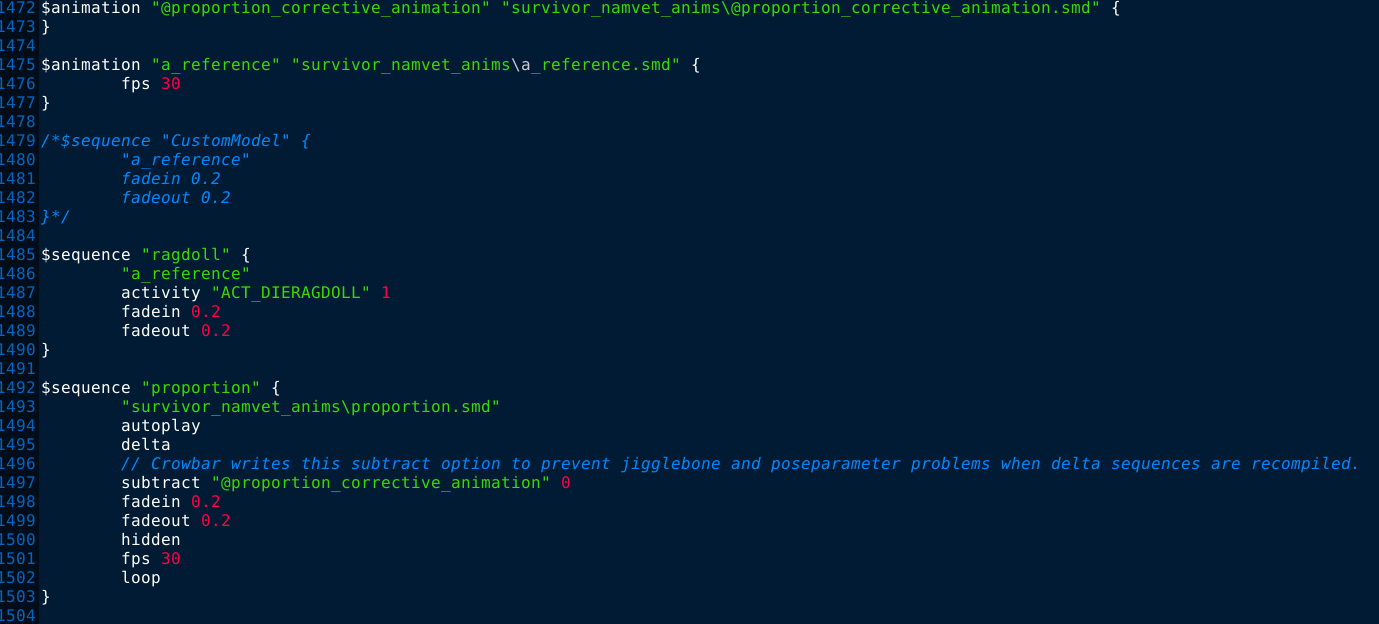
Save survivor_namvet.qc, you won't need to modify that anymore. Now, we pay our attention to survivor_namvet_DeclareSequence.qci. The .qci file also contains L4D2 animations and other animations we won't need to make the animation fix work.

Before:
After (how it should look):
You will also need to re-open survivor_namvet.qc and comment out the "CustomModel" sequence. (it should look like this)
Important infos for other survivors
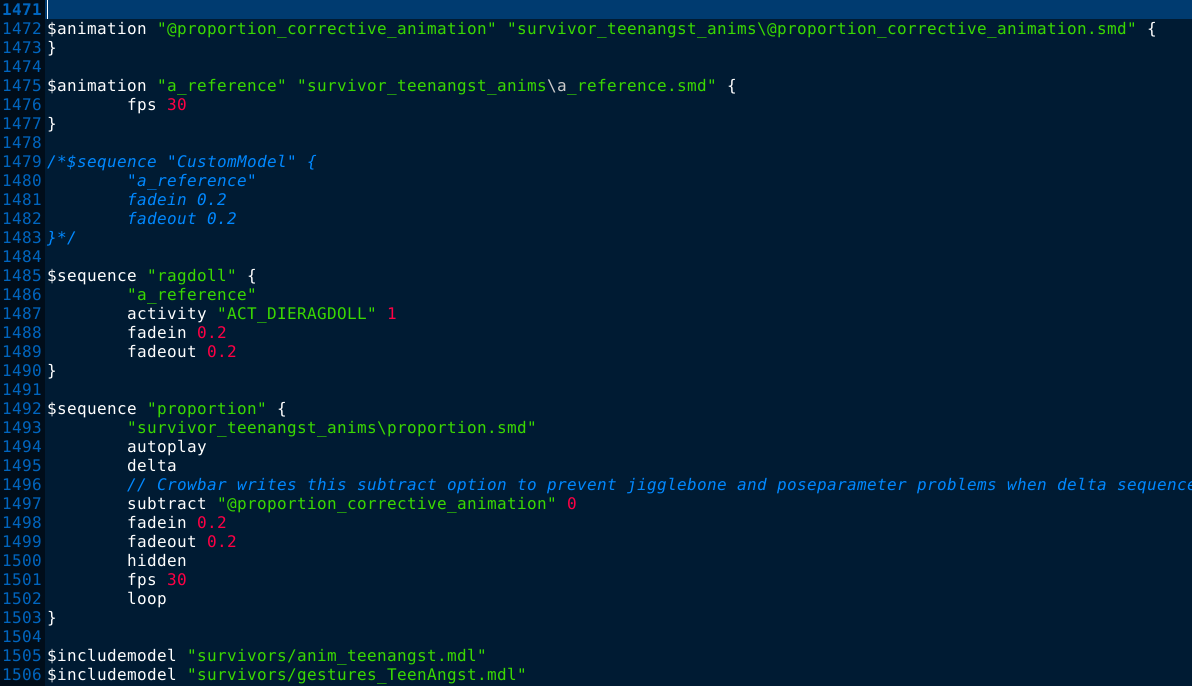
The steps for making the model for other survivors are relatively the same; however, the animation sequences are the only difference. Here are the screenshots for the different survivors:
Replacing to Francis
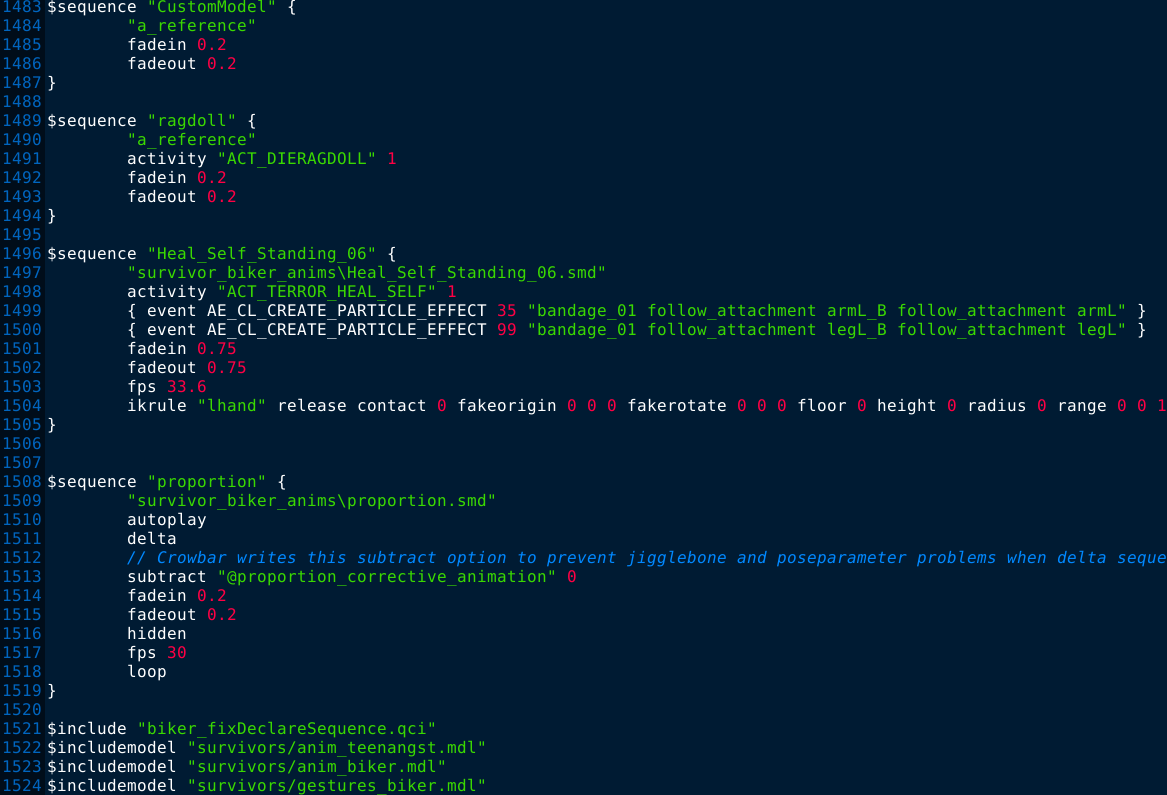
If you want to replace Francis, the steps are the same except for the animation sequences. Here is survivor_biker.qc:
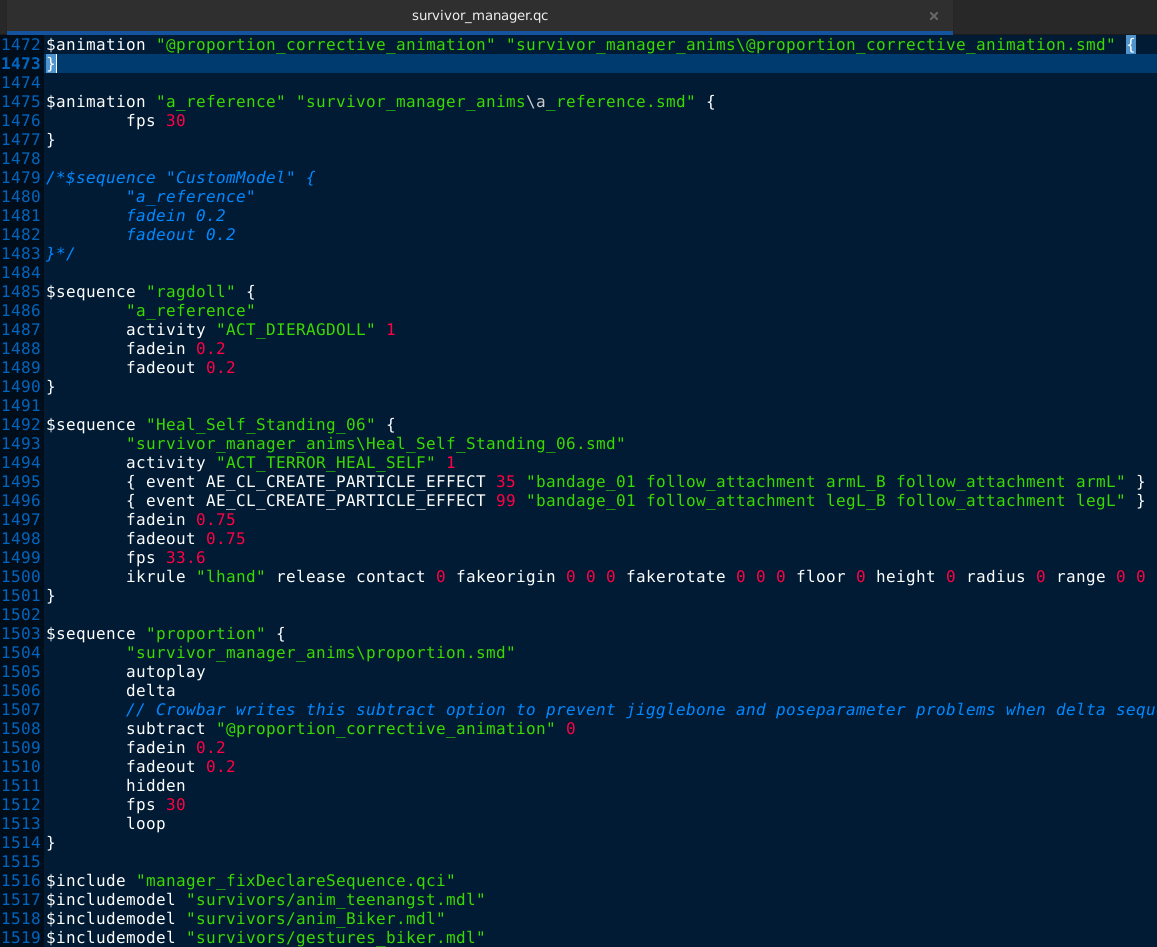
...And here is Francis' survivor_biker_DeclareSequence.qci:
Replacing to Louis
Replacing to Zoey
Chapter 6: Finalization
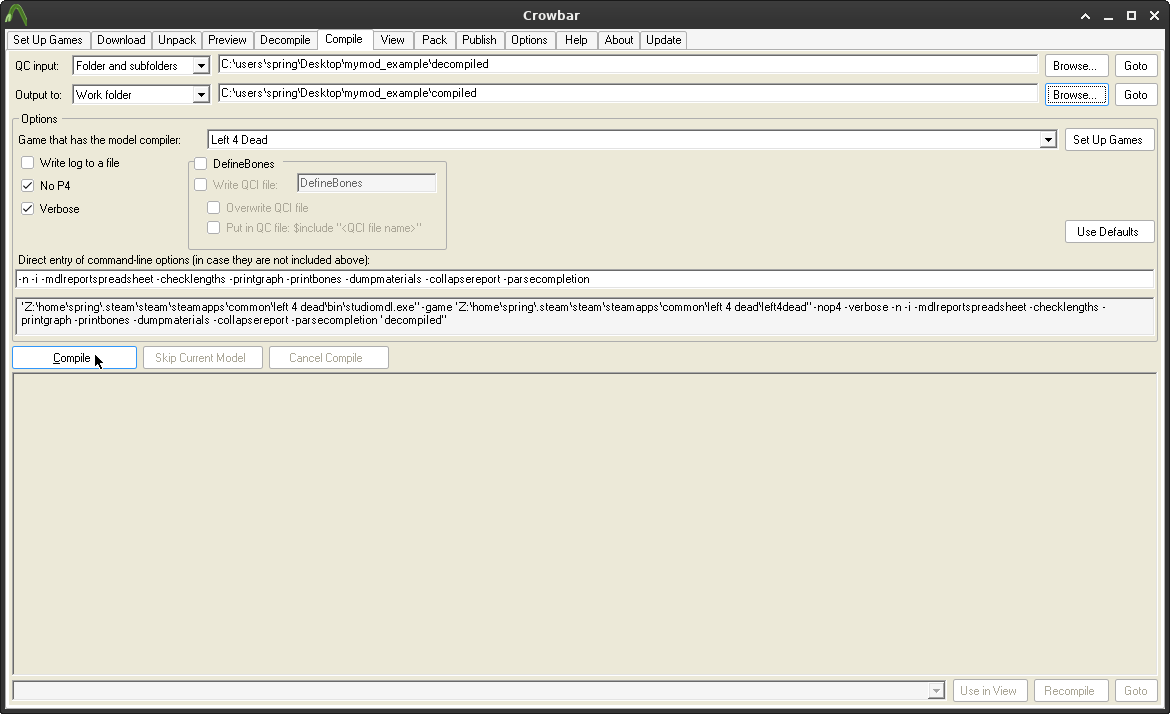
If you have done those steps, you can finally recompile the said model using Crowbar.
It's recommended that you use nekomdl here, but default studiomdl can also compile your models too; you can use both, it doesn't matter.
Chapter 6, Part 1: Getting files to the right path
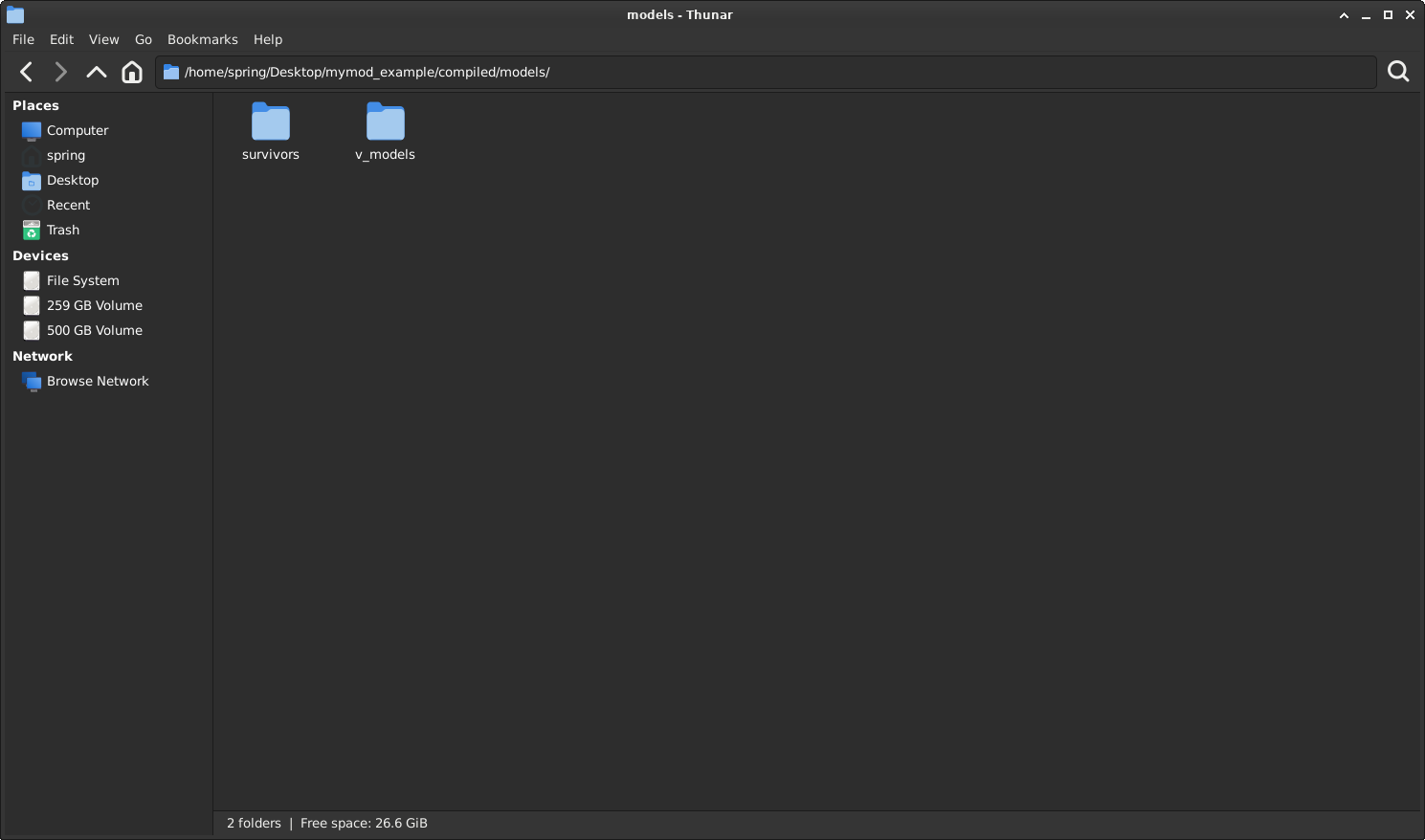
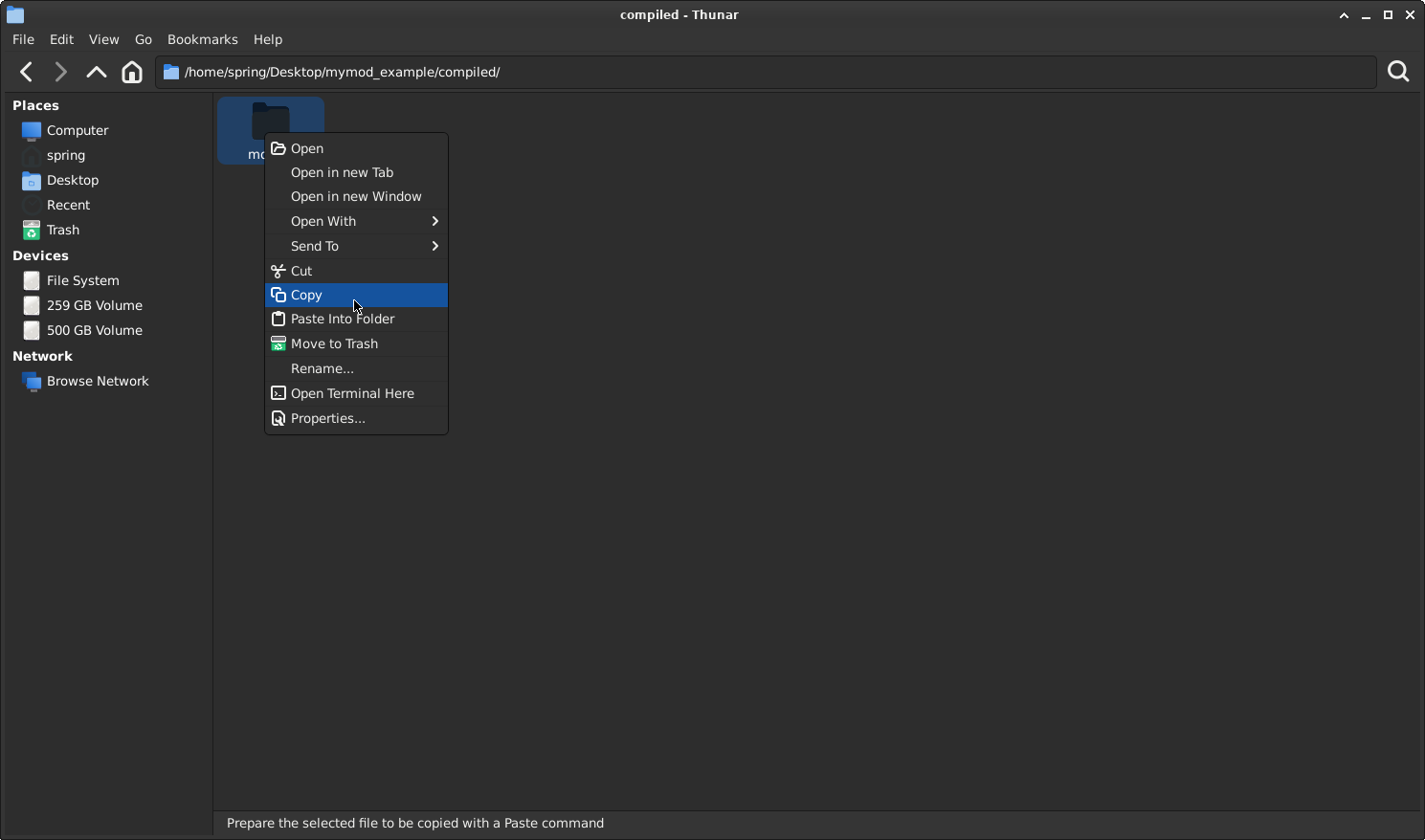
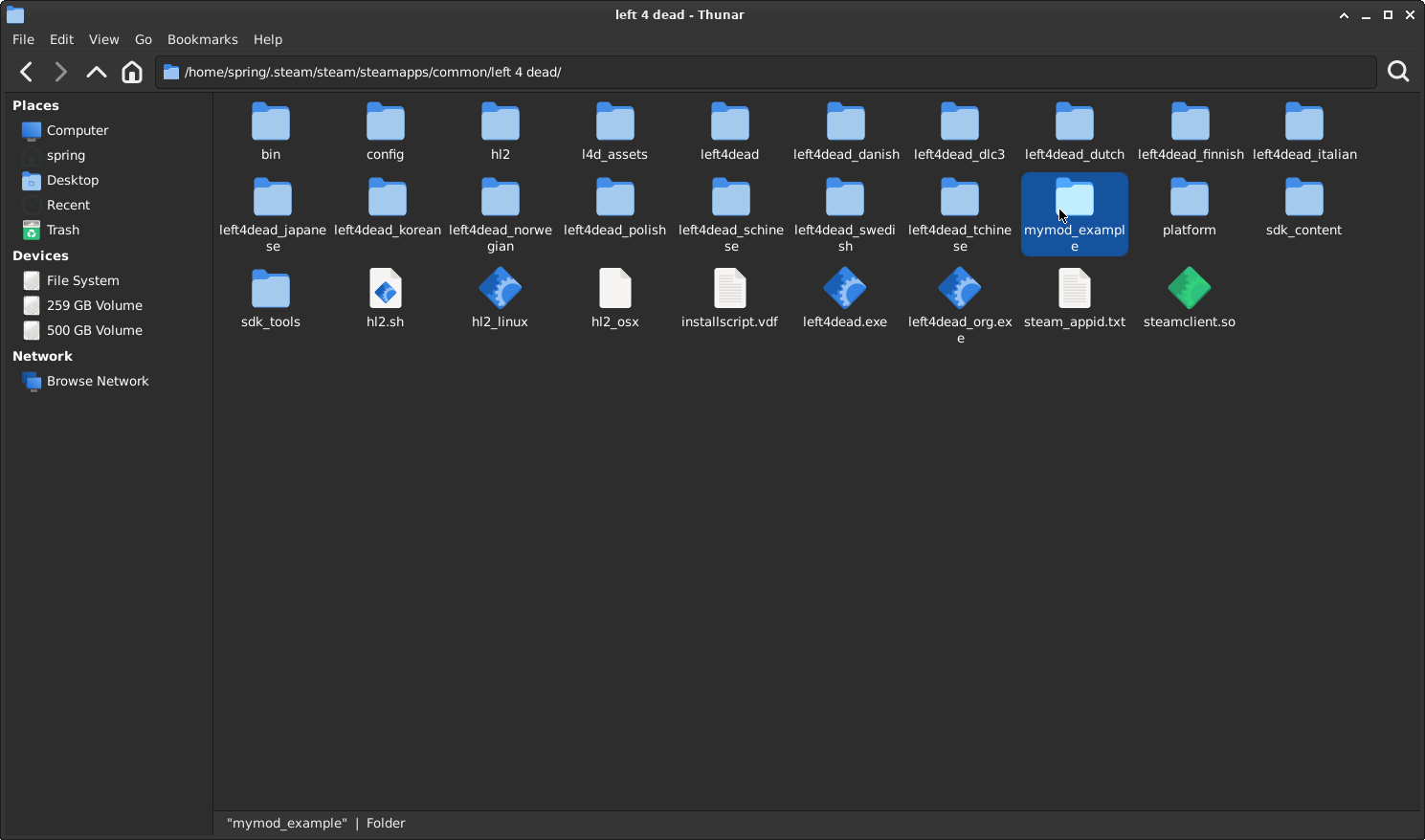
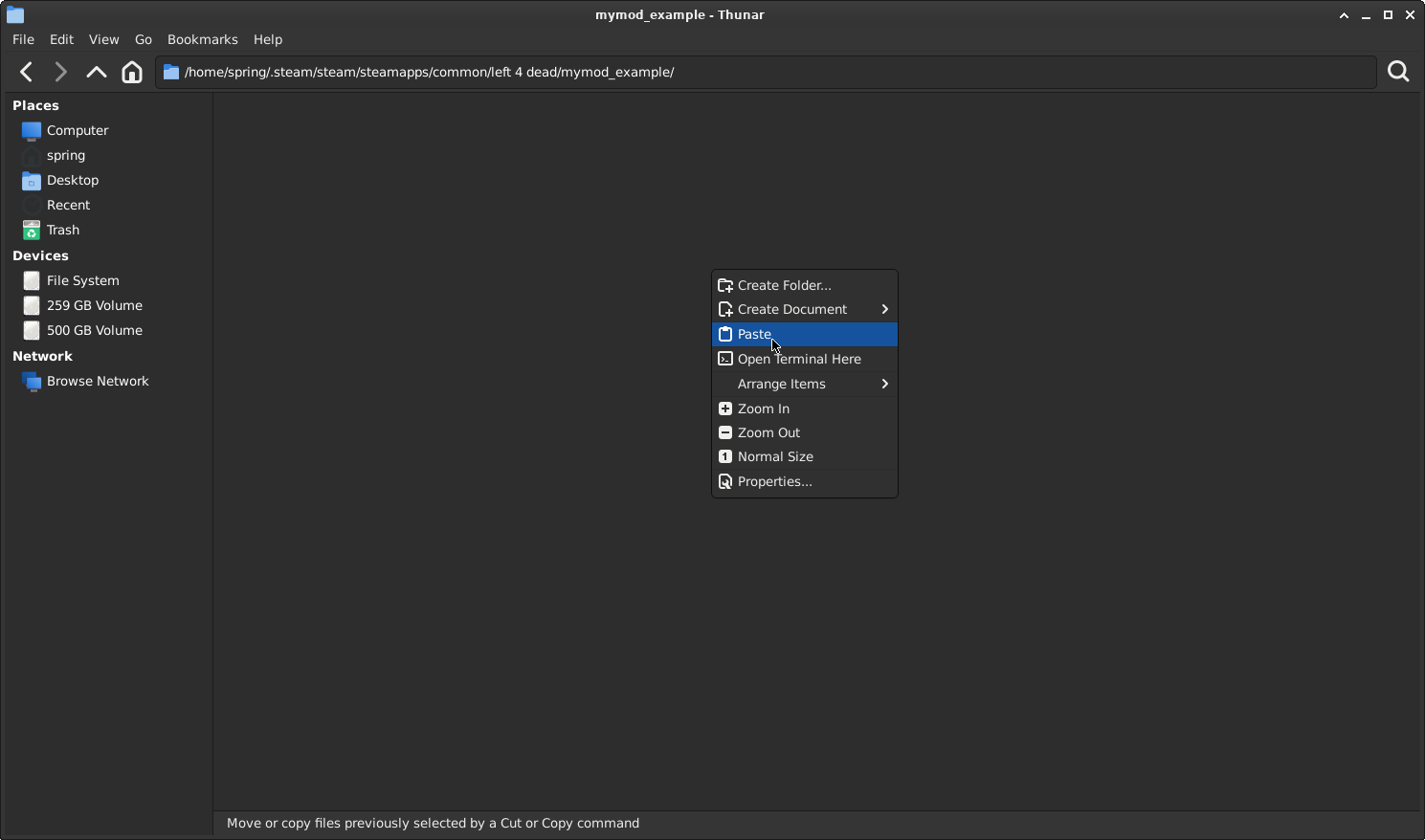
If you successfully compiled the model, these two folders should appear in the compiled folder. You will need to check the compiler logs if you miss any models from those folders. Follow the steps shown in the screenshots below.
Your folder should look like this:
Chapter 6, Part 1: Getting the Dedicated Server Ready
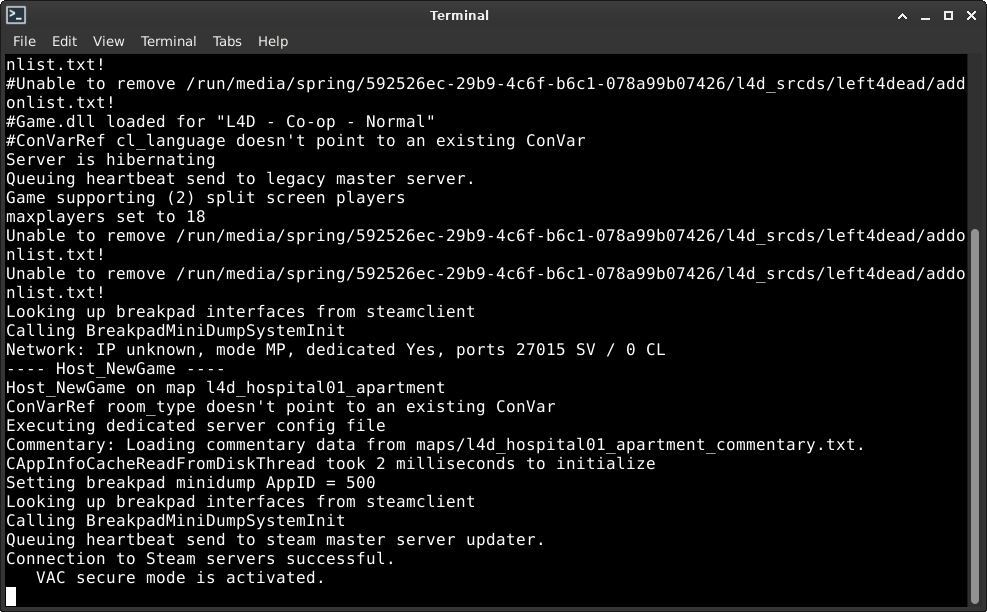
Congratulations! You now have replaced all survivors with the custom model we downloaded from the L4D2 workshop, but to truly test if our model is using the correct animations, listen servers (such as singleplayer servers) will NOT work. Go to the folder where you have the Dedicated Server installed, then write this in left4dead/cfg/server.cfg:
This config will stop the director; no survivor bots will spawn, making you truly alone. You can start the server by launching the app itself through Steam, or if you are on Linux, type:
./srcds_run
Chapter 6, Part 2: Testing Animations In-Game
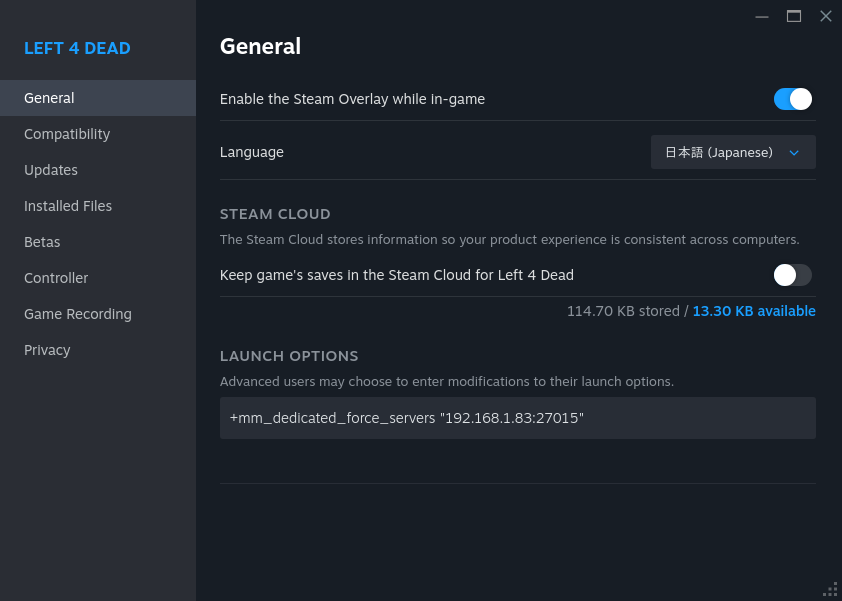
You also have a test server to test the animations with. You need to modify the startup settings of Left 4 Dead.
Important: The 192.168.1.83 you see in this screenshot will differ from your LAN IP address. Launch the game first, open the developer console, type openserverbrowser, and then click on LAN. You will need to replace the IP address seen in the screenshot with yours.

It should be x.x.x.x:27015 (example: 192.168.0.40:27015) or x.x.x.x:27016 (example: 192.168.0.40:27016) if you launched the server while having Left 4 Dead open.
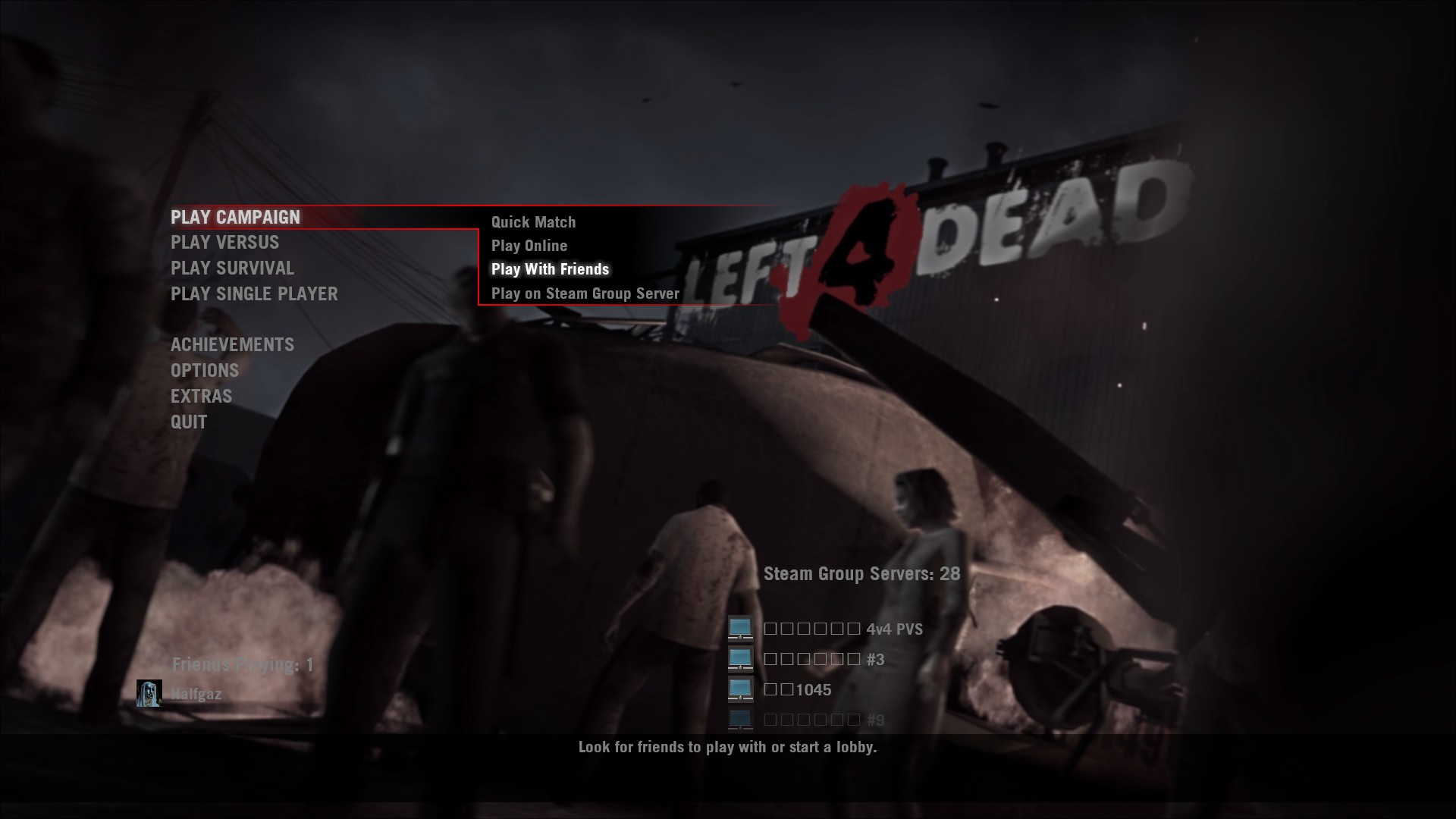
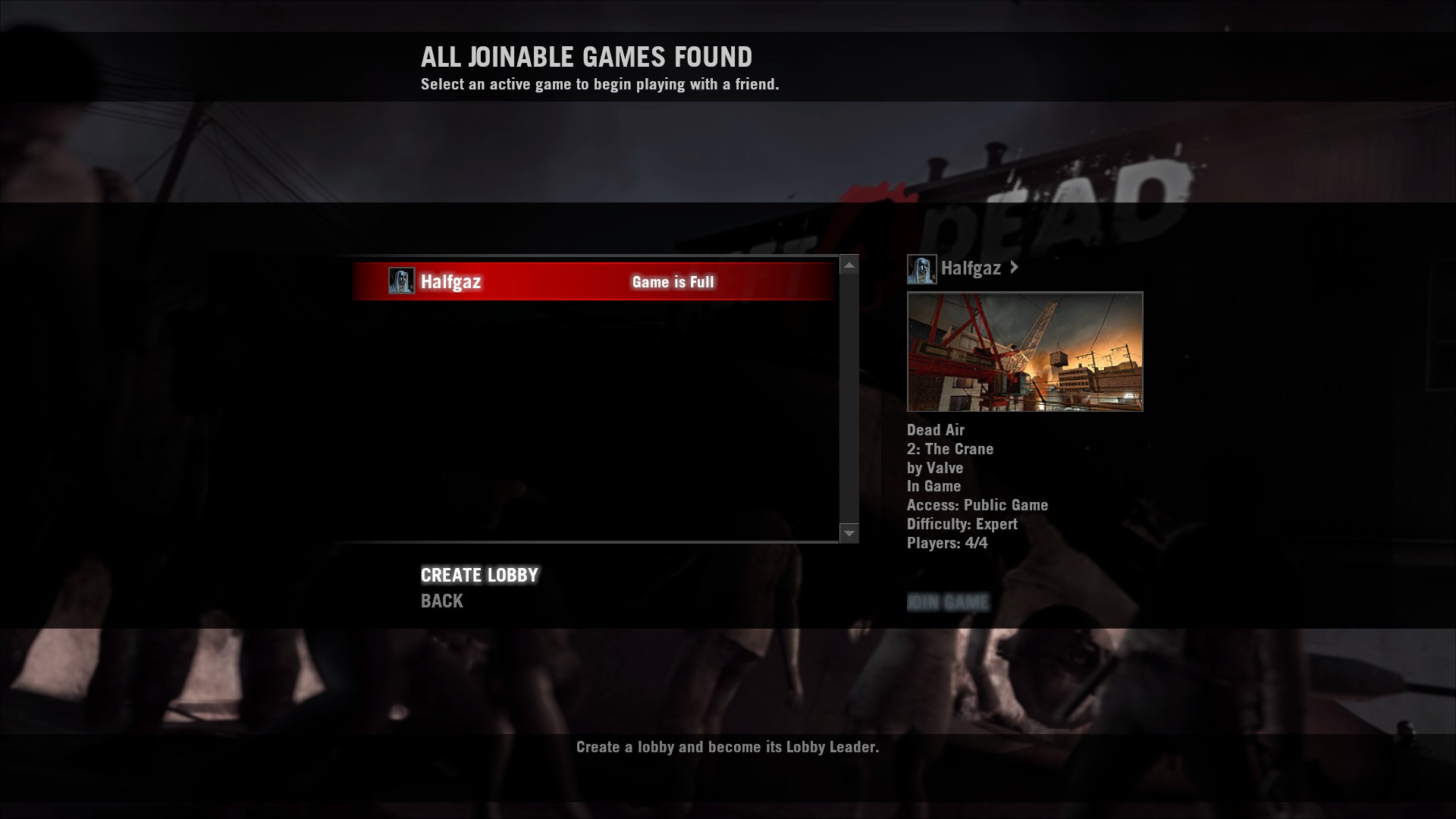
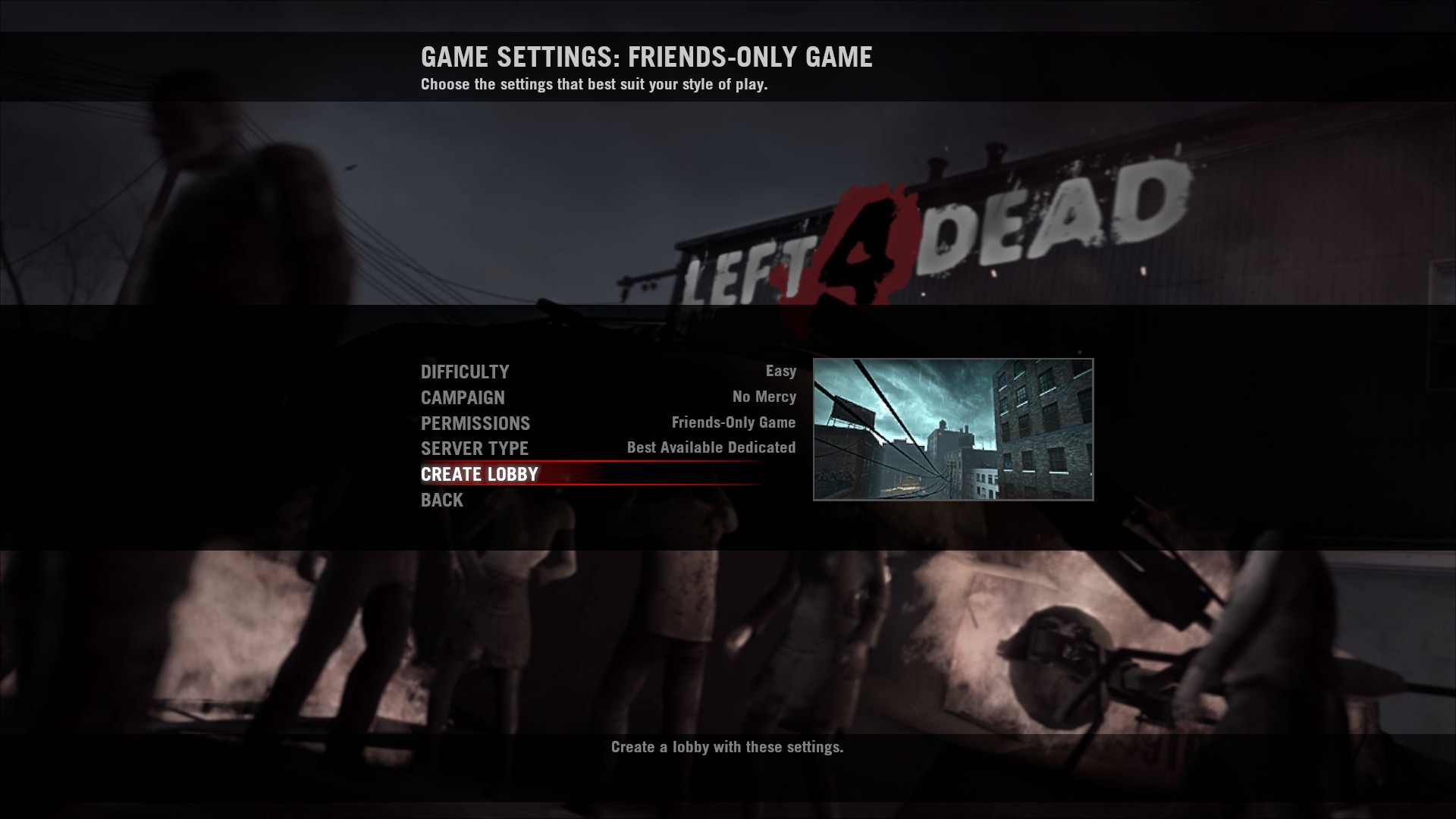
Start Left 4 Dead and follow these steps.
Congratulations
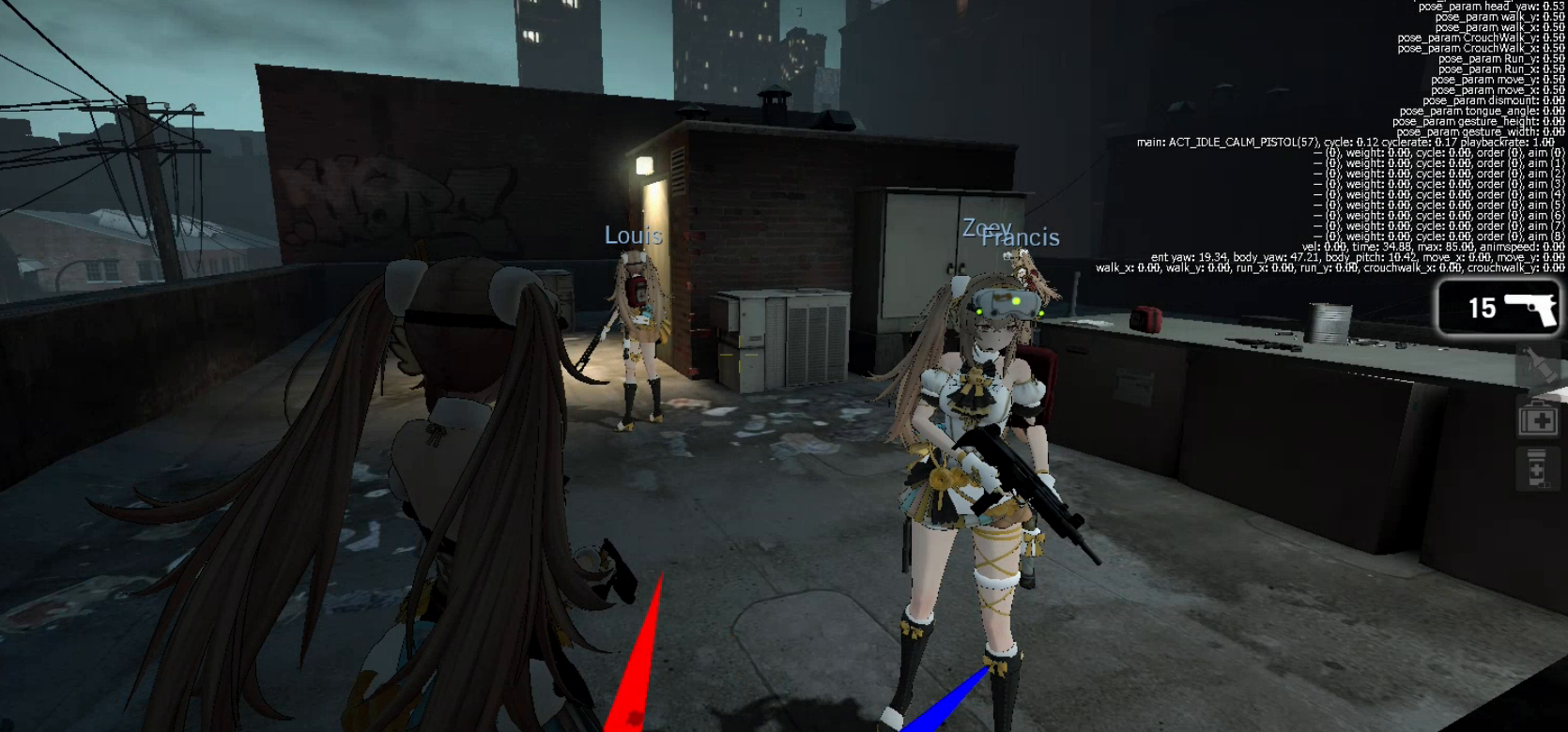
You have now learned how to port models from Left 4 Dead 2 to Left 4 Dead. Here is a screenshot of your achievement, if everything is correctly set up. Don't worry if something doesn't work the first time as a thank you for your time for reading this, you can download the models used in this guide:
Click Me