
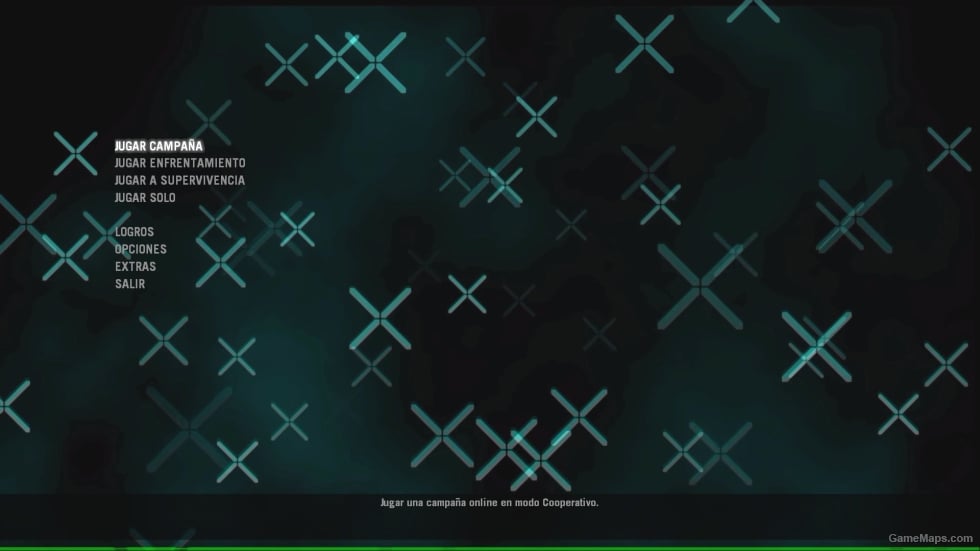
Menu Background (4-4)
- 1.6K
- 0
- Windows
You are downloading as a guest.
Reviews
Be the first to write a review!
Write ReviewDevelopers & Credits
-
 ro2408s
Developer
File Details
numer_4.zip
(162.8 MB)
View Changelog
Version 1.0 Complete
ro2408s : Trending
mods : Trending
mods : New & Popular

- Advanced Bot AI Enhanced V4
- Collection of all my mods
- [FN: Rearousal] Chiku (Rochelle)
- nightmare: death
- [FN: Rearousal] Bonfie (Ellis)
- Aim Down Sight Addon [VScript] v44
- SILENT HILL f Sacred Sword w-A Dreamlike Animations [Sound fix Ver]
- Cinema Slop Asset Flip
- CODMW2026 M4 - m16a2 [Sound fix Ver]
- Grenade Shove
You may like...
 Mod
Mod No Mercy Background Menu
Mod para el menu de left 4 dead :)
 Mod
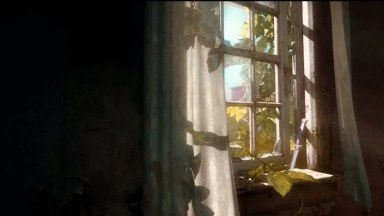
The Last Of Us Menu Background 2
Mod
The Last Of Us Menu Background 2The Last Of Us Menu Background 2 Installation - Download background - Copy BIK file to SteamLibrary\steamapps\common\Left 4 Dead \left4dead\media but make a backup before
 Mod
No Mercy main menu background
Mod
No Mercy main menu backgroundLeft 4 Dead 1's current main menu background is Crash Course. This mod replaces the Crash Course background to No Mercy one.
 Mod
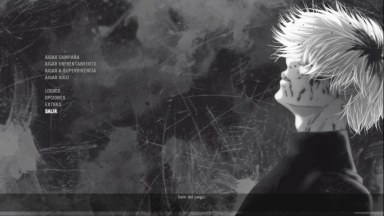
Menu Background (1-4)
Mod
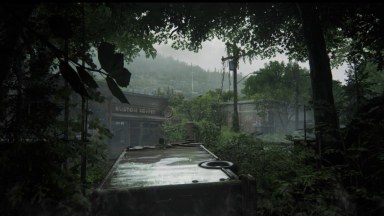
Menu Background (1-4)IMPORTANT: SPANISH: Copia y pega el archivo "l4d_crashcourse_bg.bik" en la carpeta "media" ubicada en la ruta del juego: Disco local (C:)\Steam\SteamLibrary\steamapps\common\left 4 dead\left4dead\media O, si no sabes dónd...
 Mod
The Last Of Us Menu Background 6
Mod
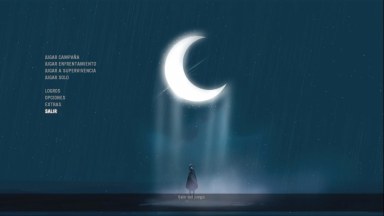
The Last Of Us Menu Background 6The Last Of Us Menu Background 6 Installation - Download background - Copy BIK file to SteamLibrary\steamapps\common\Left 4 Dead \left4dead\media but make a backup before
 Mod
Menu Background (3-4)
Mod
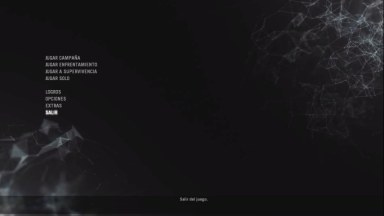
Menu Background (3-4)IMPORTANT: SPANISH: Copia y pega el archivo "l4d_crashcourse_bg.bik" en la carpeta "media" ubicada en la ruta del juego: Disco local (C:)\Steam\SteamLibrary\steamapps\common\left 4 dead\left4dead\media O, si no sabes dónd...
 Mod
Menu Background (2-4)
Mod
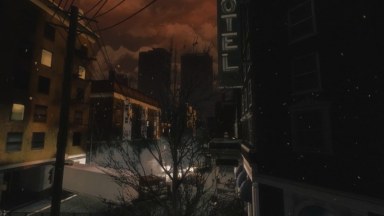
Menu Background (2-4)IMPORTANT: SPANISH: Copia y pega el archivo "l4d_crashcourse_bg.bik" en la carpeta "media" ubicada en la ruta del juego: Disco local (C:)\Steam\SteamLibrary\steamapps\common\left 4 dead\left4dead\media O, si no sabes dónd...
 Mod
L4D1 Nightmare Dead Air Background Menu
Mod
L4D1 Nightmare Dead Air Background MenuL4D1 Nightmare Dead Air Background Menu Installation - Download background - Copy BIK file to SteamLibrary\steamapps\common\Left 4 Dead \left4dead\media but make a backup before
Be the first to post a comment!