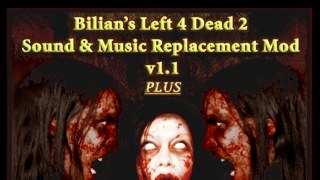
This sound mod has recommended by L4D2 players and this mod will turn the game intense!

To install this mod...

Step 1: download this.
http://www.moddb.com/mods/bilians-l4d2-sound-music-replacement-mod-v10/addons/bilians-l4d2-sound-music-mod-v11-vpk-version

Step 2: after download, Extract from the .rar file.
left4dead2/addons/

Step 3: Extract the file from left4dead2_dlc1 inside .rar and rename from pak02_dir to bilians_the_passing.

Step 4: Extract also the file from left4dead2_dlc2 ("The Sacrifice" DLC) inside .rar and rename pak02_dir to bilians_the_sacrifice.

and Step 5: Enjoy!

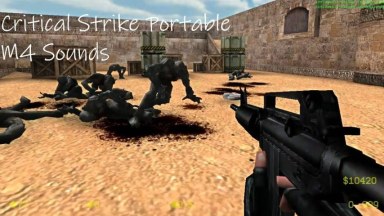
The addon features, new Infected SFX, new music, new gunfire sound w/ new "reloading!" lines, Dead Center posters, Rob Zombie concert in Dark Carnival and zombat music.

v1.1 features new music for The Sacrifice DLC.




Be the first to post a comment!